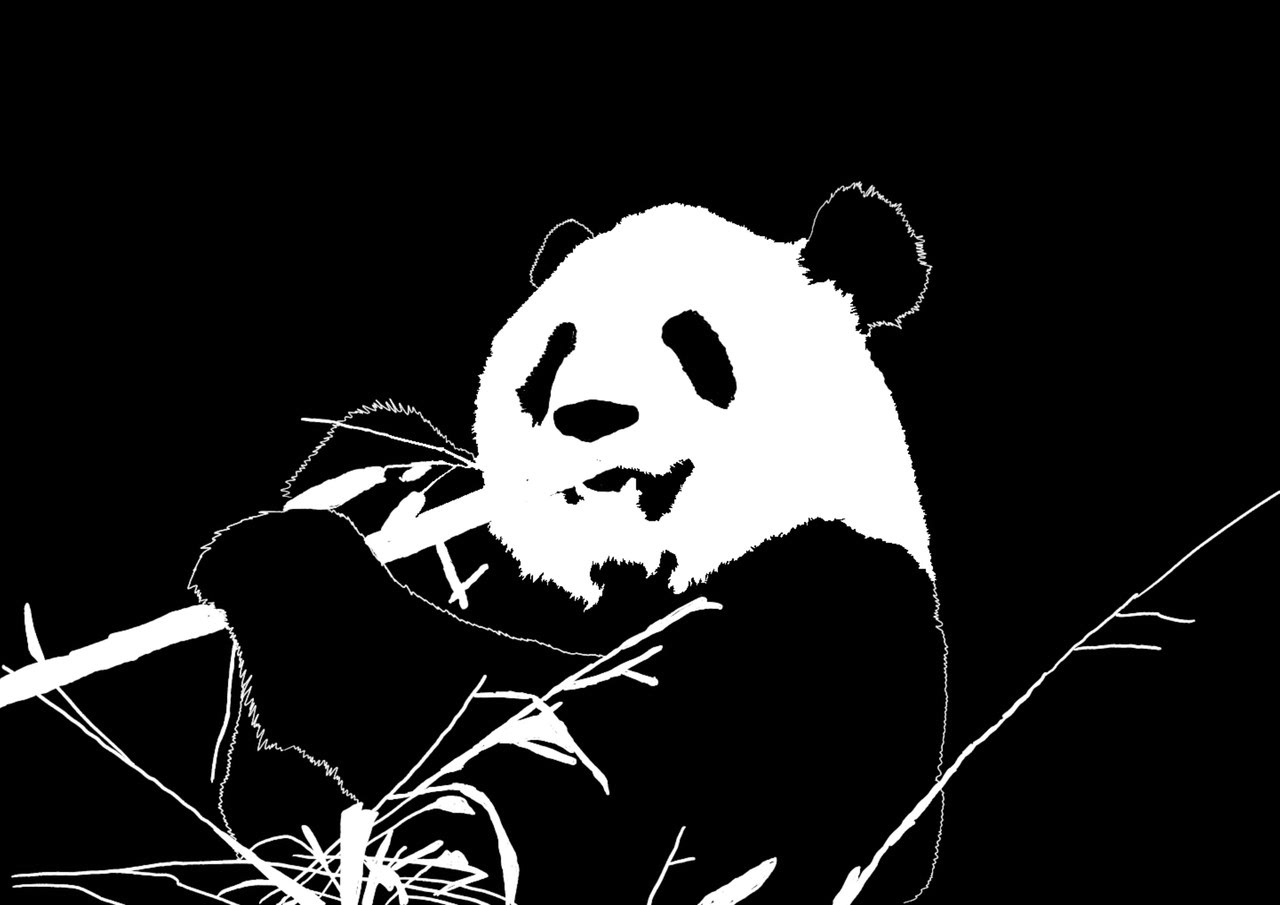
Panda Silhouette, Created in Adobe Photoshop 3/4/2021.
Intro to Adobe Photoshop
As shown in the image above, I began learning Adobe Photoshop by creating silhouettes. Since pandas are my favorite animal, I chose an image of one as my first assignment in class. We then explored tattoo design by cutting and pasting random images to create a collage, during which I also experimented with color editing to achieve my desired look. Another unit focused on symmetry and asymmetry, where we arranged stock images of flowers, leaves, and vases into floral collages. In the pixel art unit, we were tasked with pixelating an object of our choice—I chose cherries, as I wanted to experiment with gradients in the leaves and the way light reflects on the fruit’s glossy surface. For our final assignment, we recreated one of Bob Ross’s famous artworks. I selected Evening Waterfall to challenge myself with capturing the movement of the flowing river.
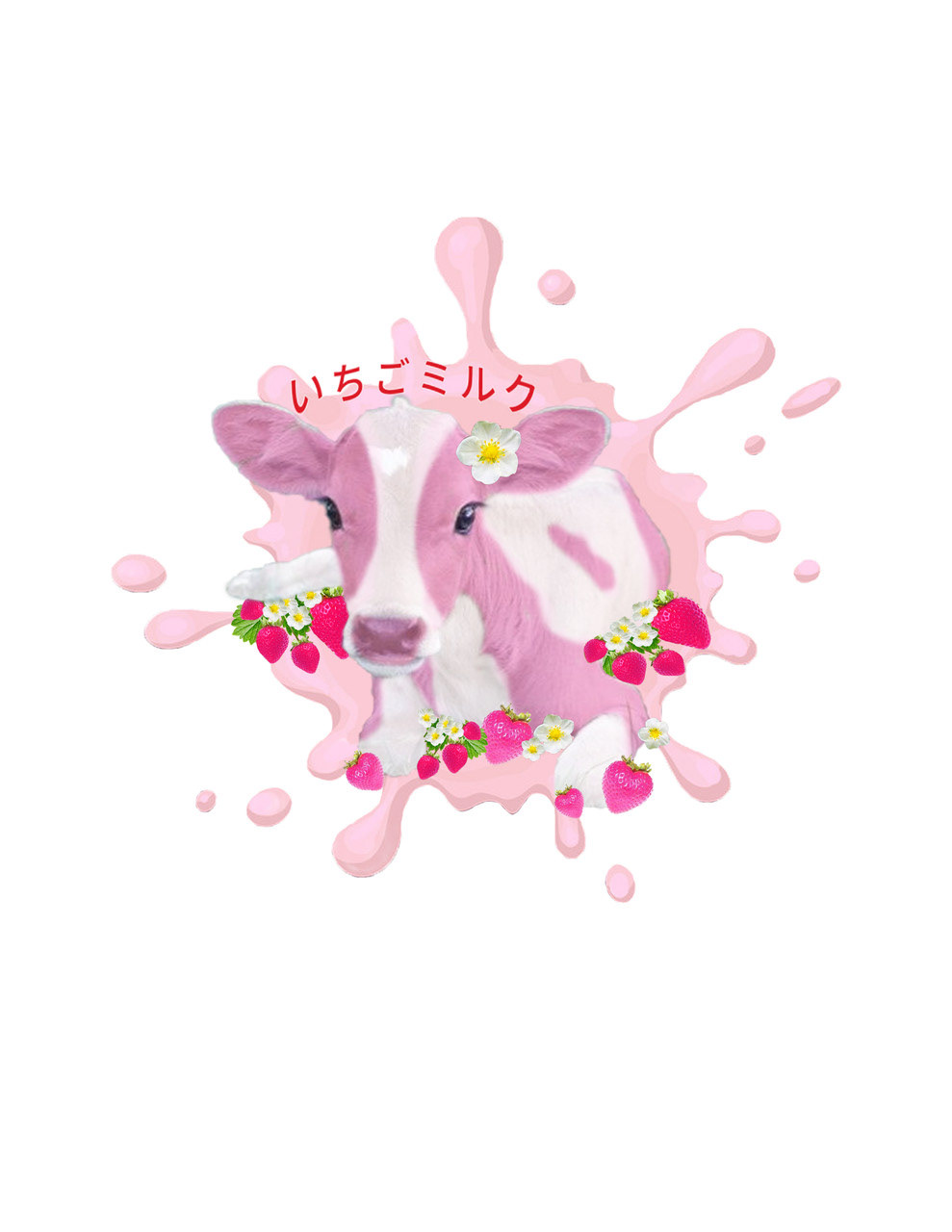
Strawberry Milk Cow: Tattoo Design
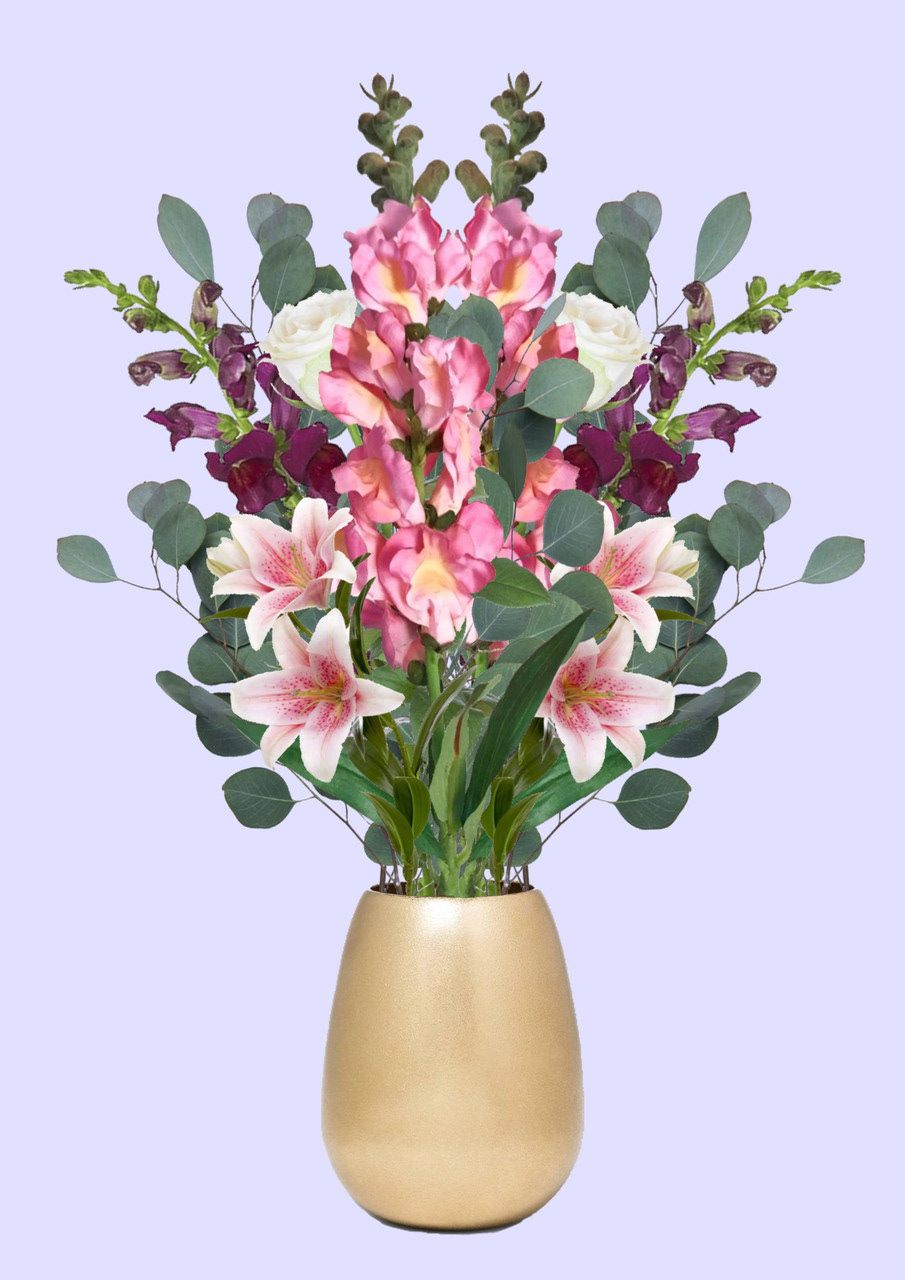
Digital Flower Bouquet: Symmetrical
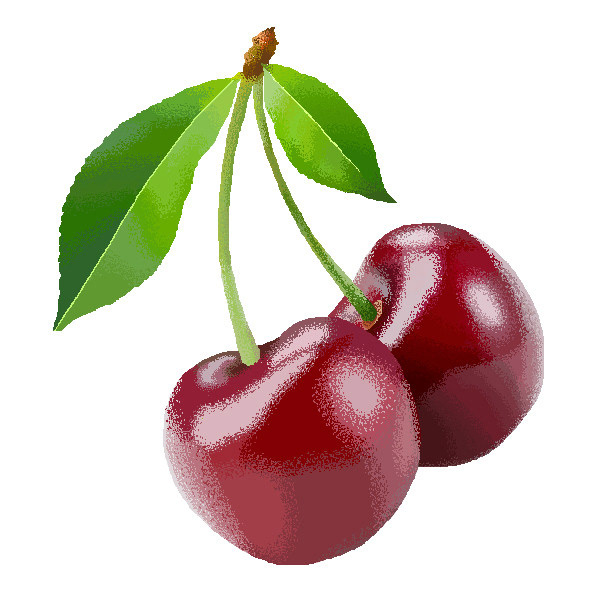
Cherries: Pixelated
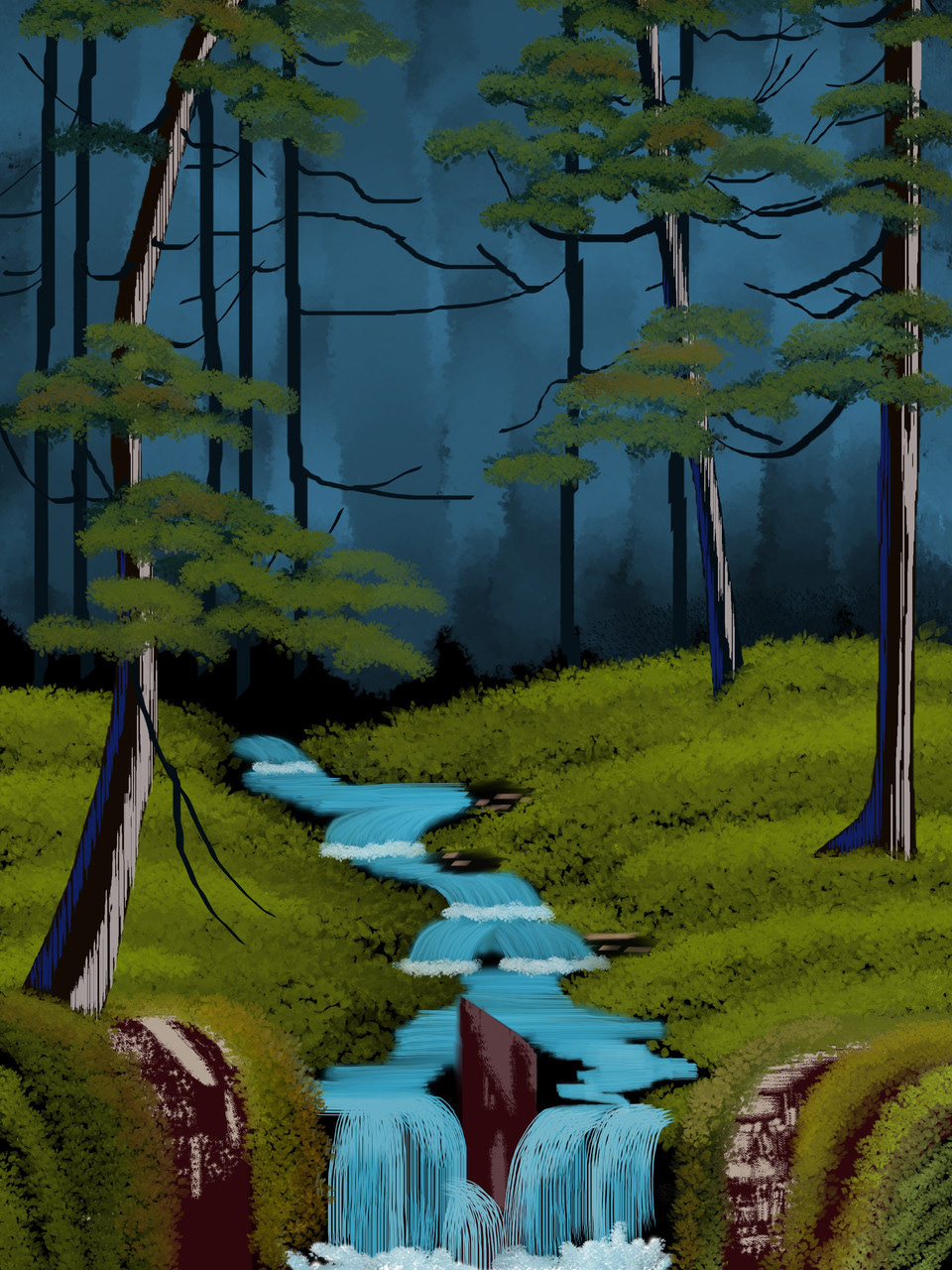
Bob Ross - Evening Waterfall: Recreation
Intro to Adobe Illustrator: Skill Builders
In addition to my graphic design class, I completed an eight-week Adobe Illustrator course to familiarize myself with the program and refine my skills. As part of the course, I worked on weekly assignments called "Skill Builders," which introduced different tools and allowed me to practice using them. Since this was an introductory class, the assignments included templates that I was required to either recreate or correct. The images below are not my original designs; they are displayed solely to demonstrate my foundational knowledge and ability to follow instructions.
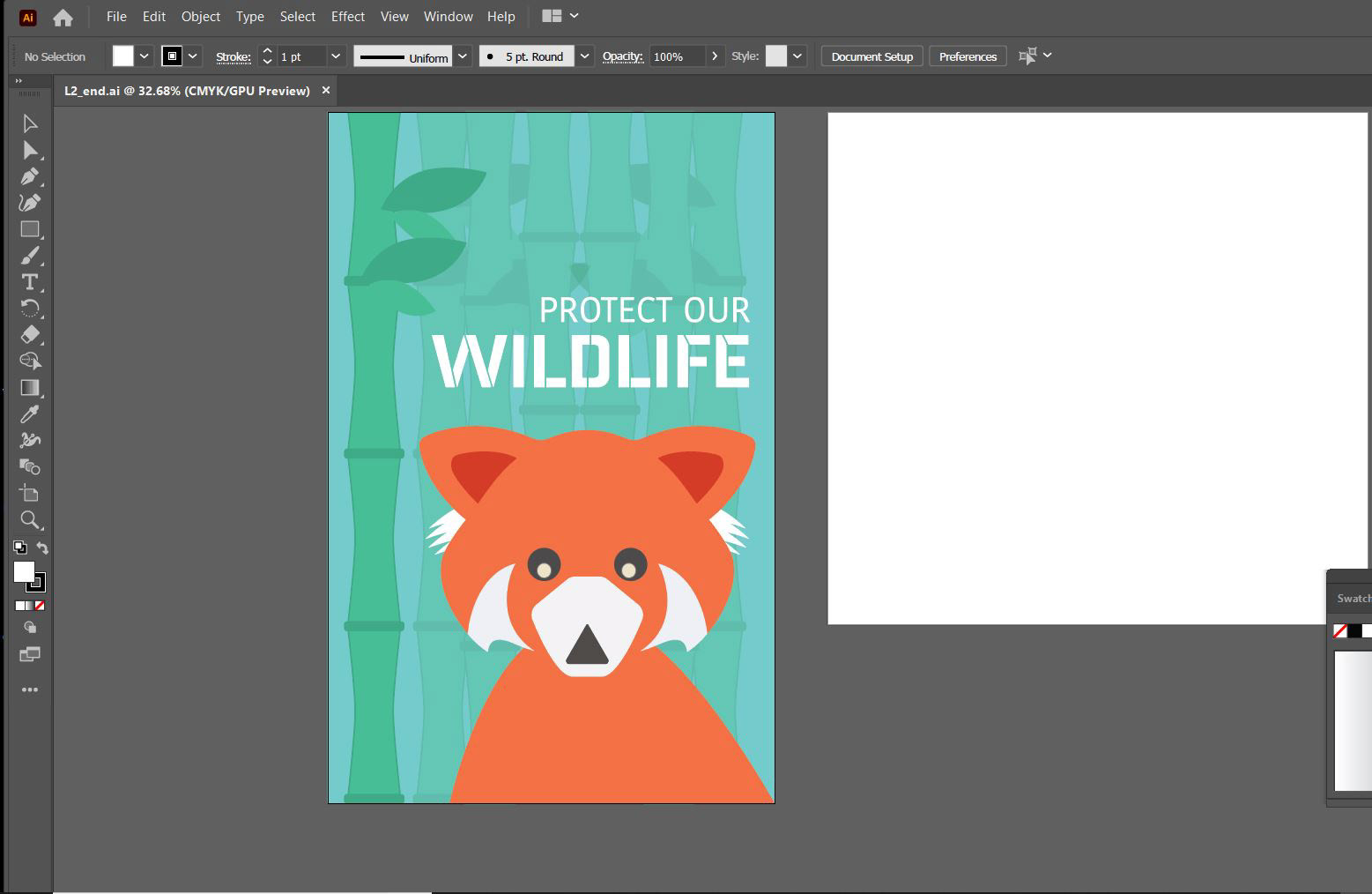
Week 1 Skill Builder: Process
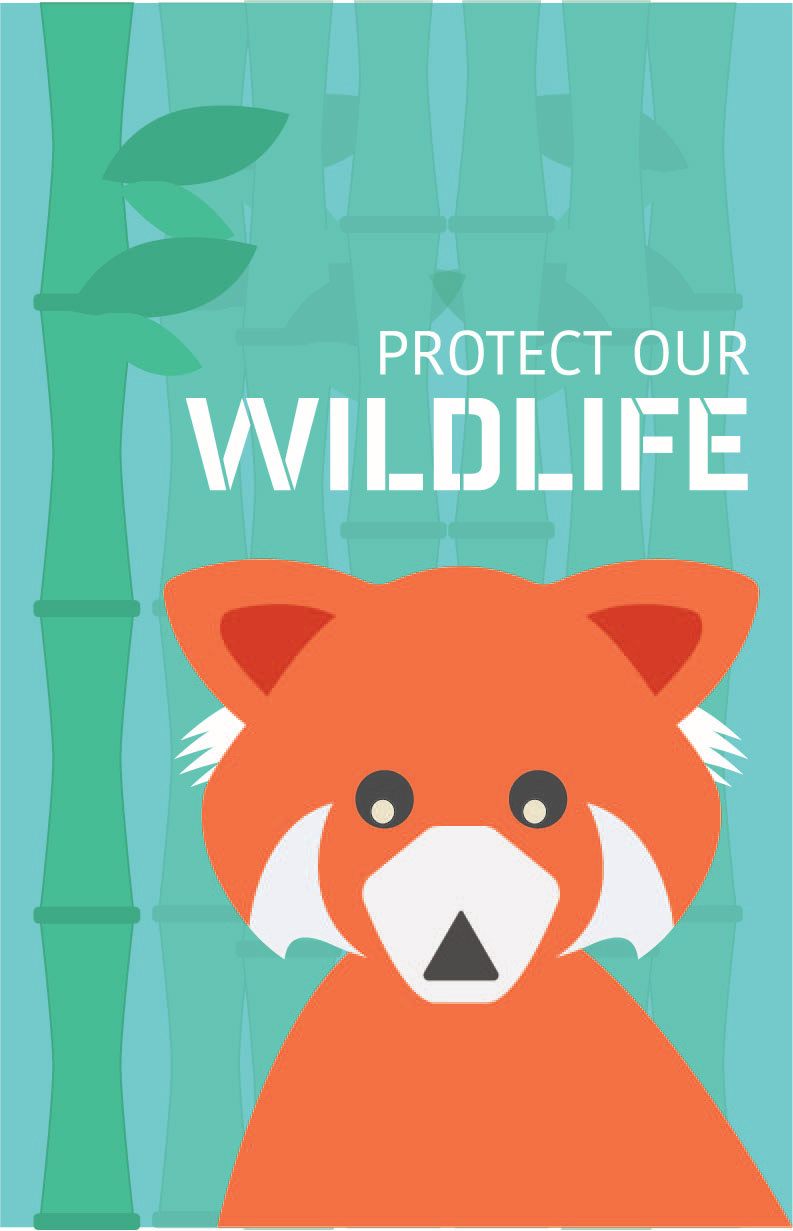
Week 1 Skill Builder: Wildlife Poster
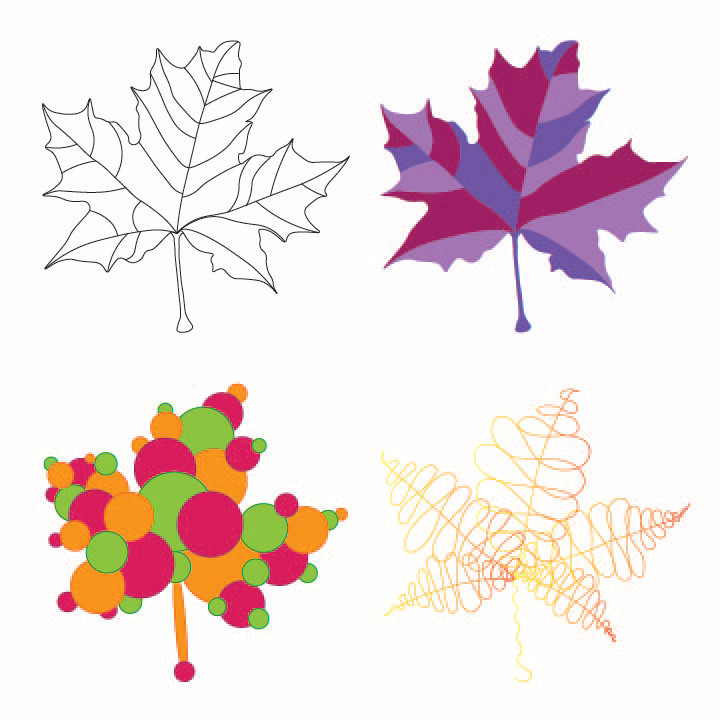
Week 3 Skill Builder: Maple Leaves
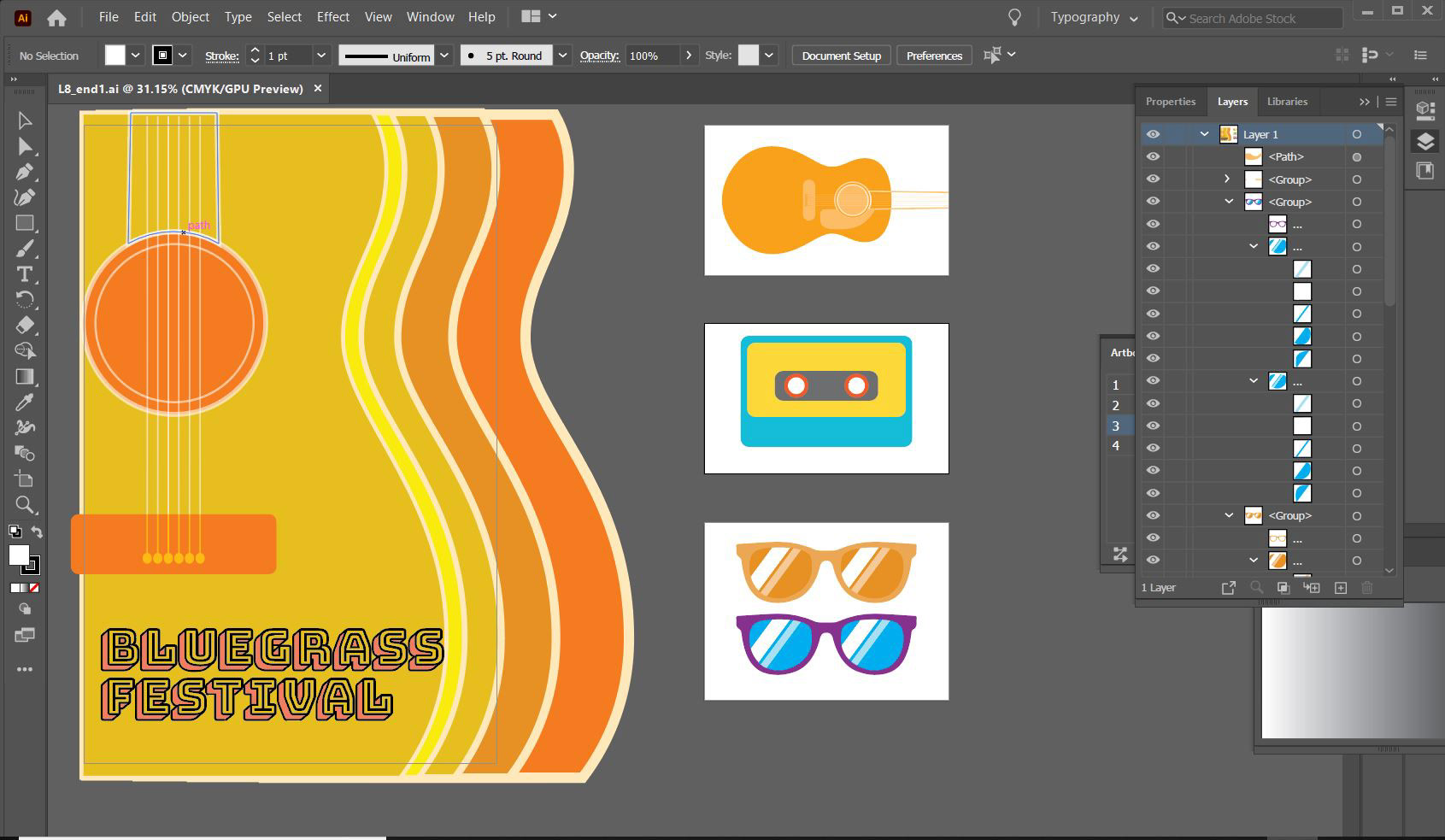
Week 4 Skill Builder: Process
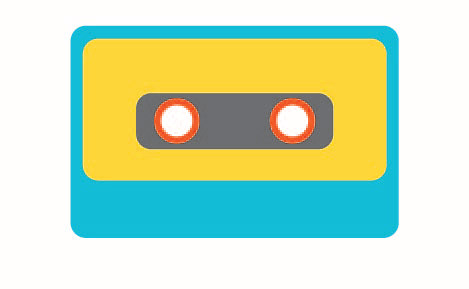
Week 4 Skill Builder: Cassette
Week 4 Skill Builder: Pantone
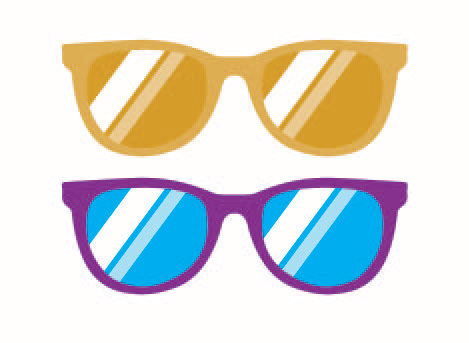
Week 4 Skill Builder: Sunglasses
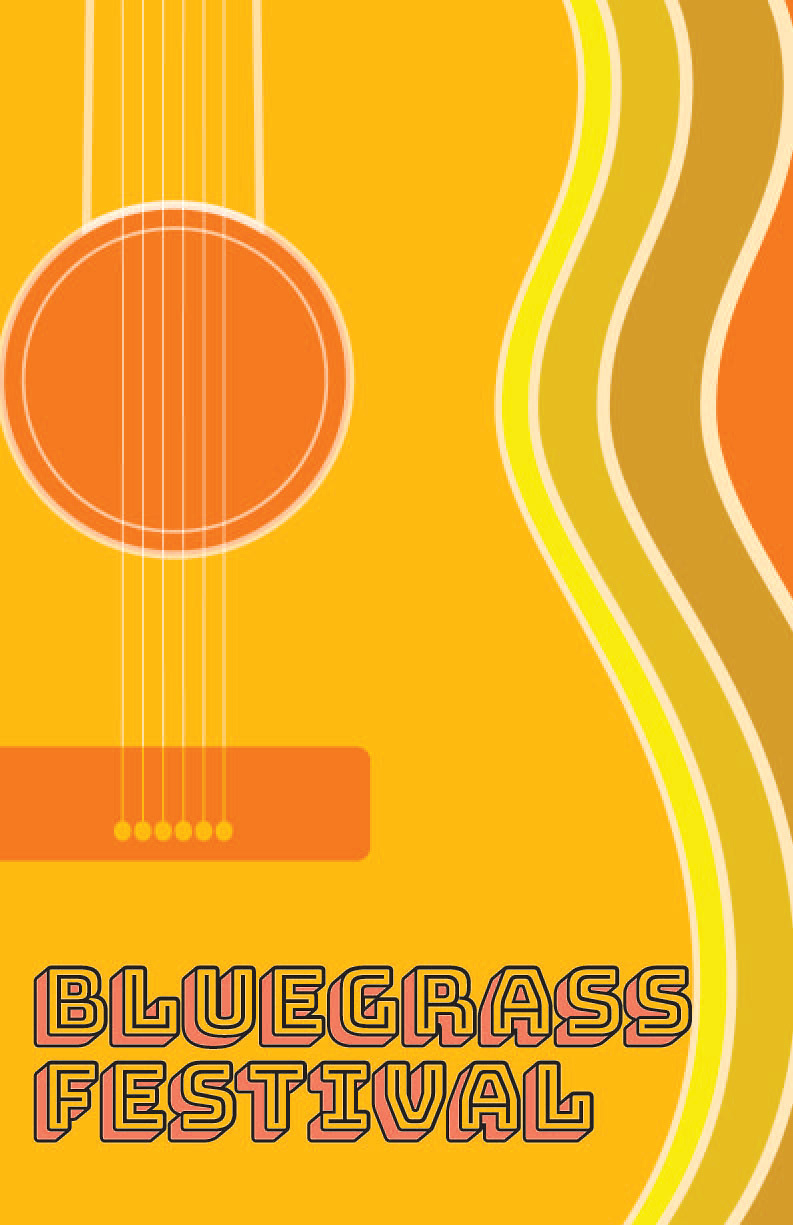
Week 4 Skill Builder: Festival Sign
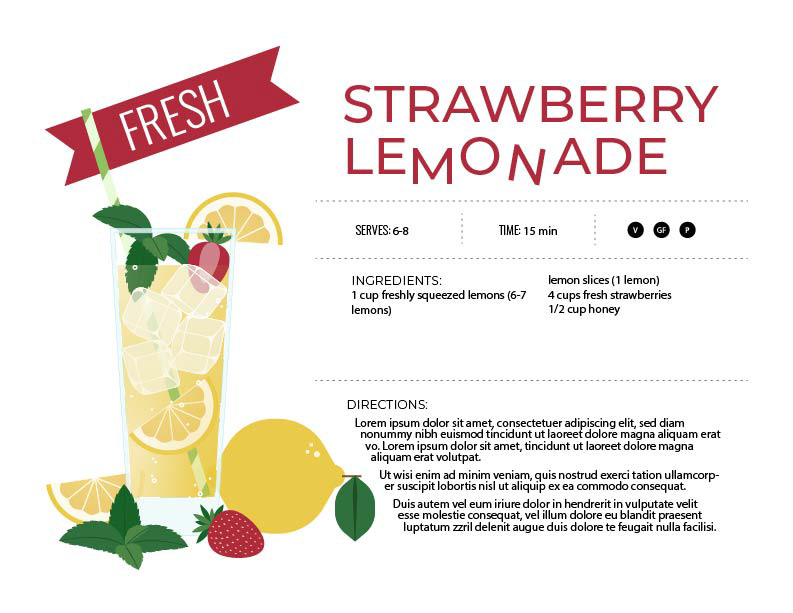
Week 6 Skill Builder: Artboard 1
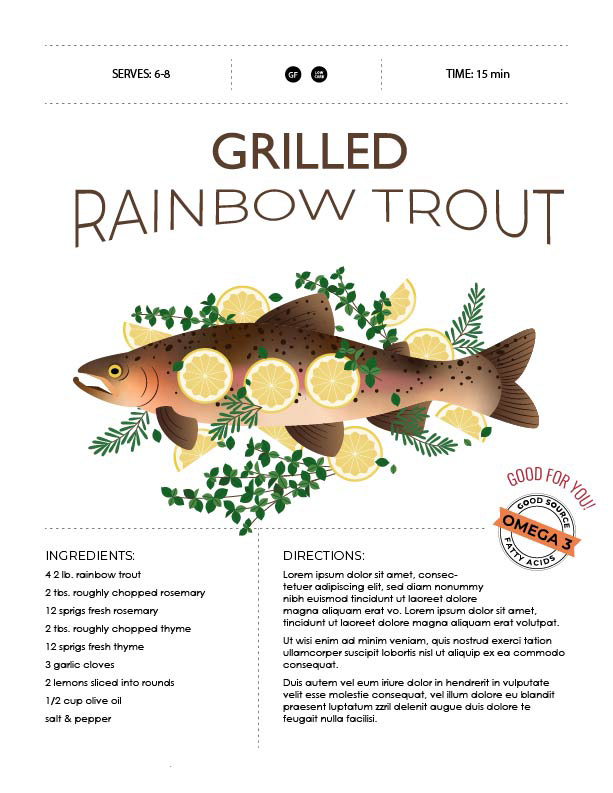
Week 6 Skill Builder: Artboard 2
Intro to Adobe Illustrator: Labs
During this eight-week Adobe Illustrator course, I completed a series of lab projects alongside my assignments.
Lab 1 (Week 2): I recreated an art piece by a famous artist or designer. I chose KAWS Snoopy because it is my mother’s favorite design.
Lab 2 (Week 4): I applied color to a blank cartoon illustration. I selected a dragon, as it was a childhood favorite.
Lab 3 (Week 5): I created a six-frame storyboard inspired by the churro vendors I would see after church every Sunday. To enhance authenticity, I set the scene in Mexico City and wrote the text in Spanish.
Lab 4 (Week 6-8): This final lab spanned three weeks and focused on different project deliverables, including an informational tourist map and poster. I chose Shanghai, China, as my location, drawn to its stunning architecture and my interest in Asian culture.
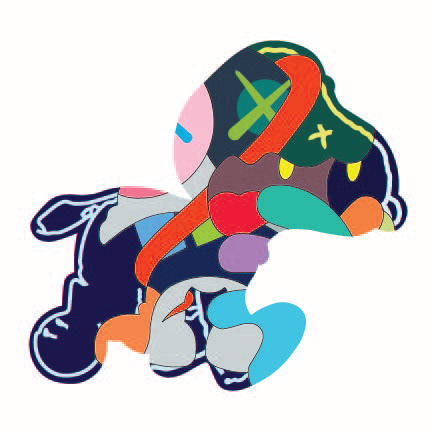
Week 2 Lab: Kaws SNoopy
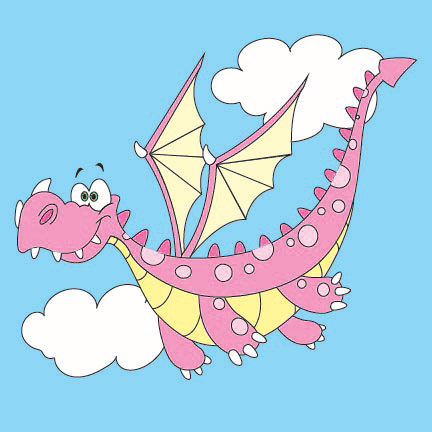
Week 4 Lab: Dragon
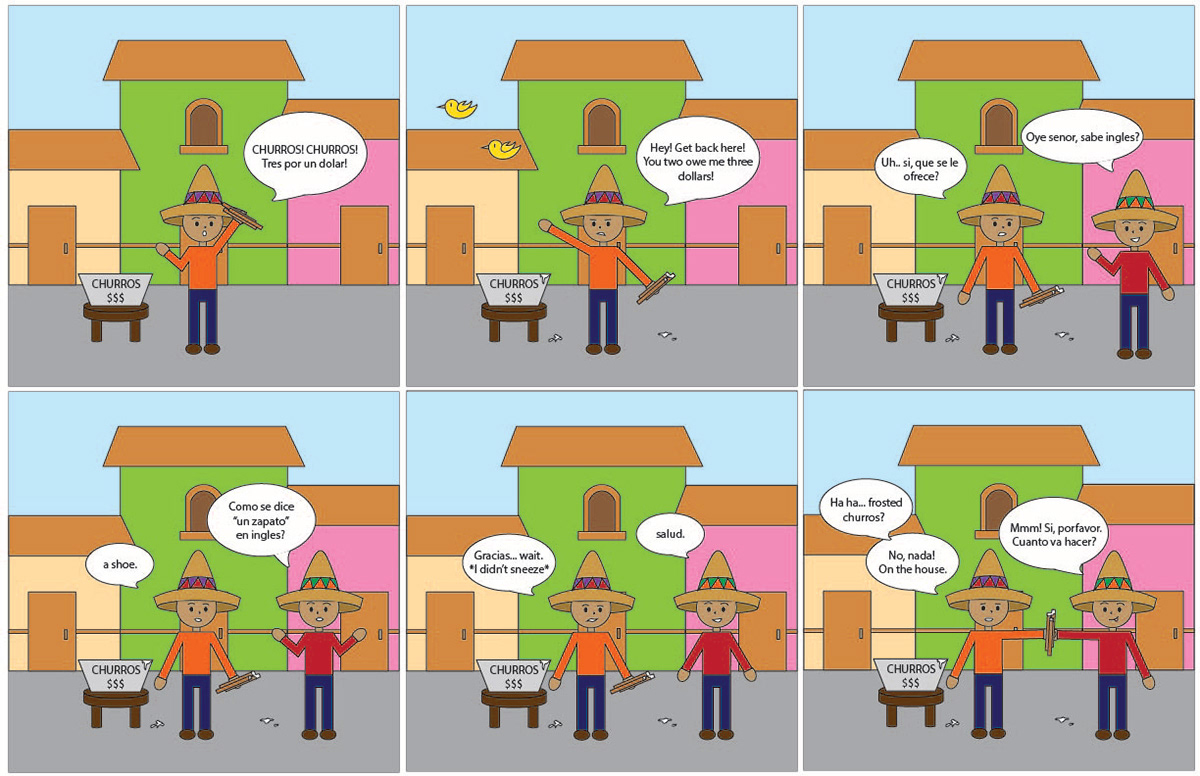
Week 5 Lab: Story Board
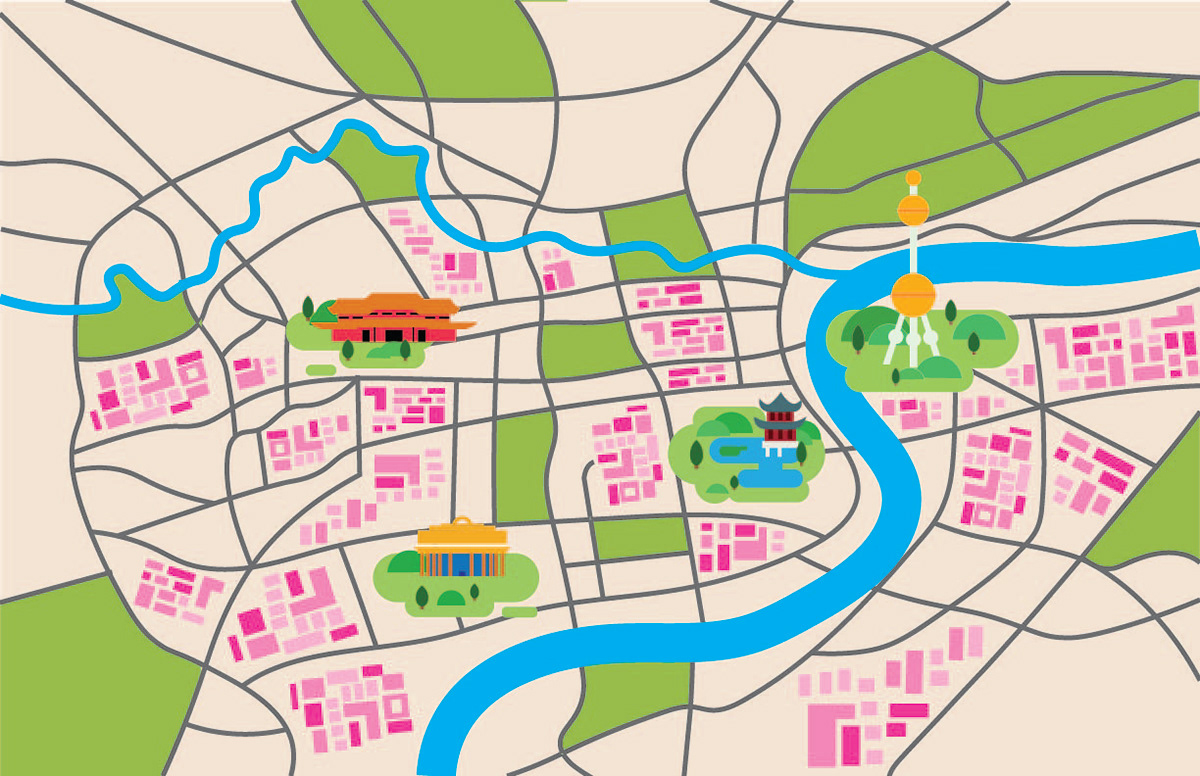
Week 6: Tourist Map
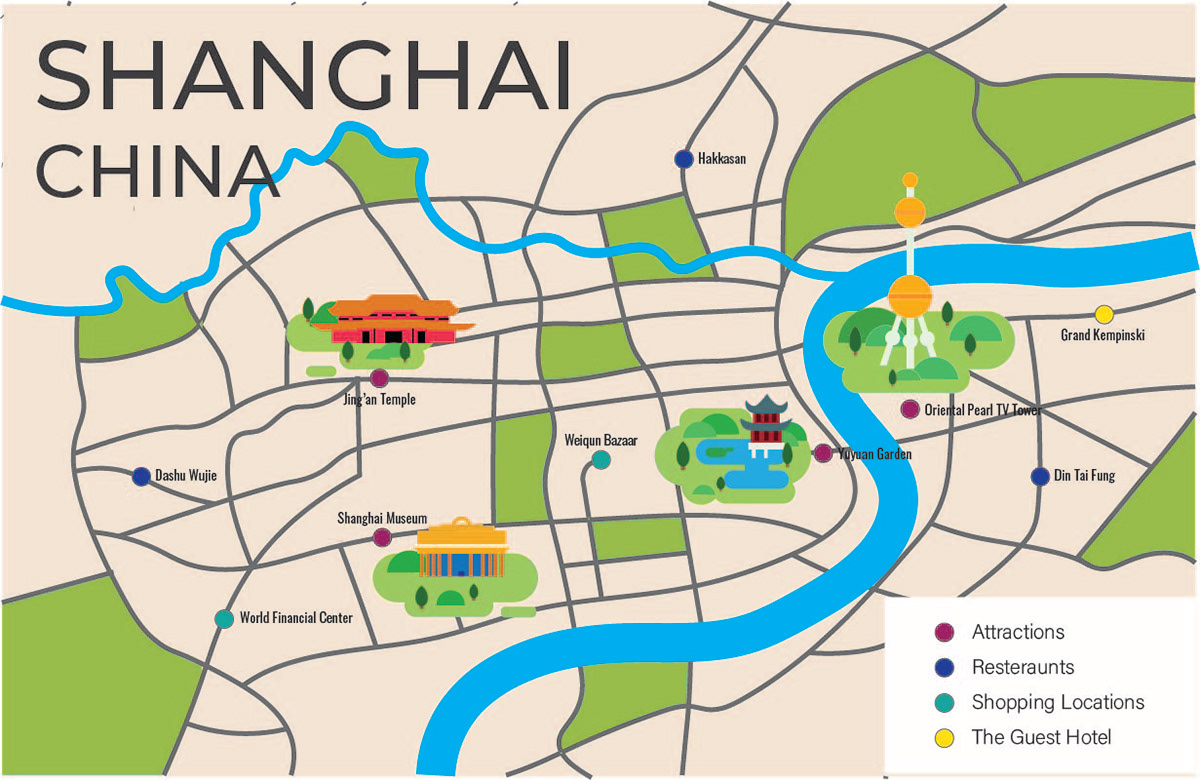
Week 7: Tourist Map
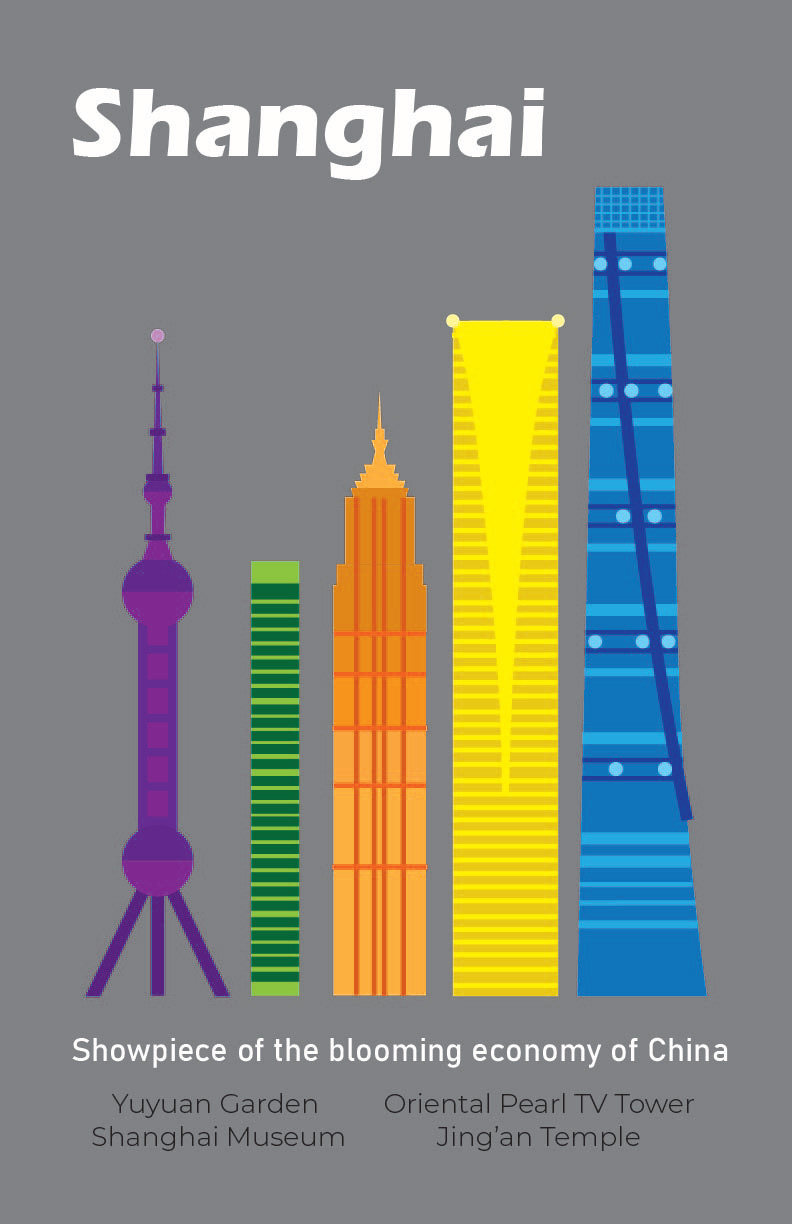
Week 8: Informational Poster
Intro to Adobe Illustrator: Continued
During the second half of my Graphic Design class, I explored Adobe Illustrator through various projects:
Fruit Spheres: This project focused on texture, light paths, reflections, and shading techniques.
Hummingbird: I experimented with color variation and used the brush tool with different opacities to create a watercolor effect.
Logo Design: I designed a personal logo for my small business at the time. Since I have a passion for baking and wanted to sell my baked goods on social media, I created a logo to represent my brand.
Angry Robot in an Inflatable Boat: This was a randomized prompt given to test my Illustrator skills and creativity.
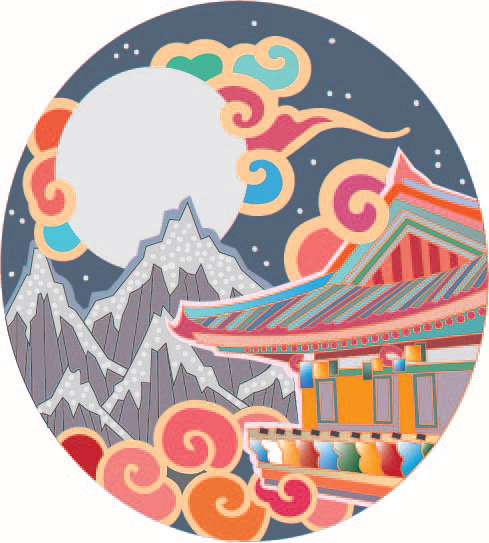
Chinese Temple: I recreated this design based on an existing tattoo, showcasing my ability to draw and color-fill shapes to achieve a specific aesthetic.
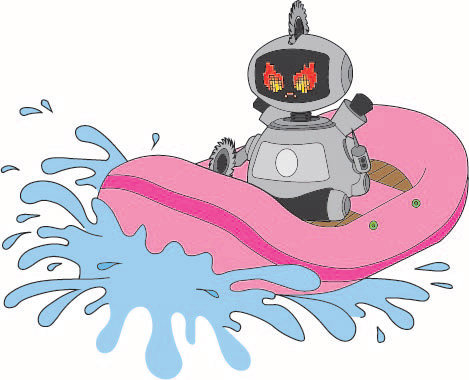
Angry Robot In an Inflatable Boat
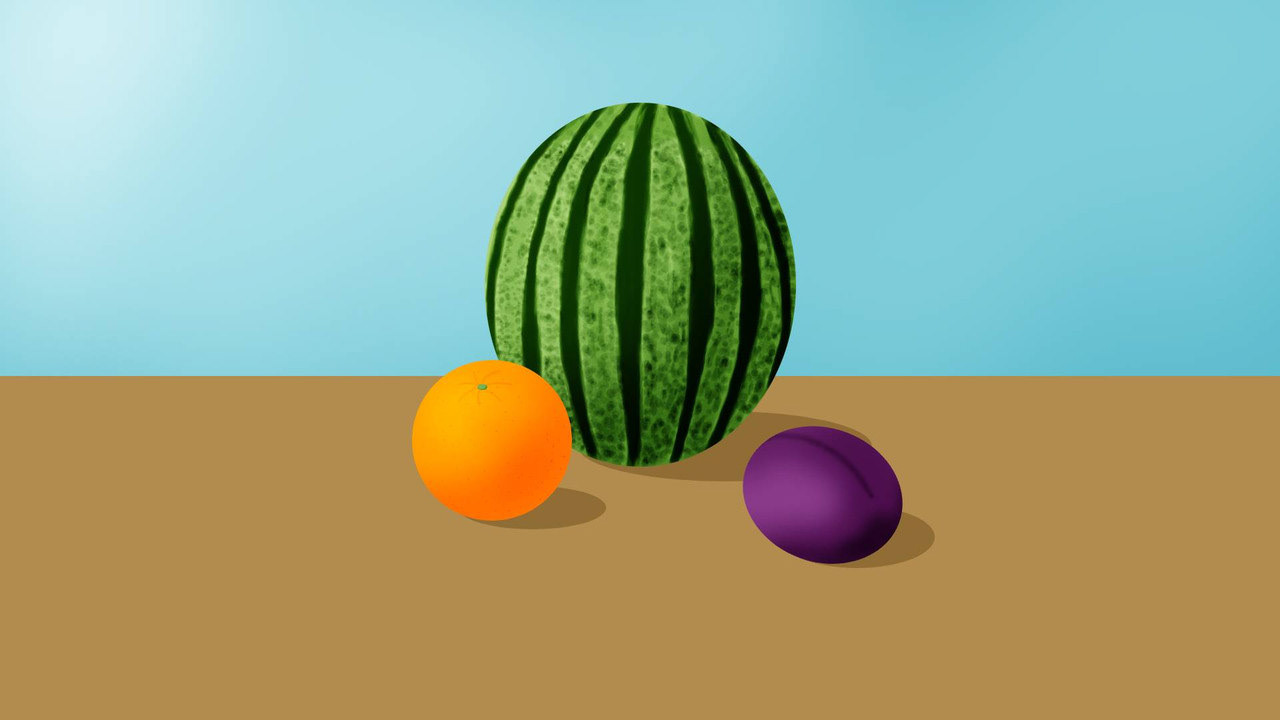
Fruit Spheres
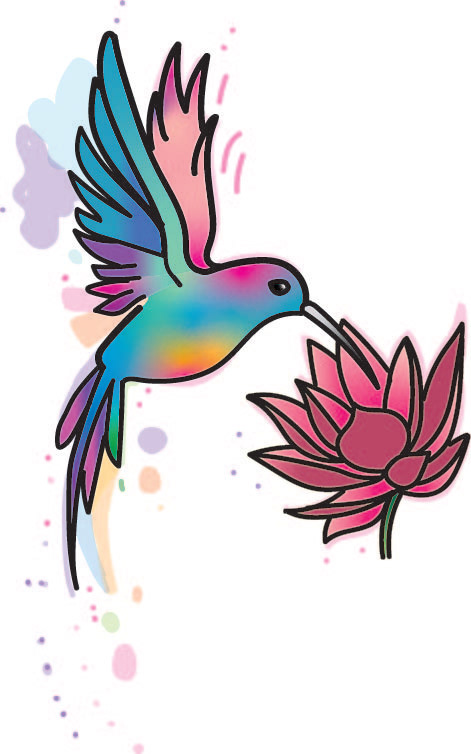
Hummingbird
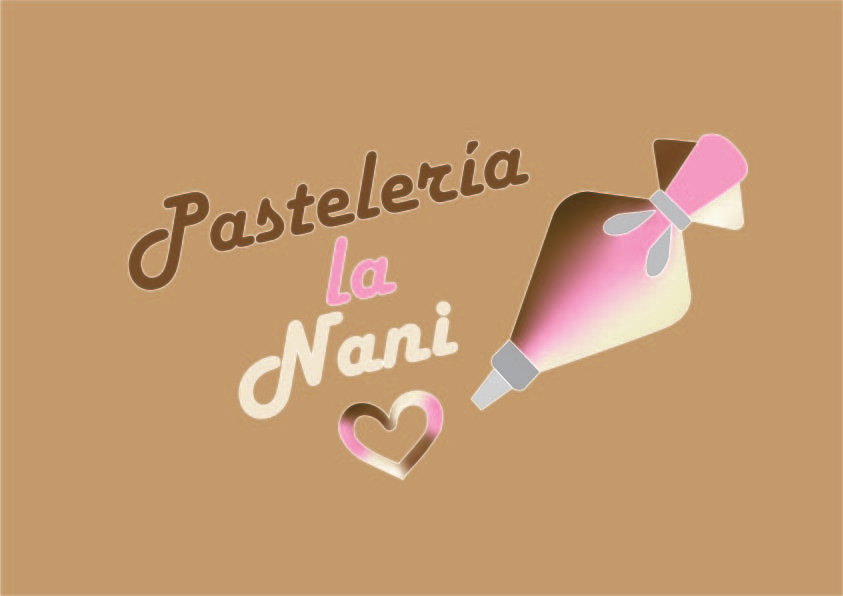
Logo Design