A02 - SketchUp Basics A
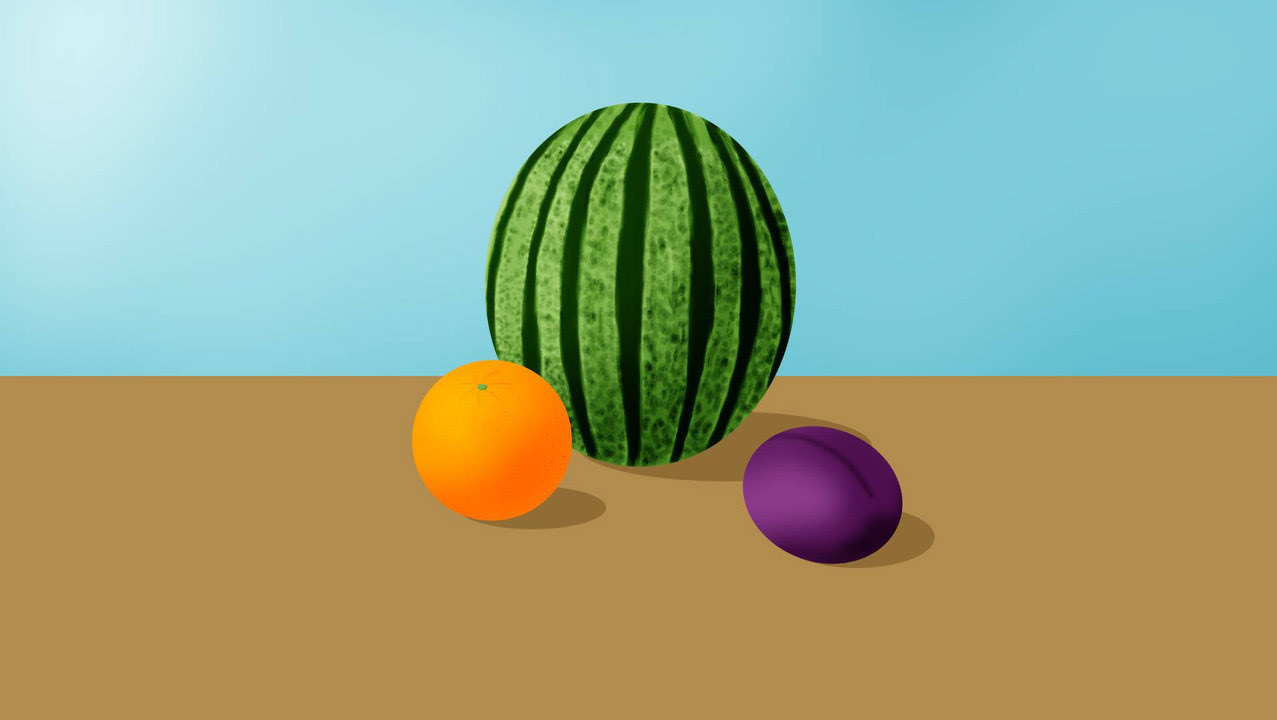
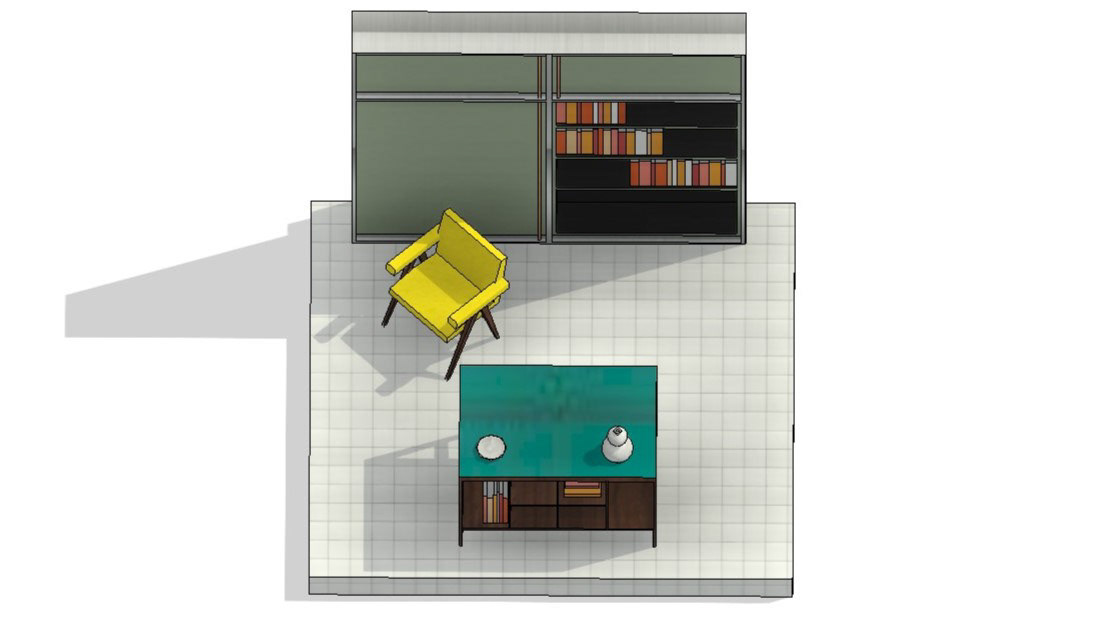
I meticulously crafted a detailed 3D model of my bedroom, capturing every element with precision and care. To highlight the intricacies of my work, I produced two distinct camera views, each offering a unique perspective on the space. The model boasts finely detailed doors, windows, and window frames, adding a touch of realism to the virtual environment. The furniture is represented through carefully constructed 3D extrusions, bringing the room to life with accurate dimensions and textures. To add a personal touch and enhance the sense of scale, I incorporated a figure using Photoshop, creating a more immersive and relatable visualization of the space.
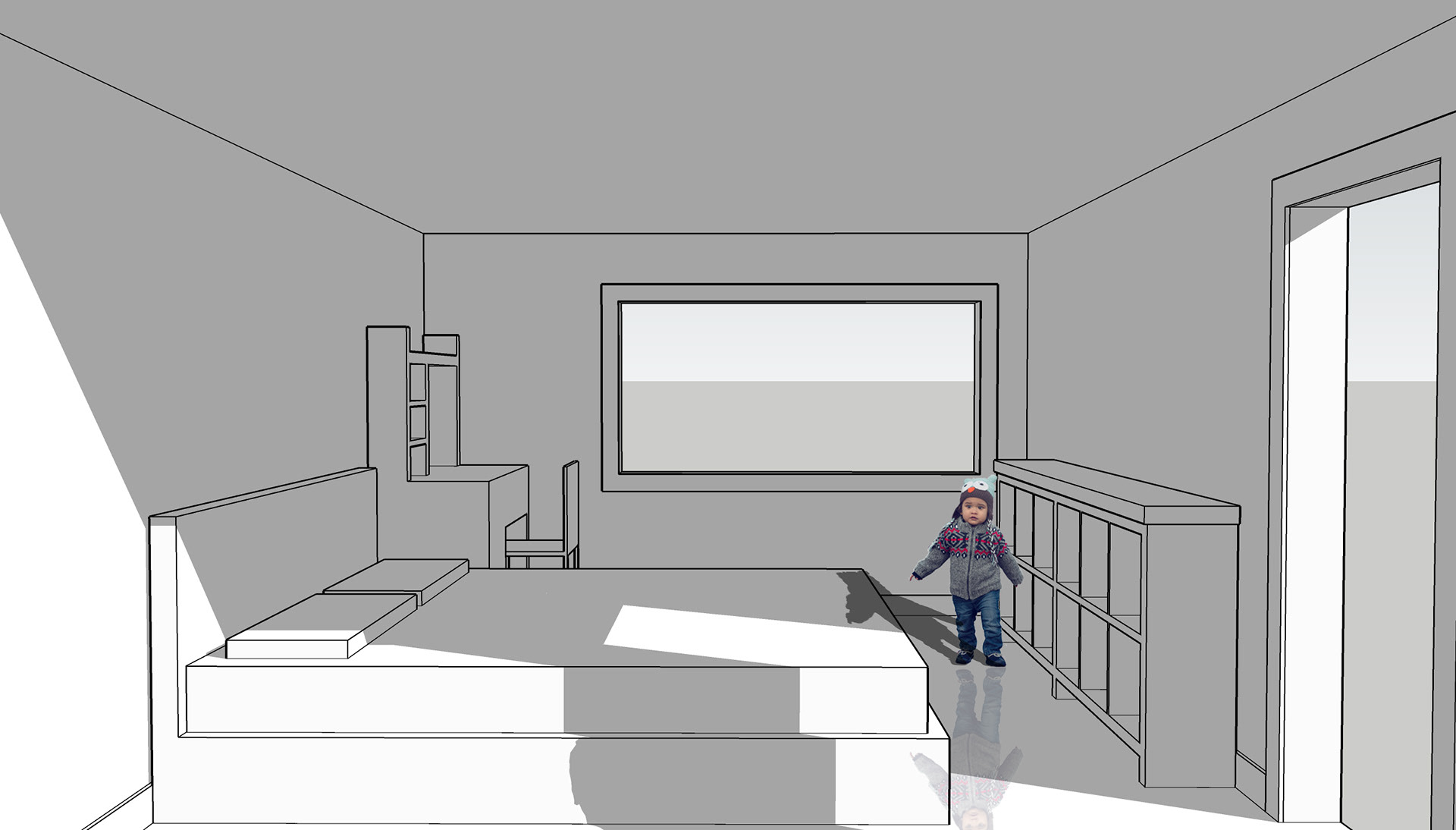
Camera View 1
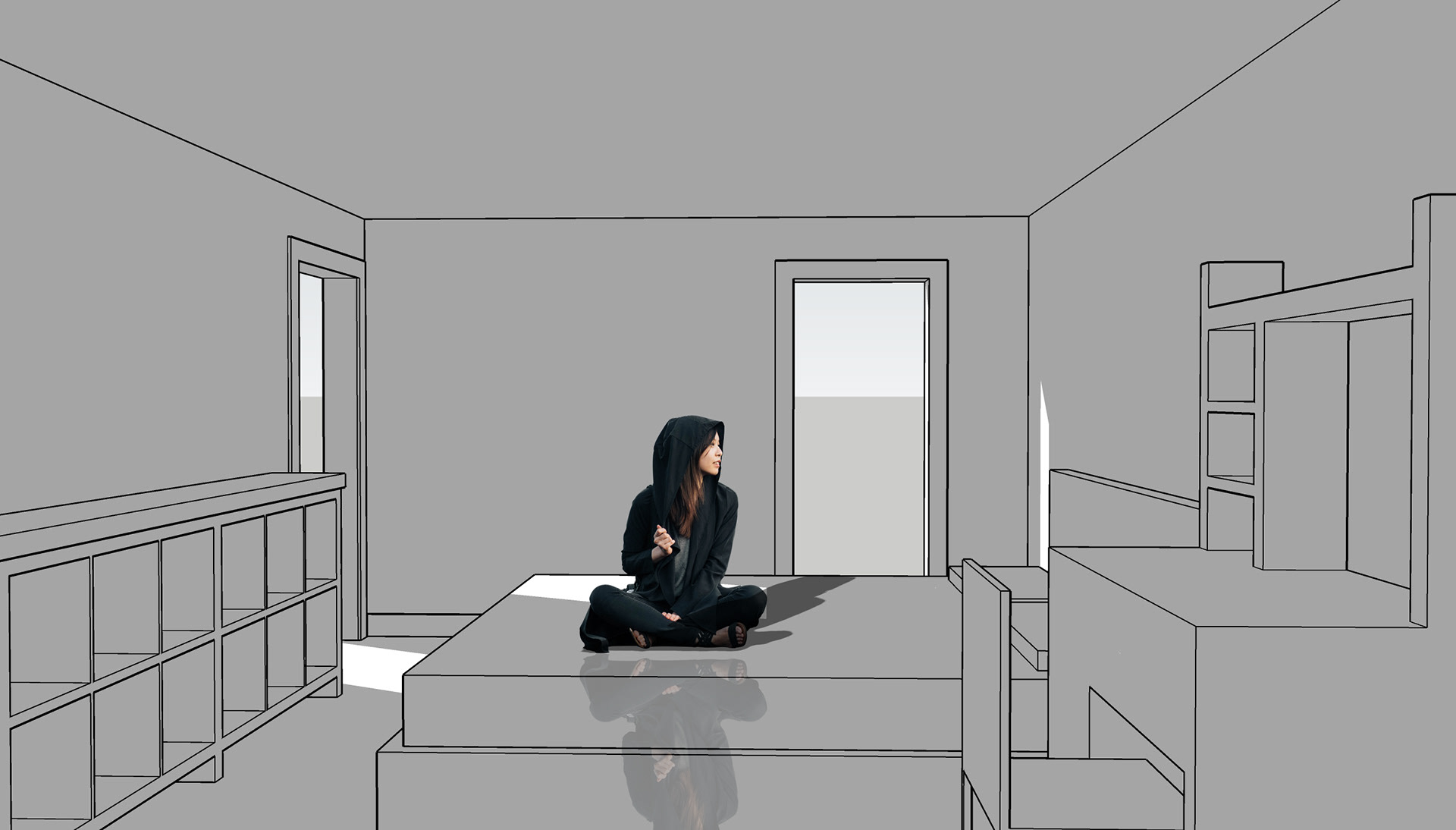
Camera View 2
A02 - SketchUp Basics B
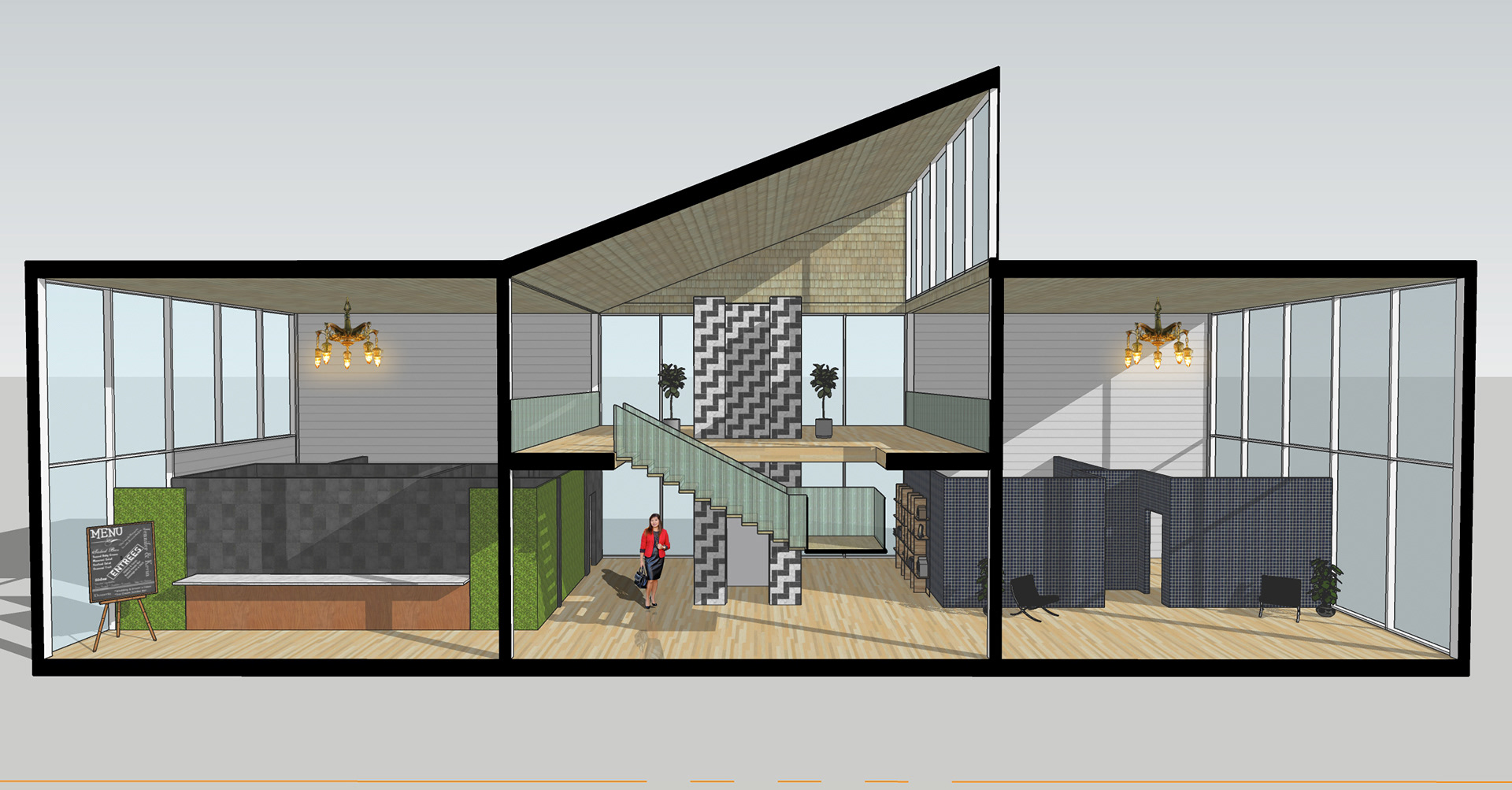
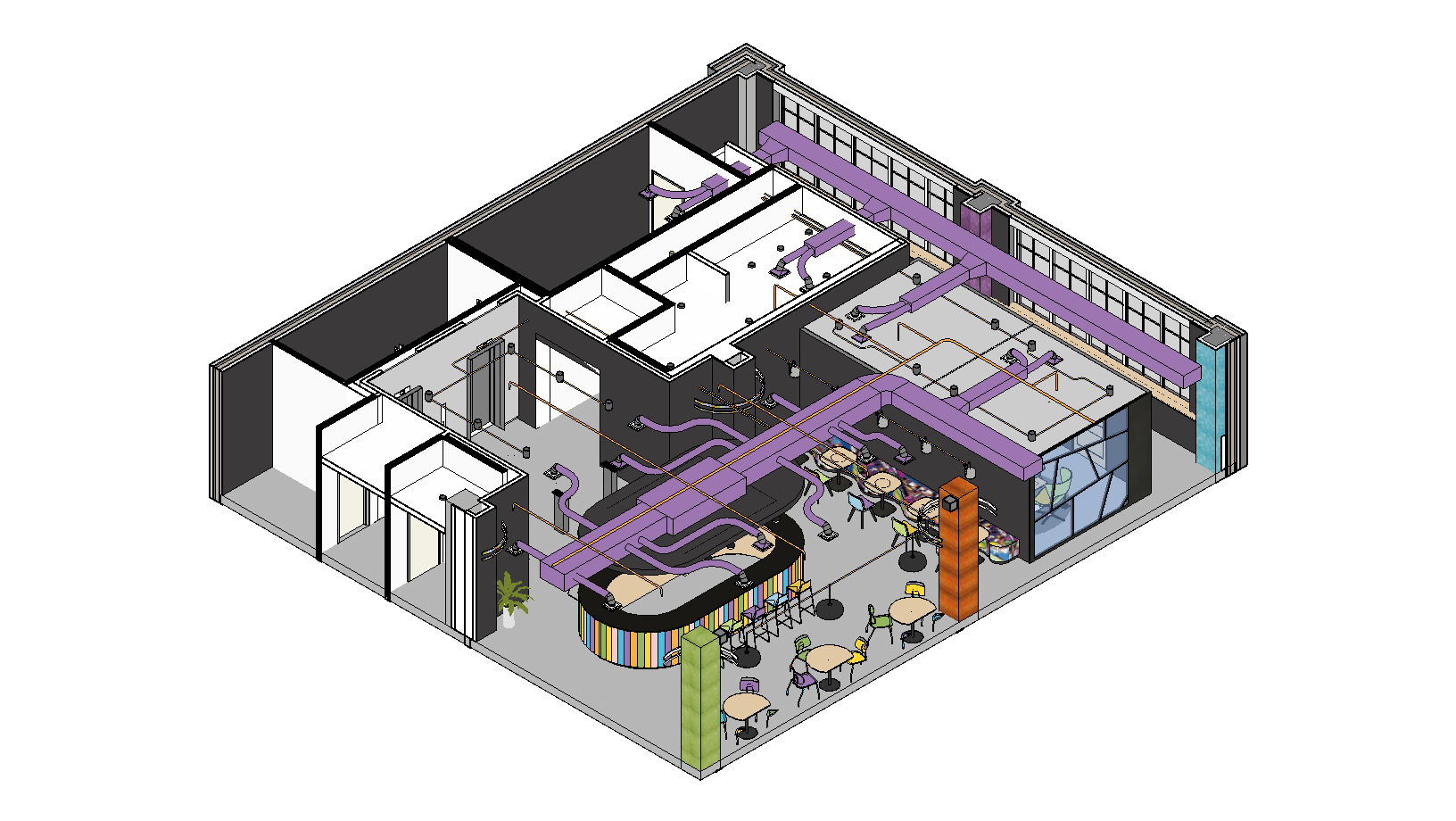
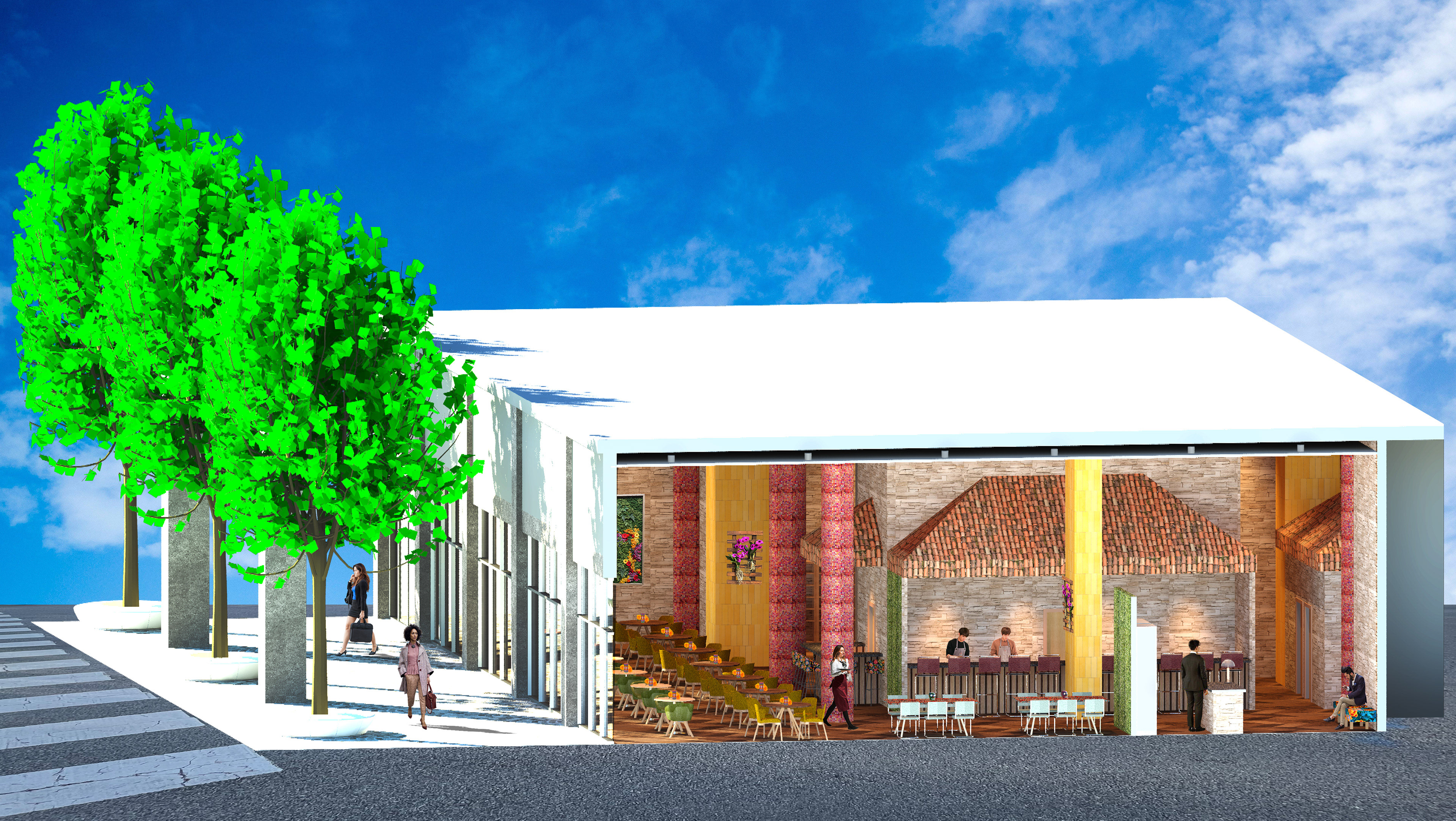
I crafted a draft 3D model of the Gallery/Café case study project we explored in class, capturing the essence and functionality of the space. I produced three distinct camera angles to record my progress of the interior layout, as well as a section perspective to showcase the building's exterior. In addition, I used Photoshop to add people and dynamic lighting.
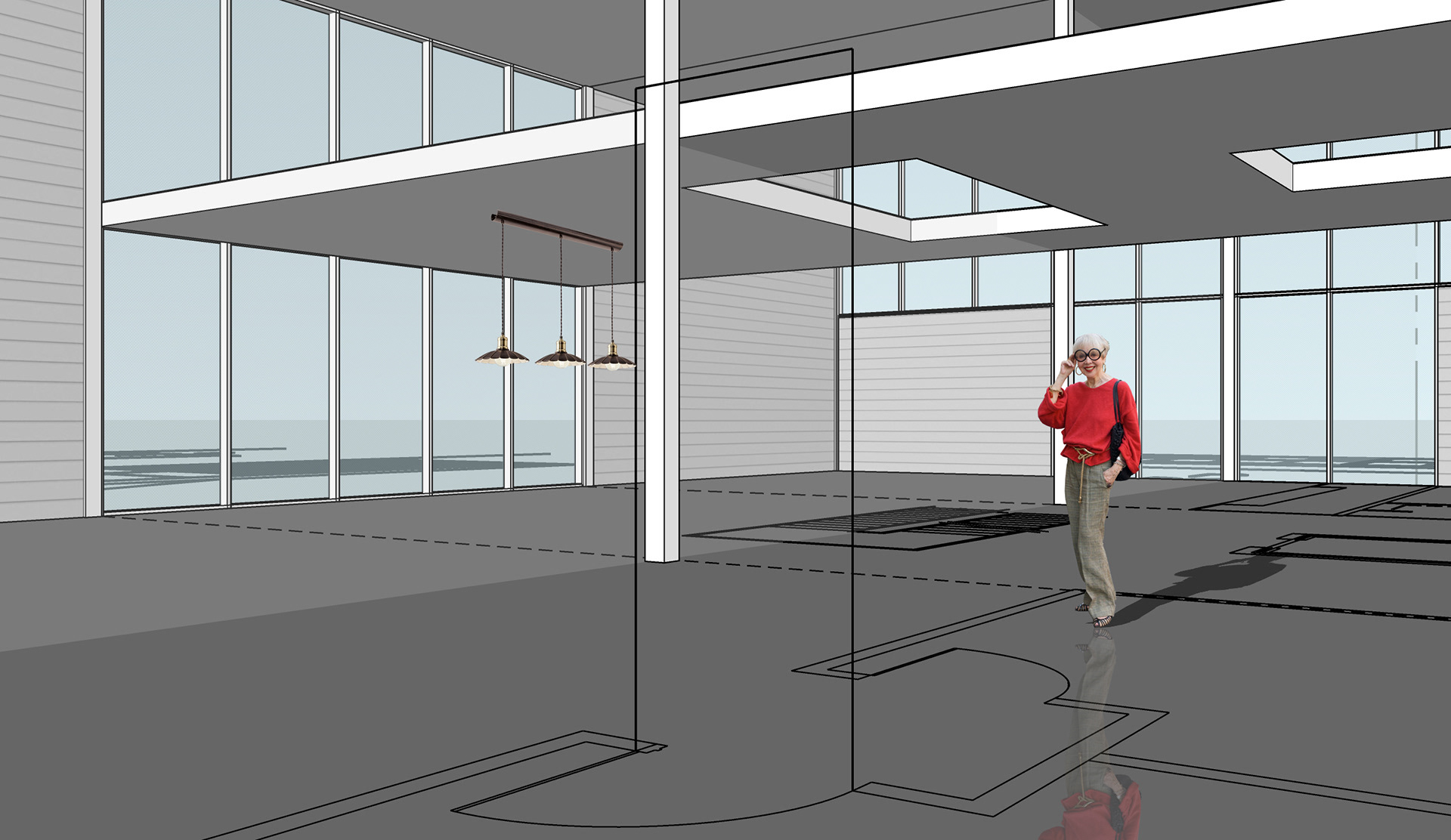
Camera View 1
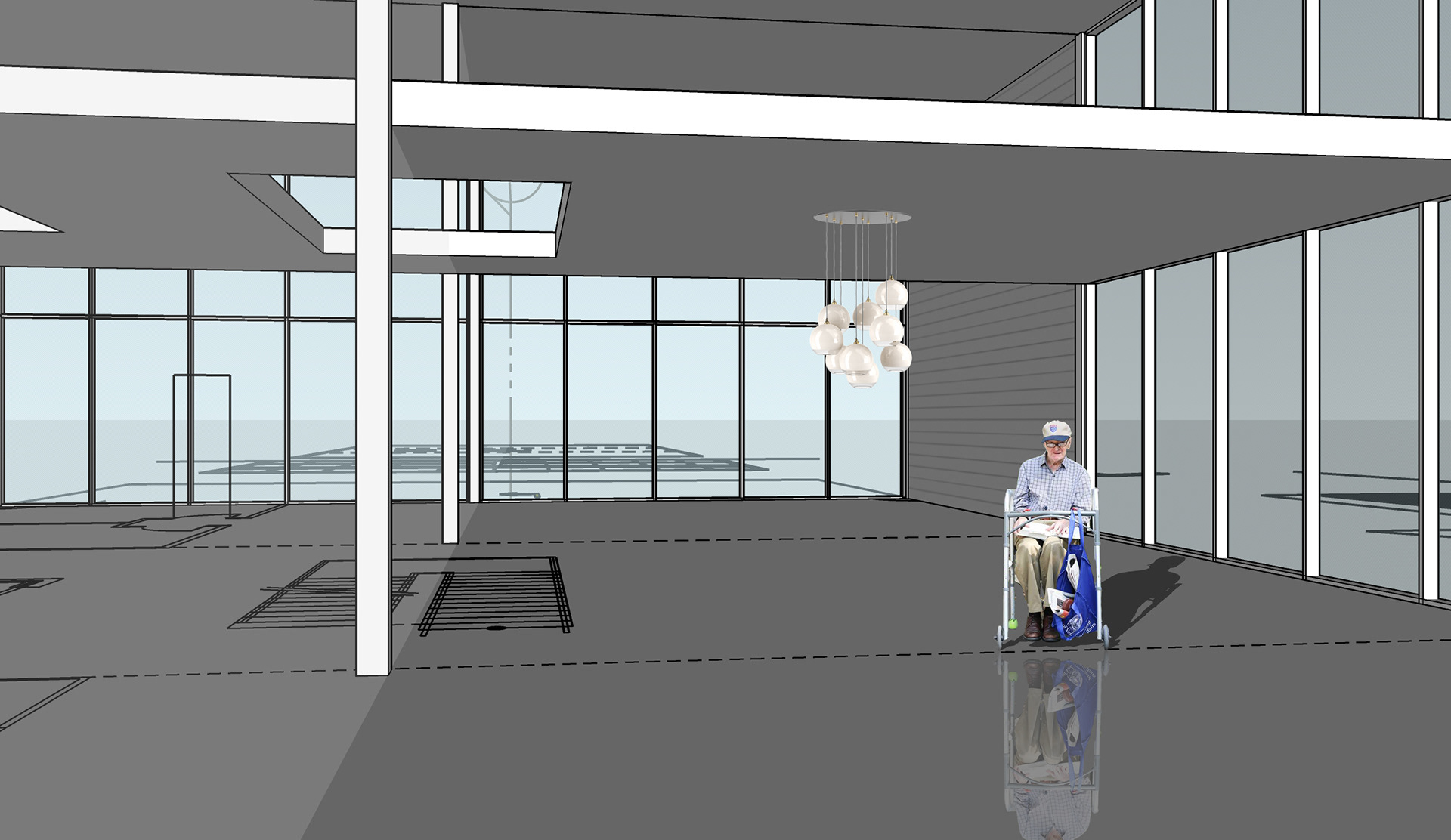
Camera View 2
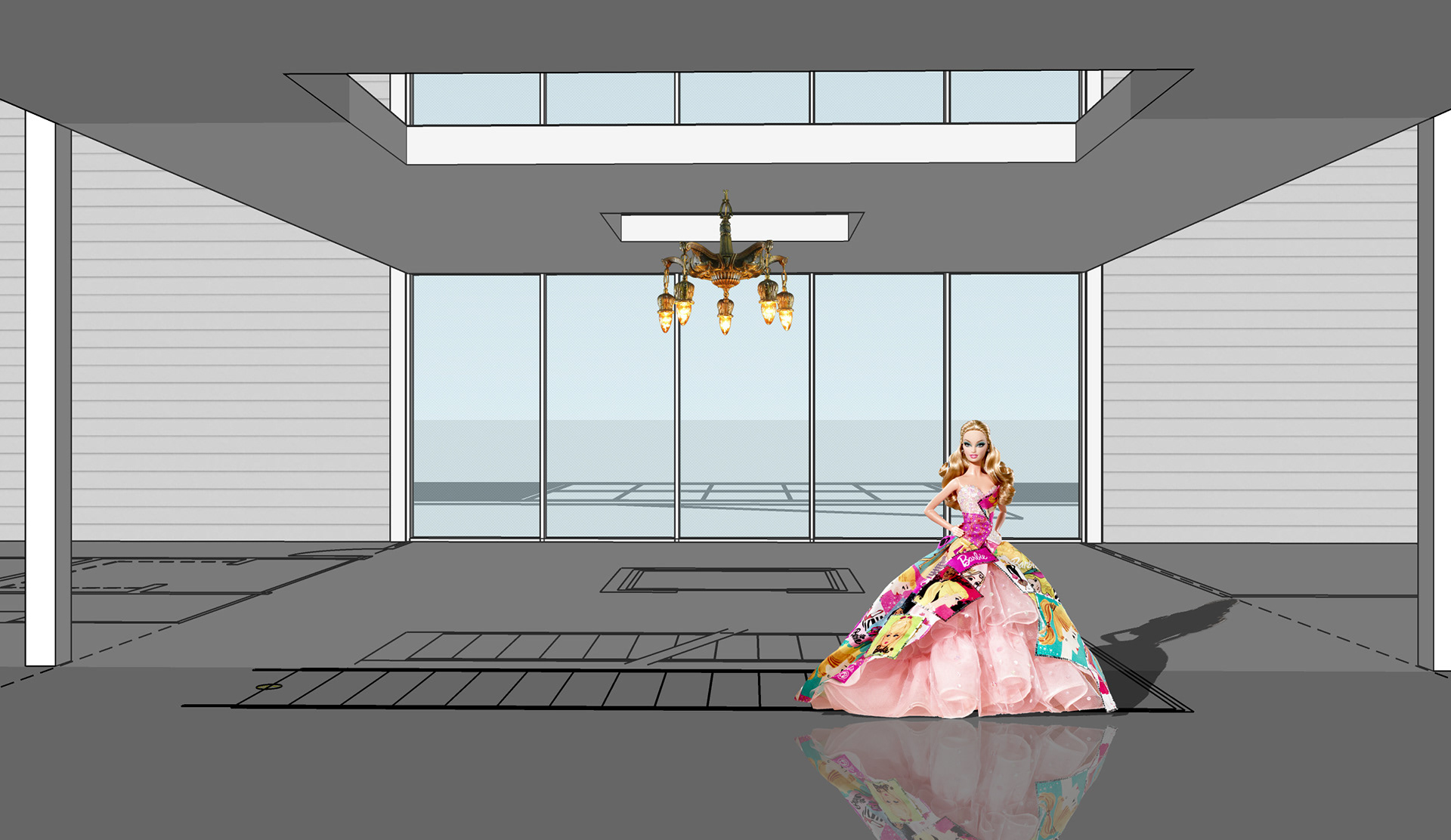
Camera View 3
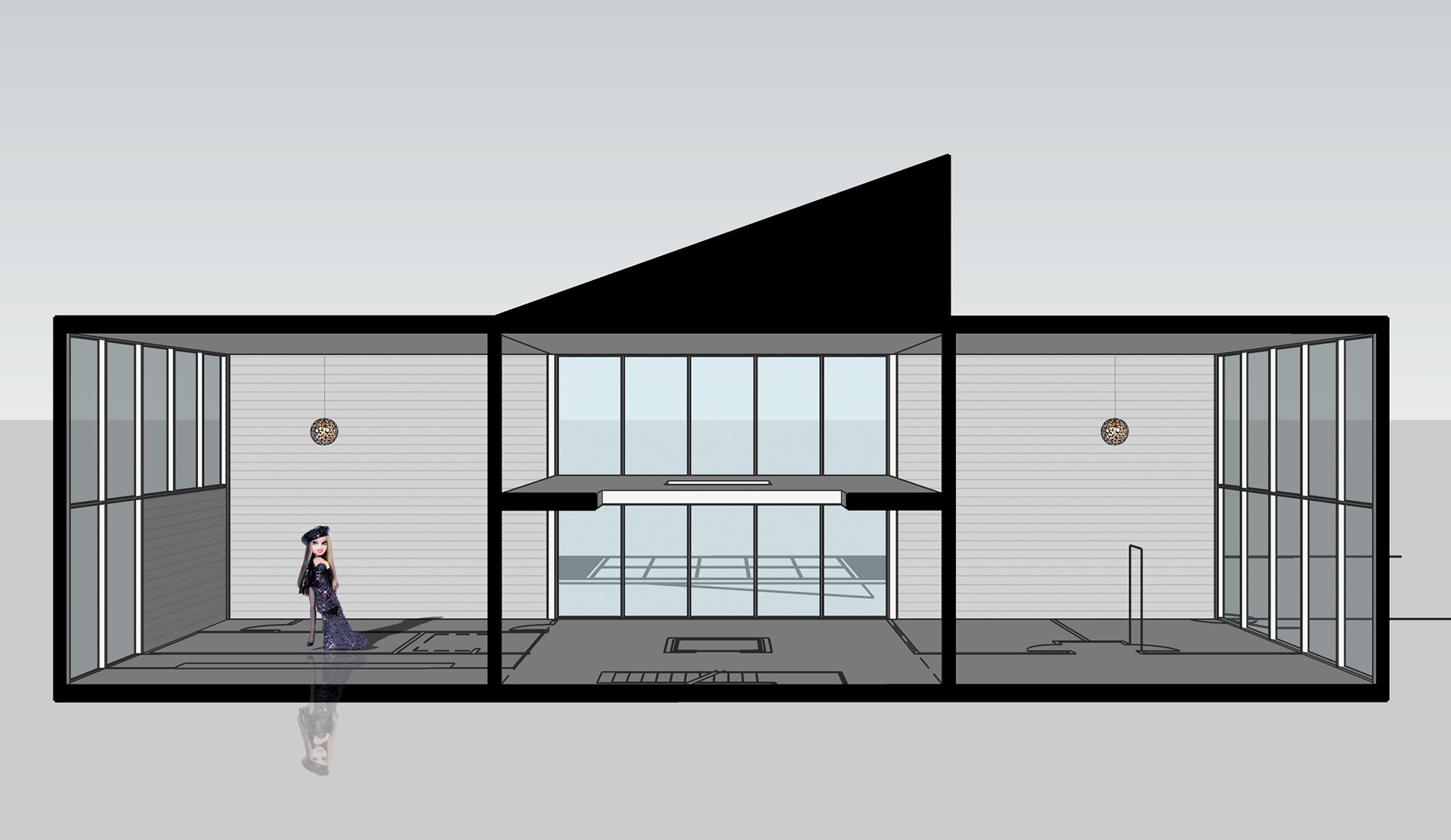
Section Perspective
A02 - SketchUp Basics c
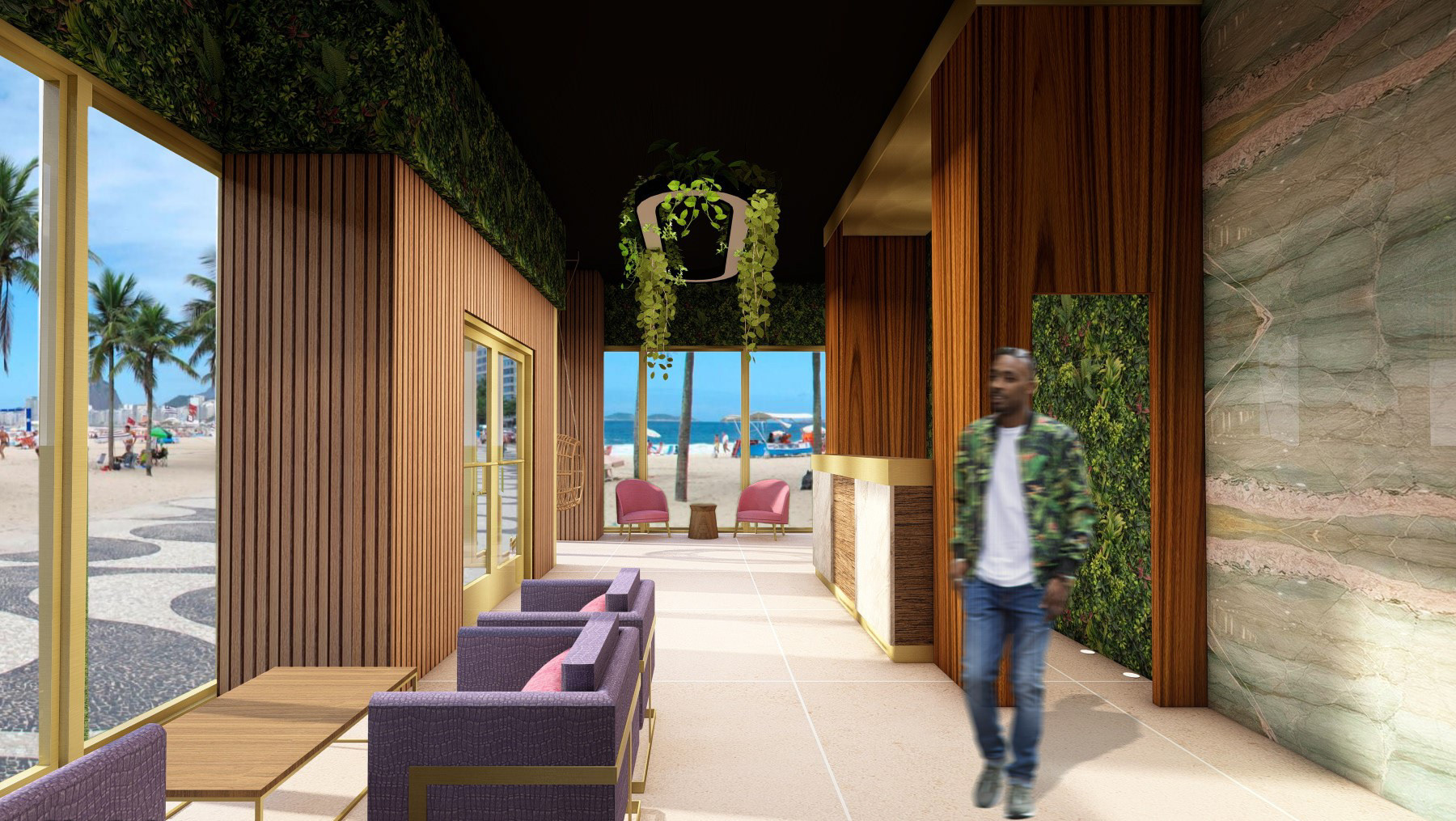
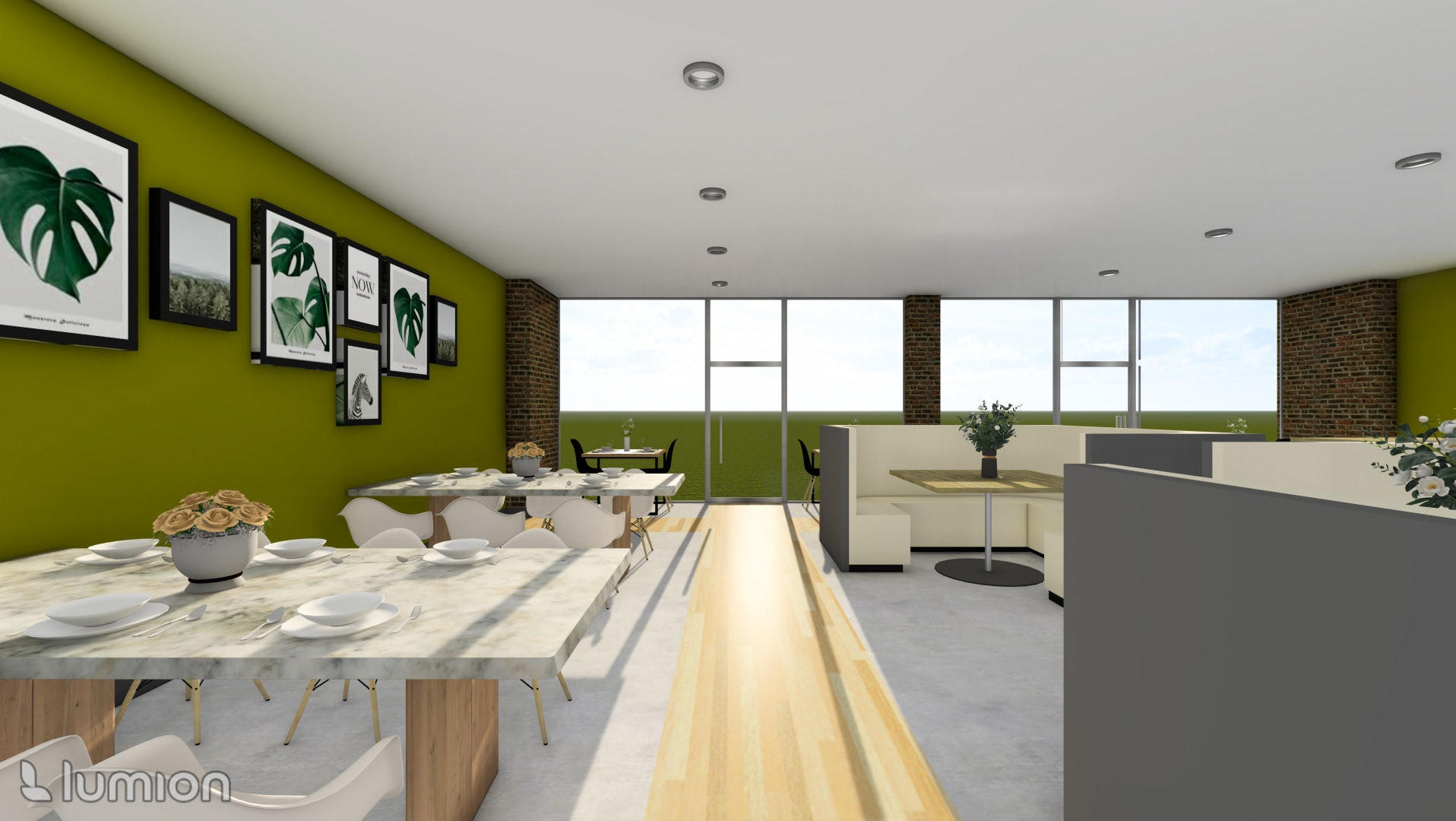
I completed the final 3D model of the Gallery/Café case study project, bringing our classroom exploration to a polished conclusion. To showcase the intricacies of the design, I produced three final camera views, each capturing unique aspects of the space with precision. Additionally, I created a detailed section perspective as per the previous exercise. Using Photoshop, I added people and lighting, enhancing the realism and creating a vibrant, dynamic atmosphere that truly brings the project to life.
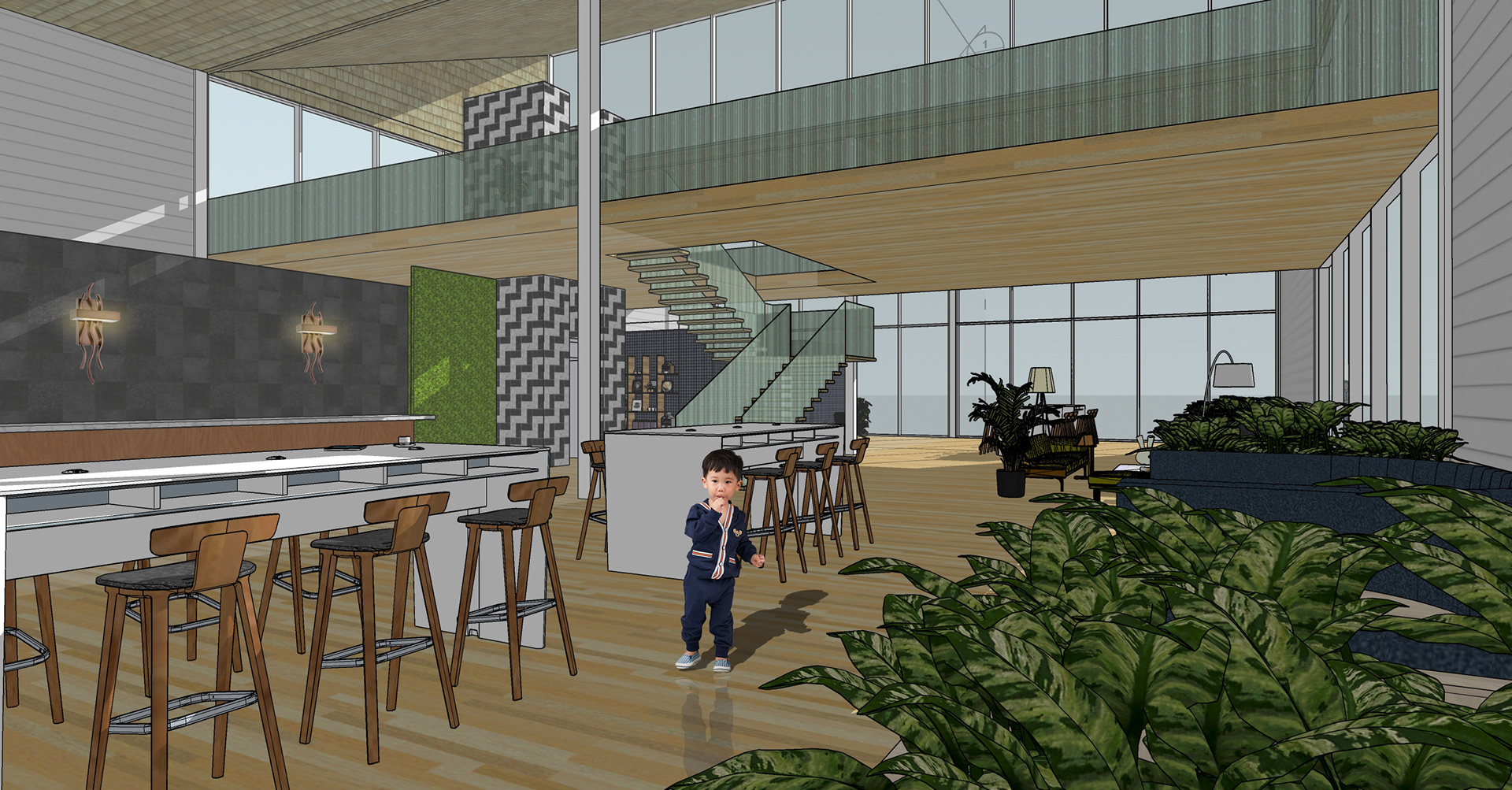
Camera View 1
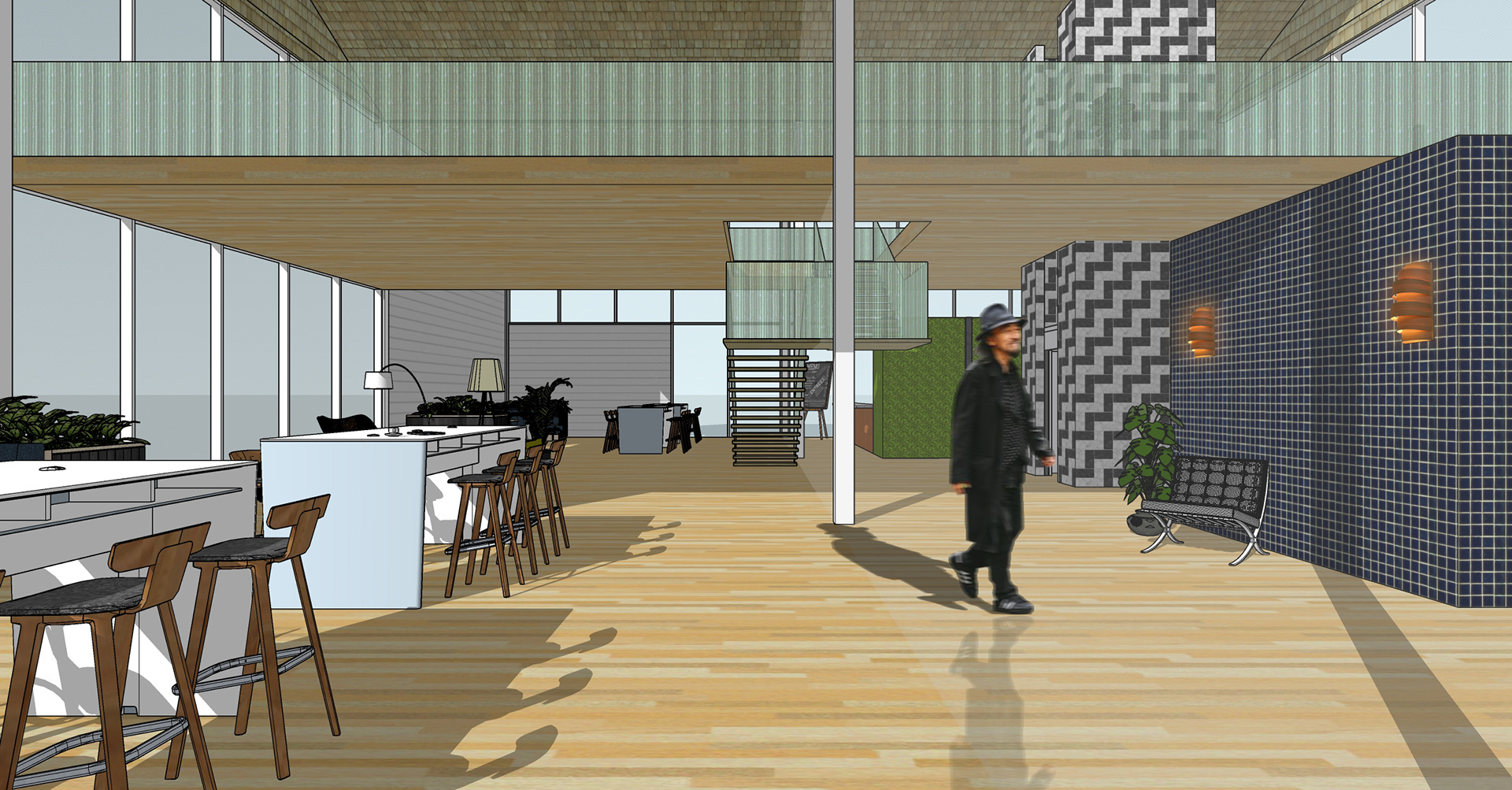
Camera View 2
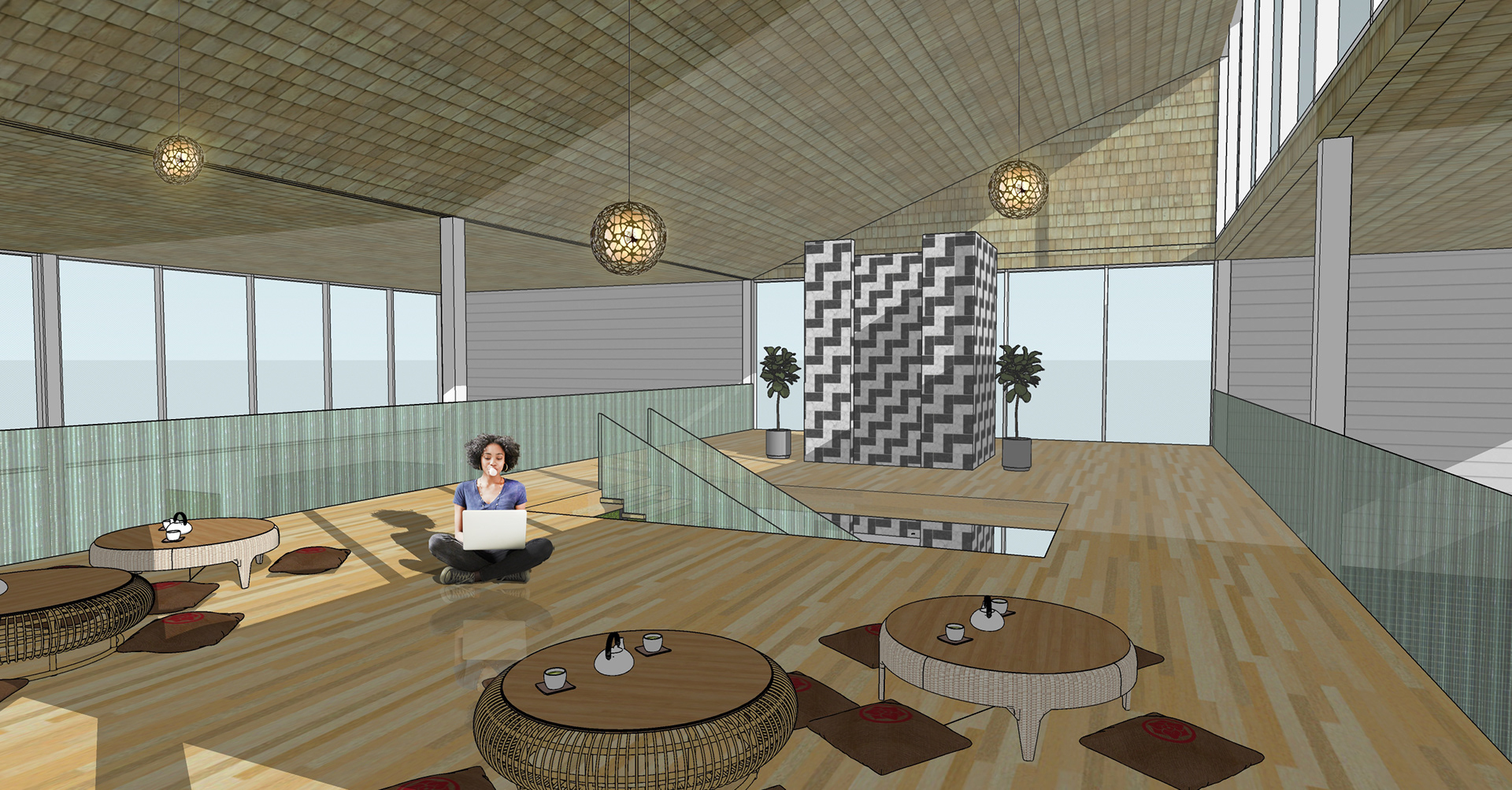
Camera View 3