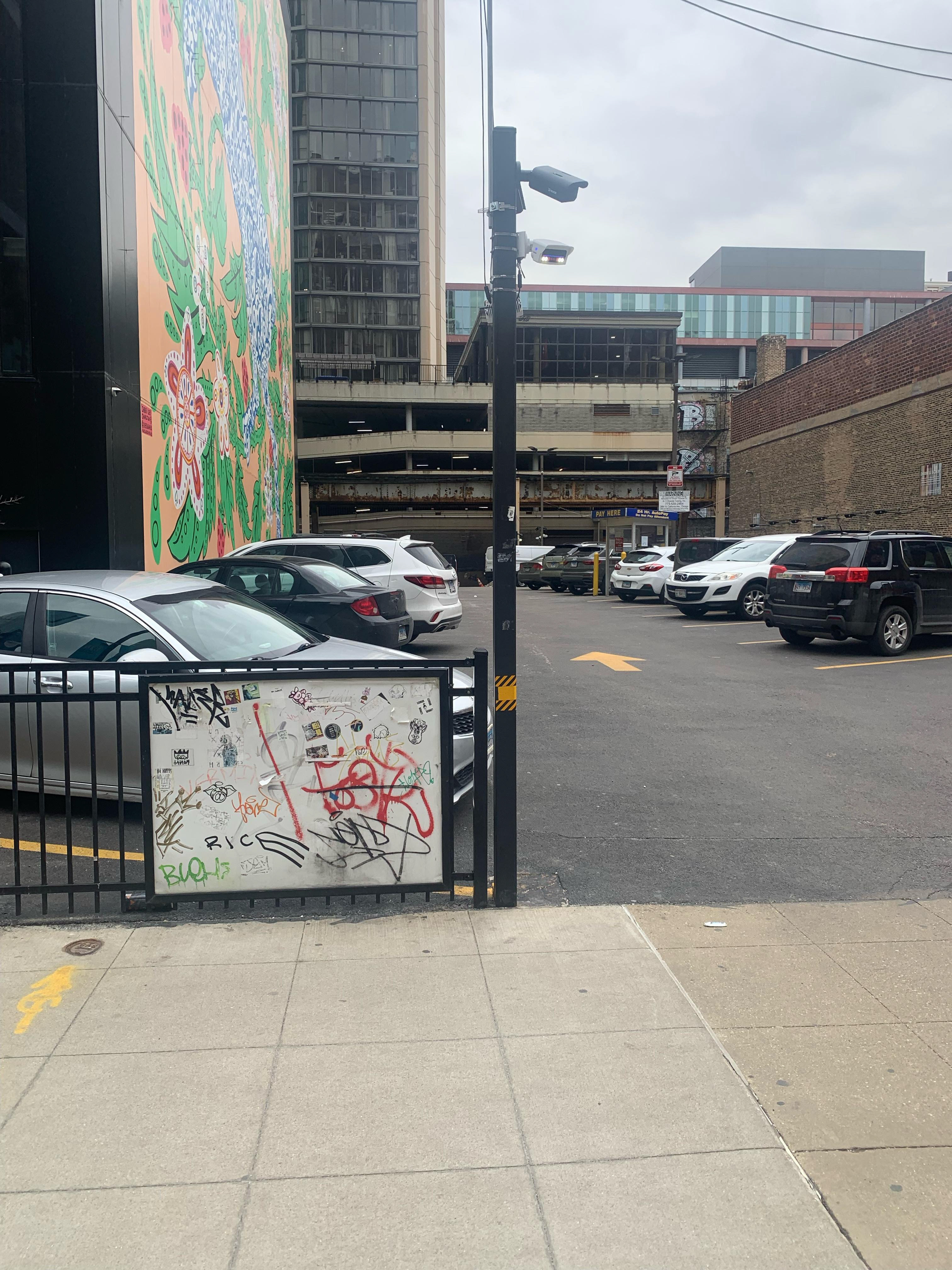
Front View of Parking Lot
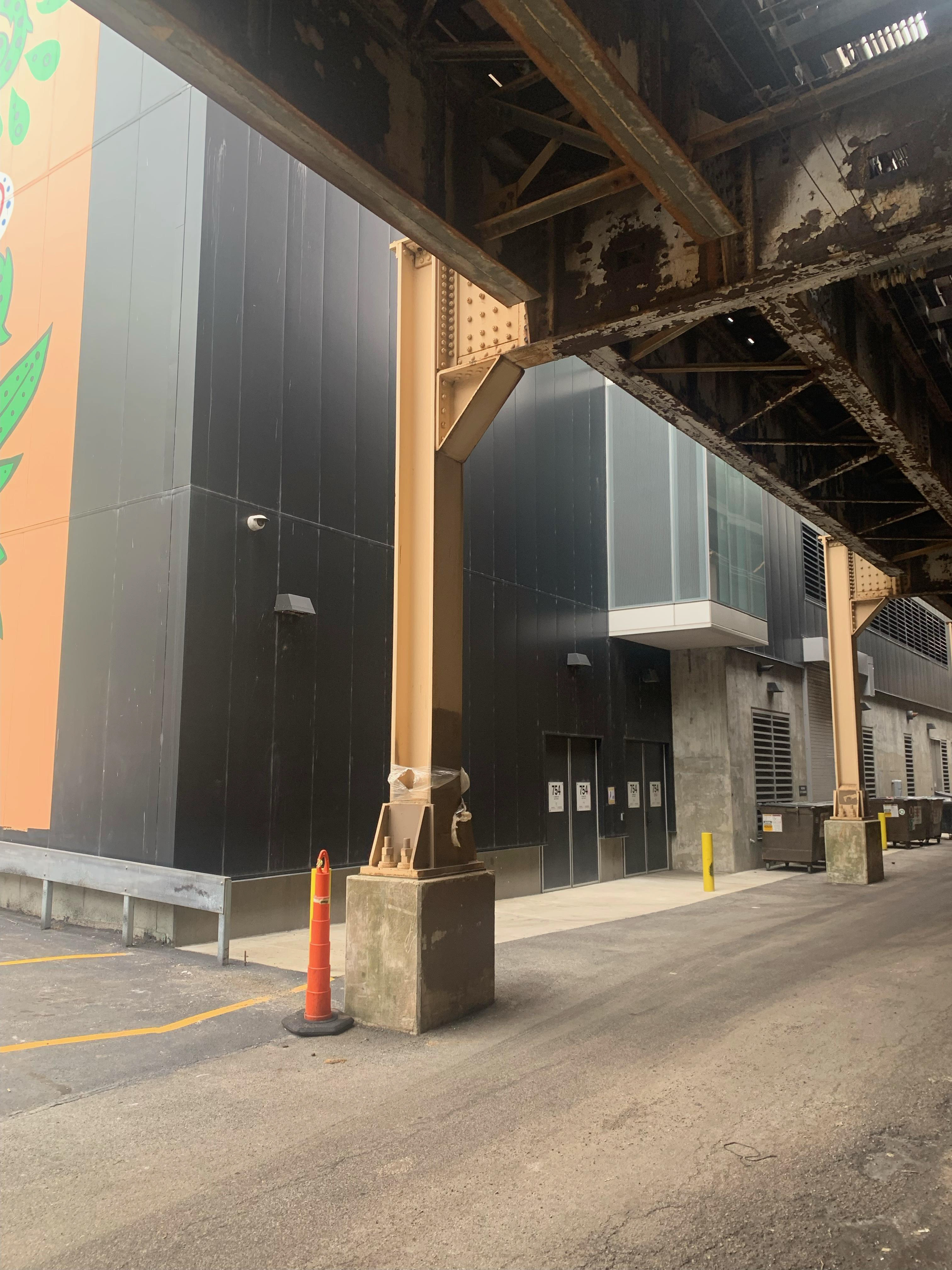
Back View of Student Center
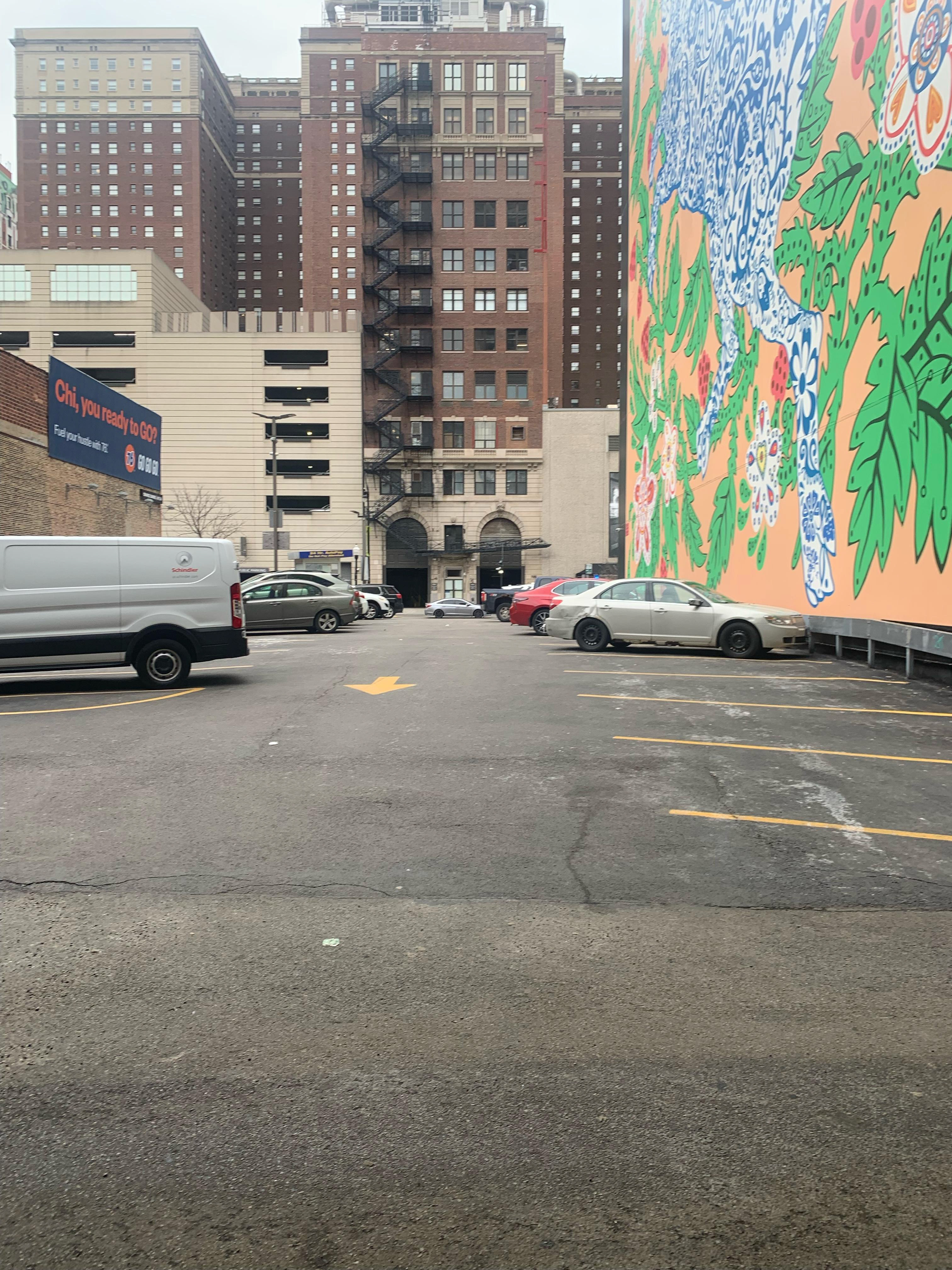
Back View of Parking Lot
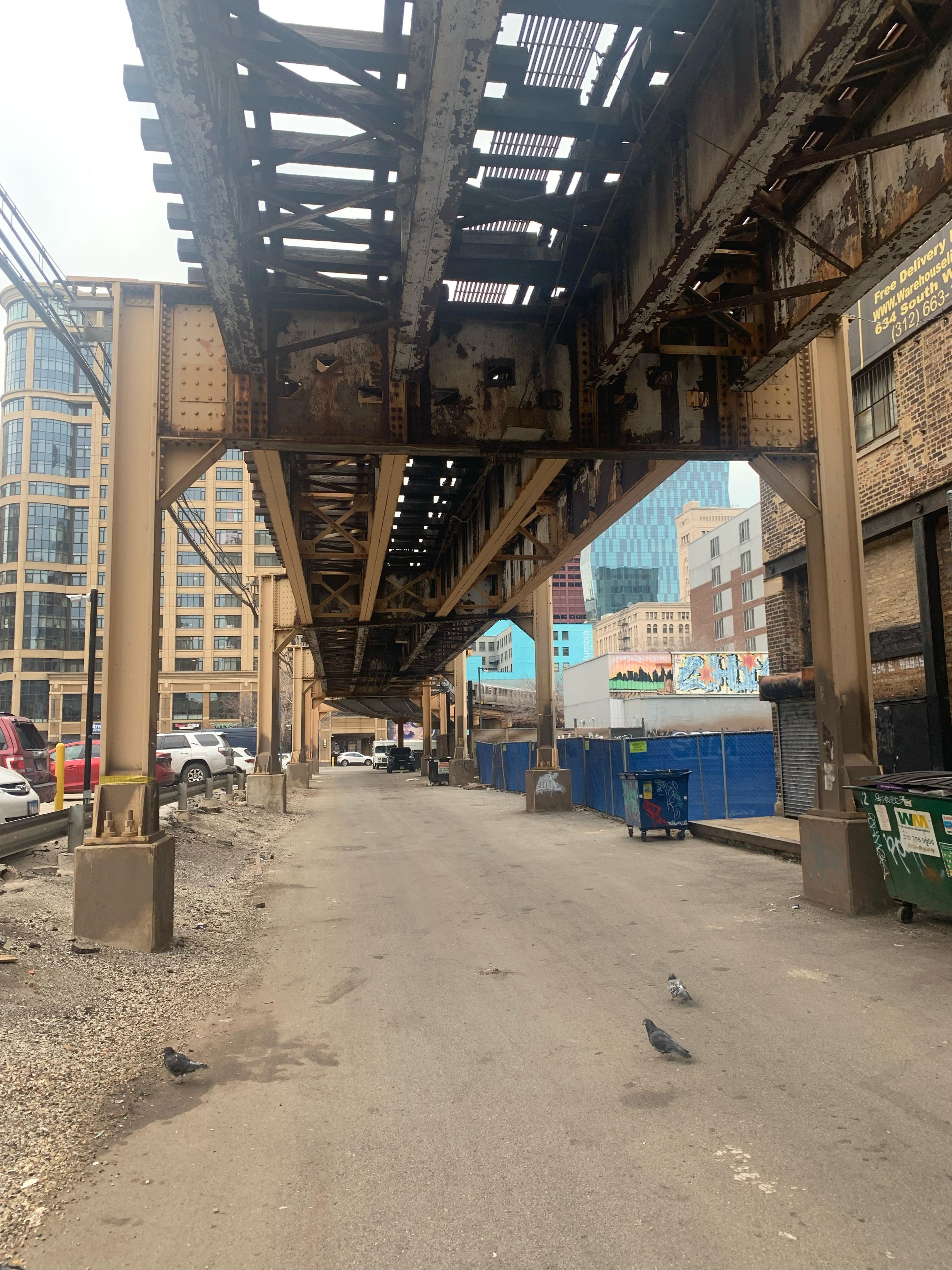
Train Tracks Behind Site
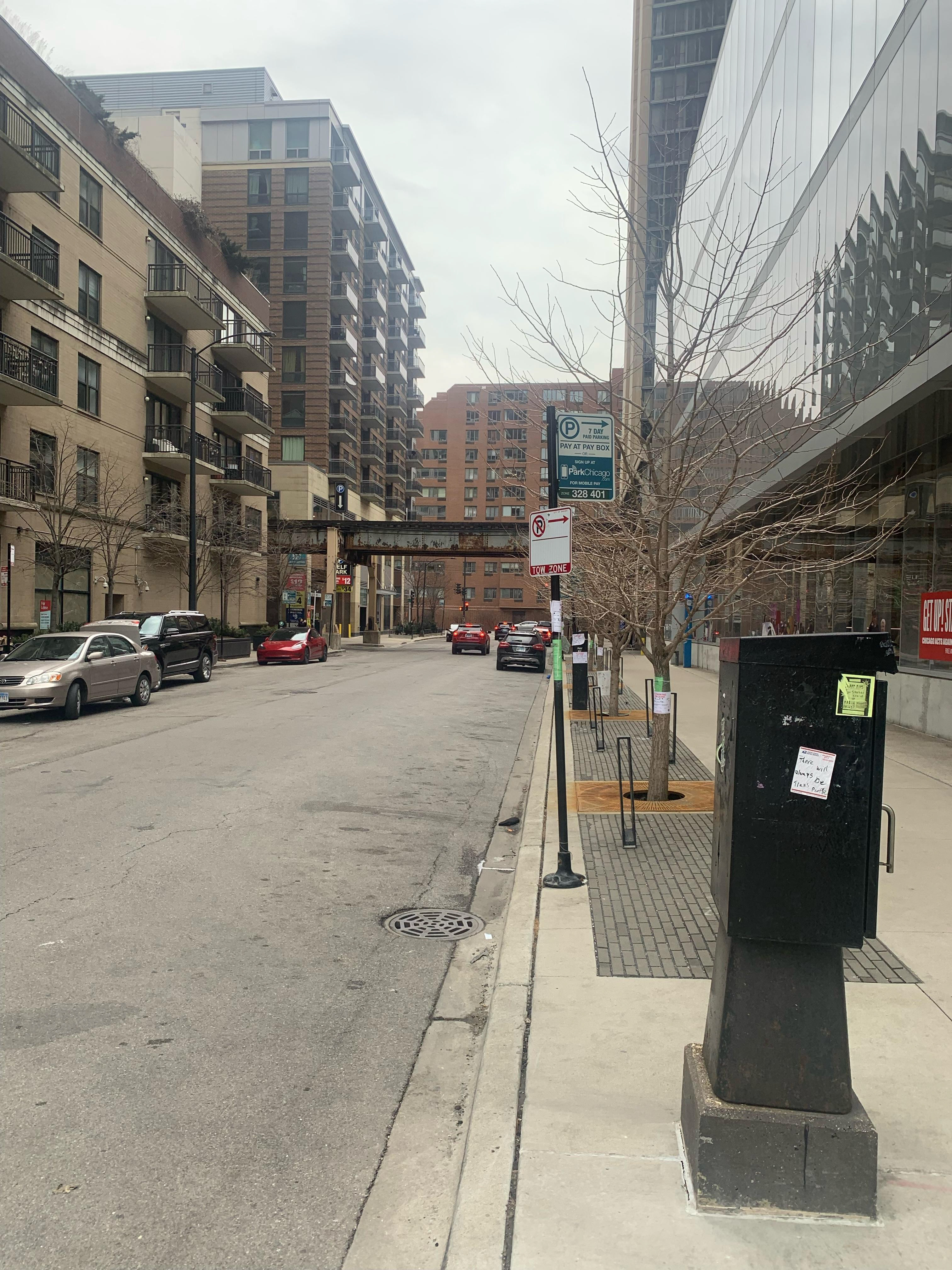
View of East 8th Street
Individual Site Observation
Prior to starting the group project, I analyzed and diagramed the Columbia College Chicago Student Center Parking Lot by focusing on its constraints and opportunities. First, I mapped adjacent buildings, roads, and circulation routes, and identified barriers, access points, and connections. Second, I noted the movement and flow of pedestrians and passing vehicles. Third, I analyzed the environmental factors such as sun, shade, and wind direction. Fourth, I noted materiality and existing site conditions. Lastly, I thought about the human experience and atmosphere in relation to the space. Using a site map from CADMAPPER, I layered my site analysis through different representational techniques, including collage-based mapping, abstract symbolic representation, and hybrid digital-analog (Adobe Photoshop).
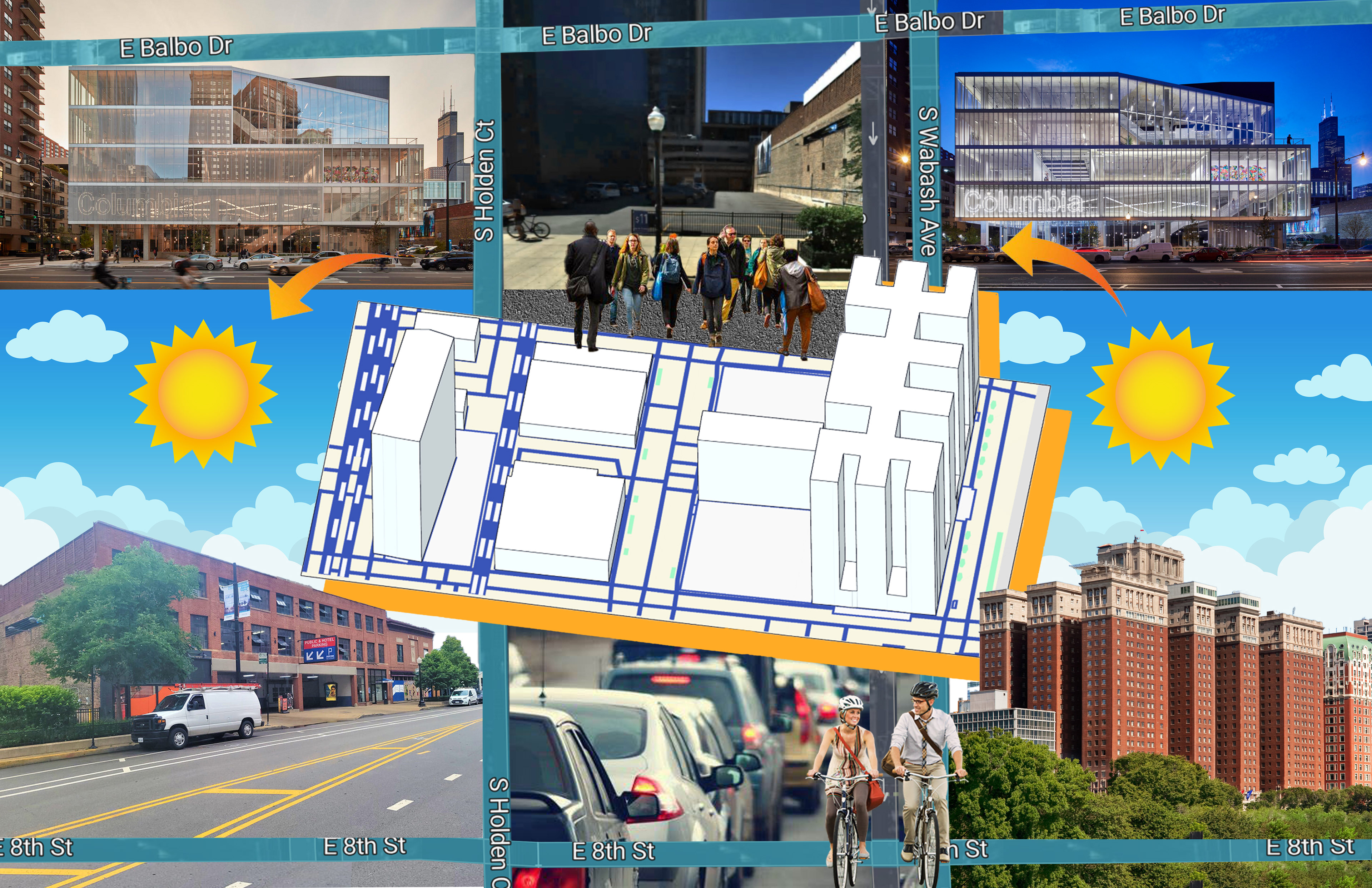
Digital Site Model
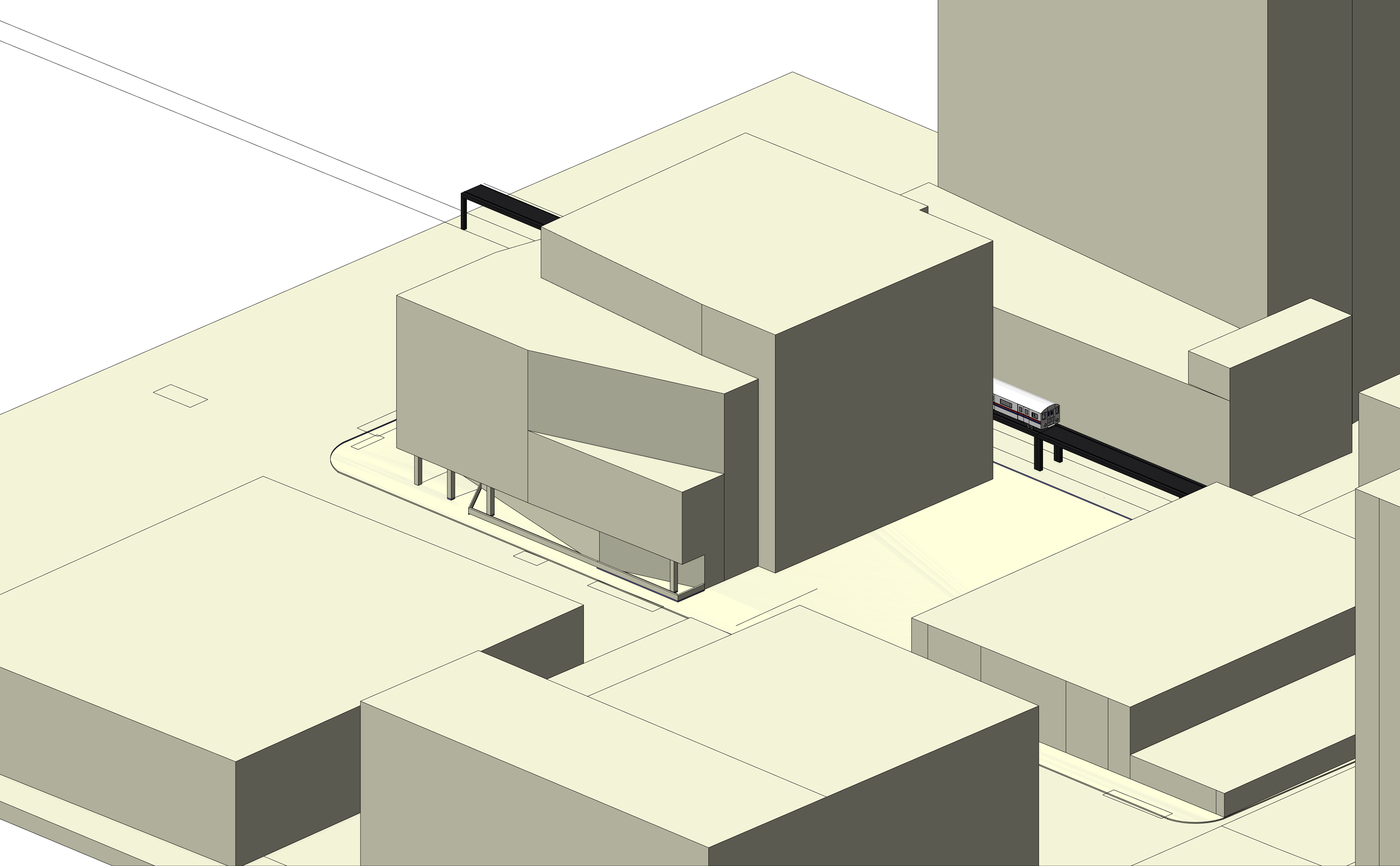
Using both SketchUp and CADMAPPER, the Student Center Parking Lot spans from Ida B Wells to the north, the lake to the East, 13th street to the south, and State Street to the west. The digital models diagram a variety of site conditions, including roads, train tracks, campus buildings, and planters.
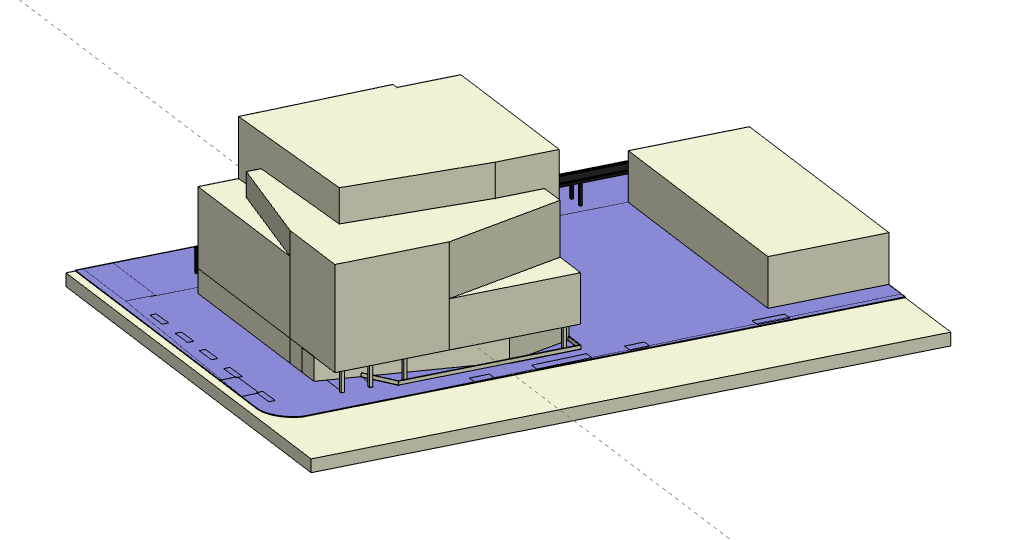
Front View
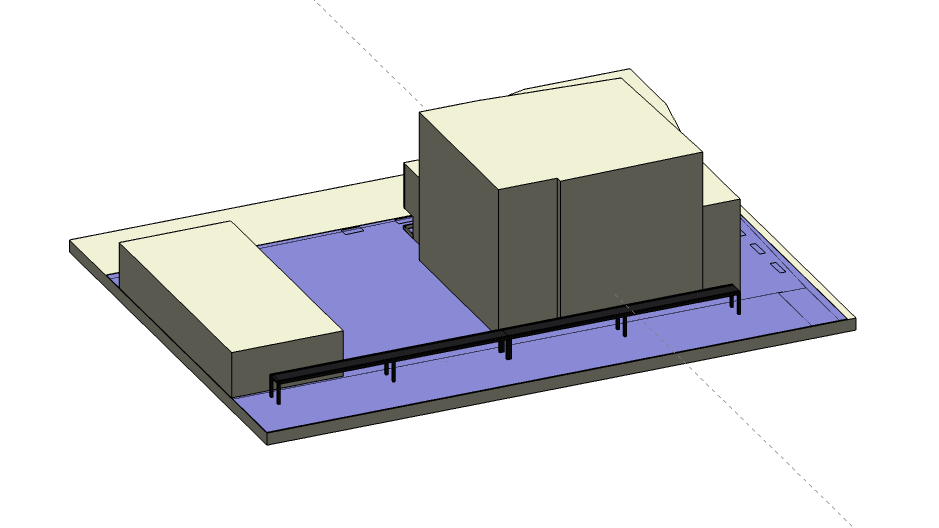
Back View
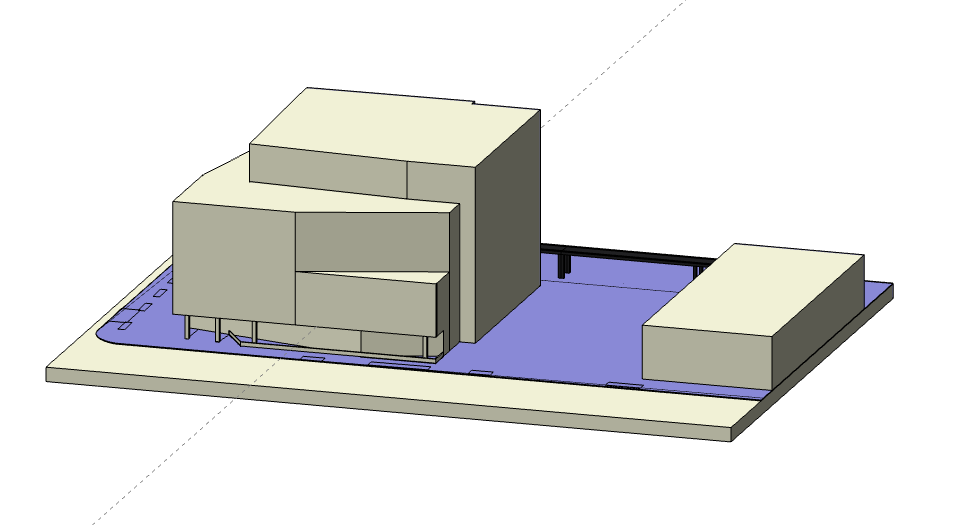
Front View
Southeast View
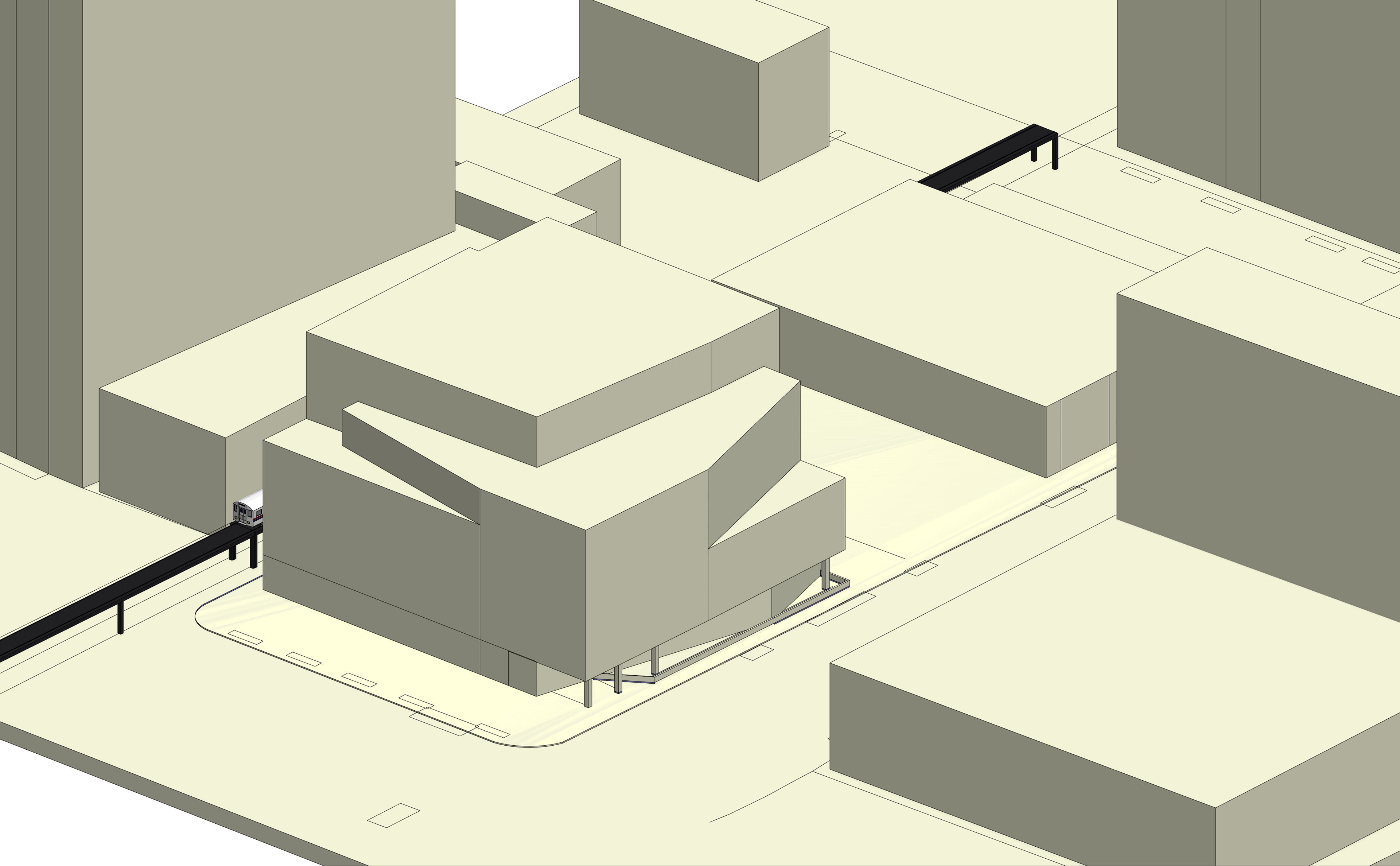
Southwest View
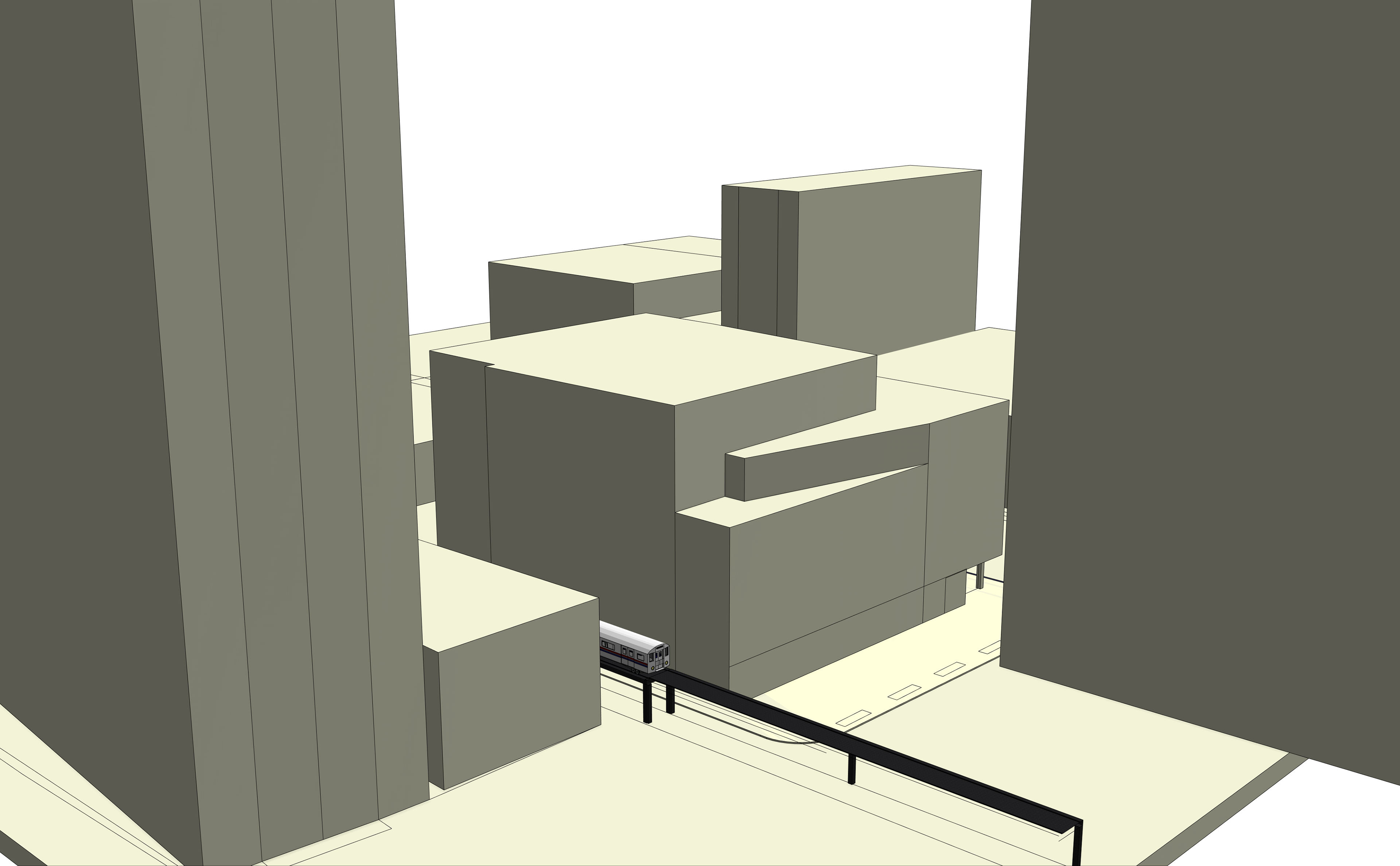
Northwest View
Process & Delivery
Tuesday, February 25
Strategize and plan our approach to creating the physical model.
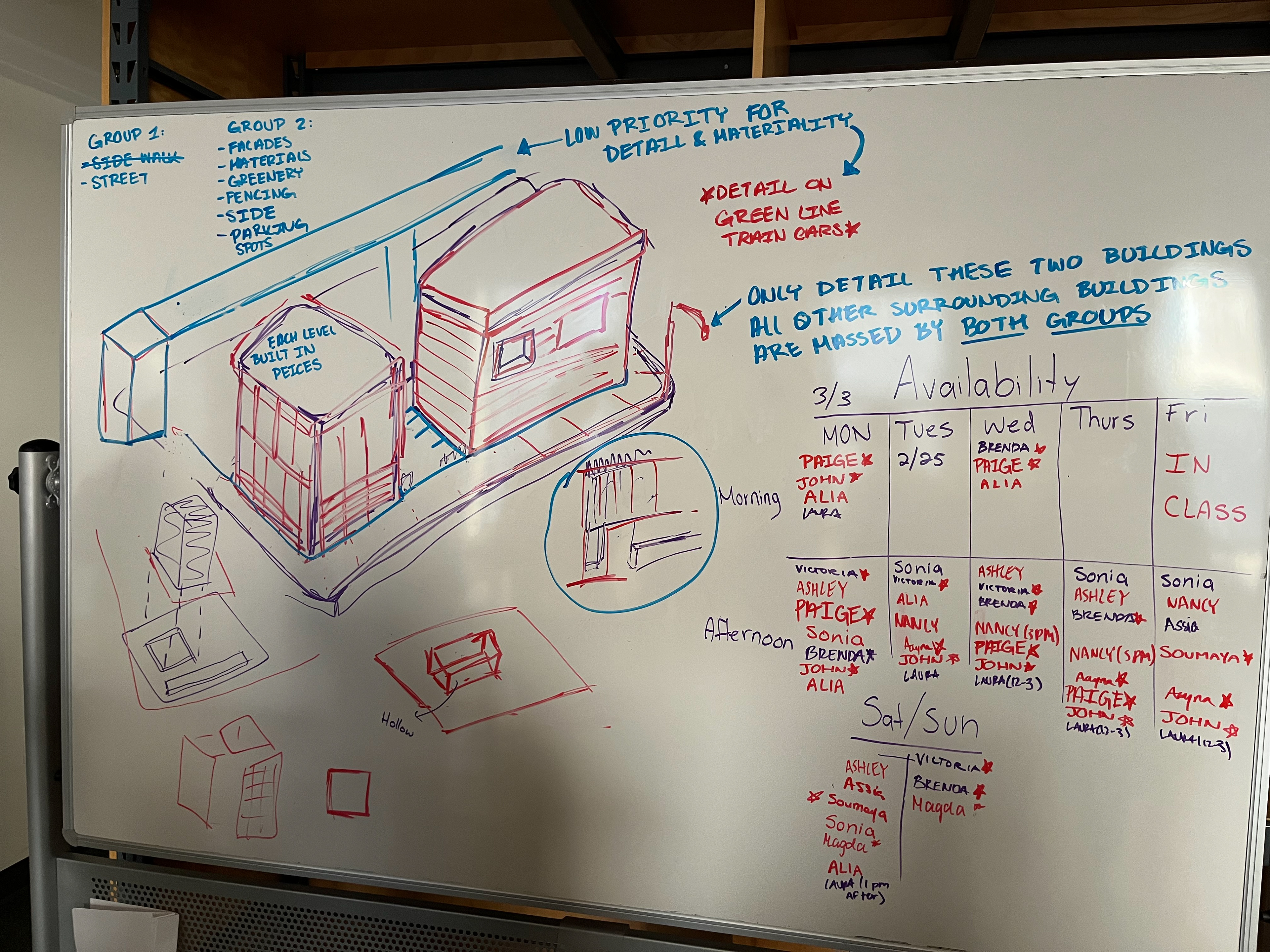
Strategy & Plan
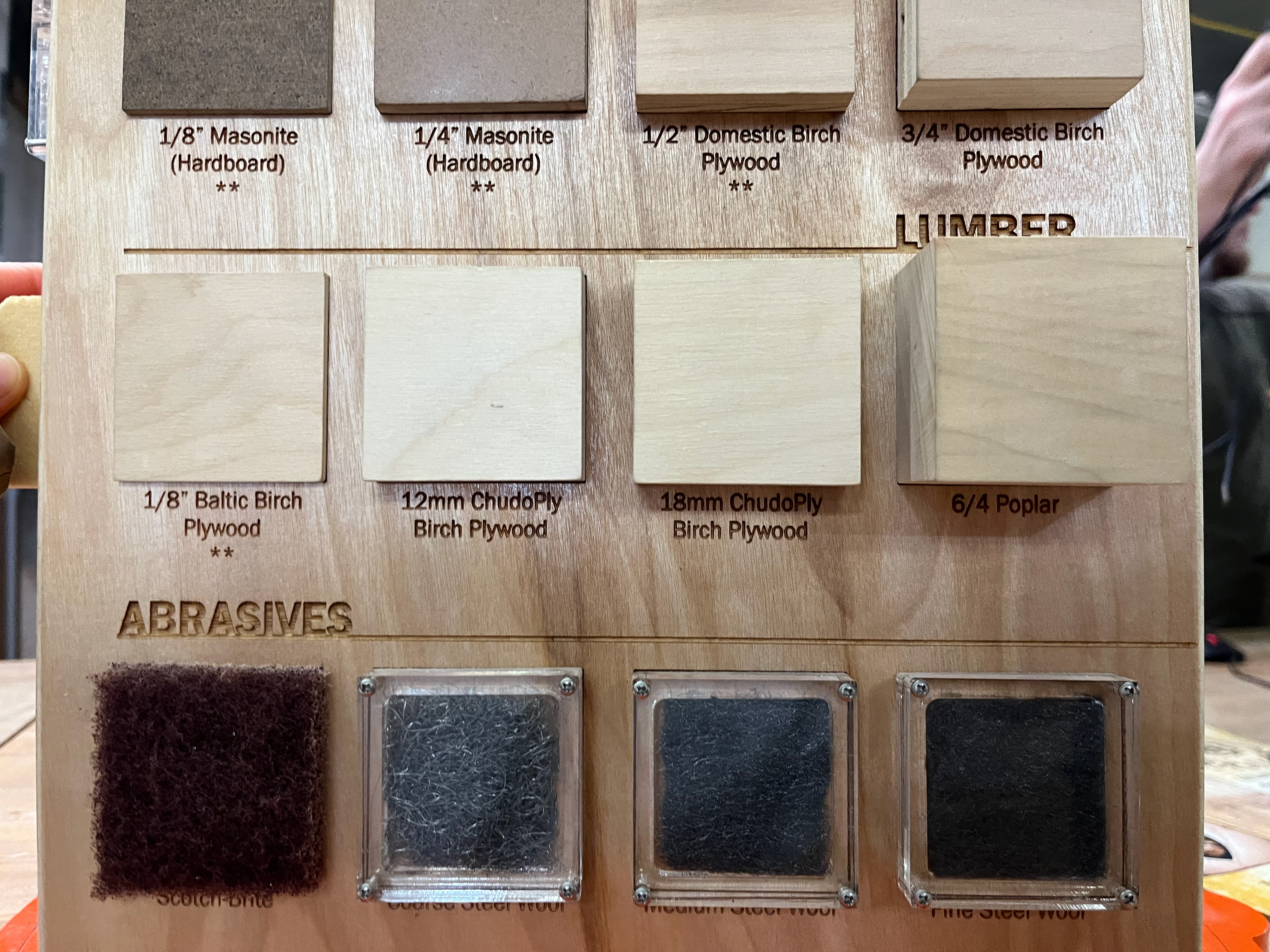
Material Options
Wednesday, February 26
Diagram and sketch our approach to creating the physical model.
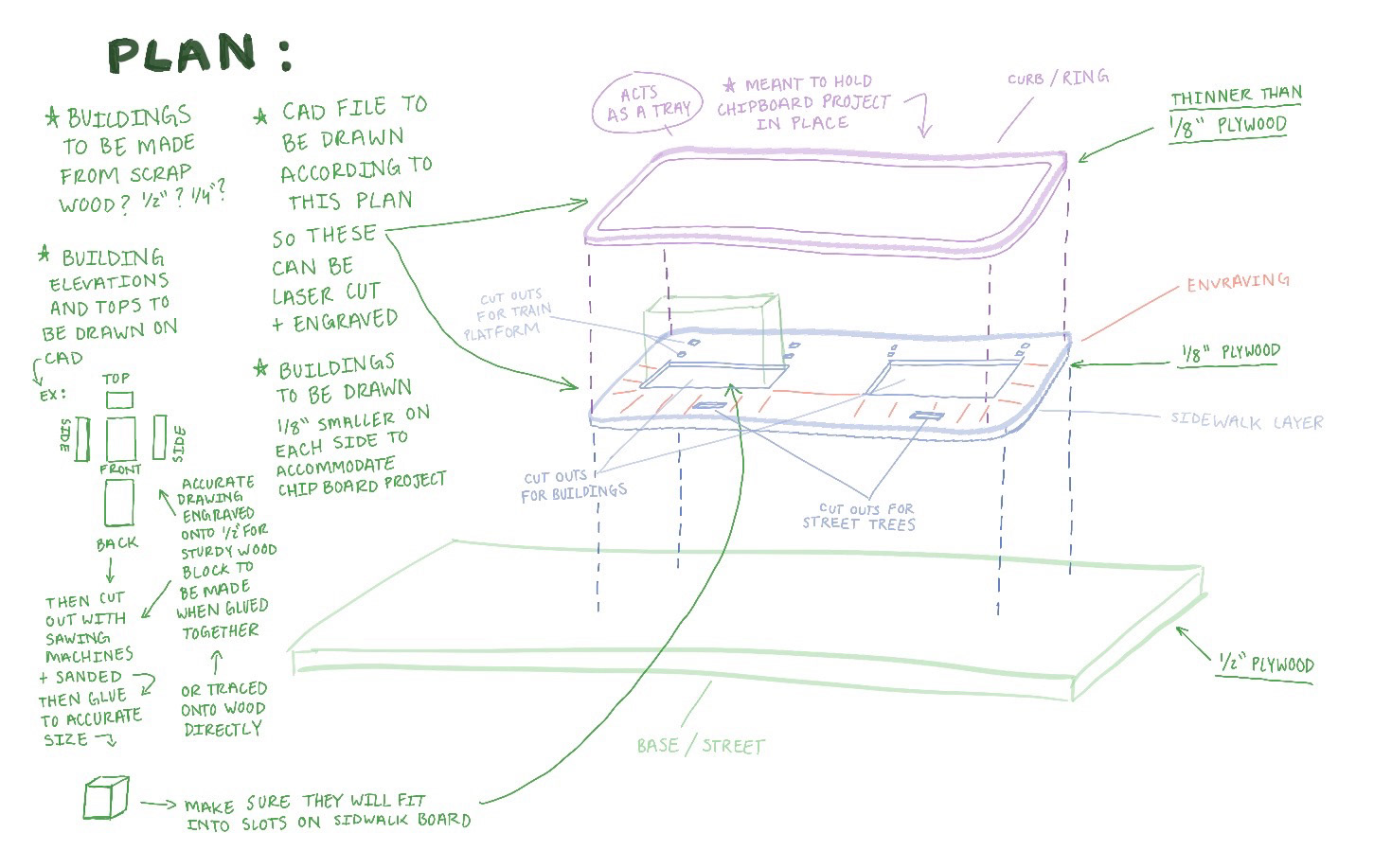
Diagramming
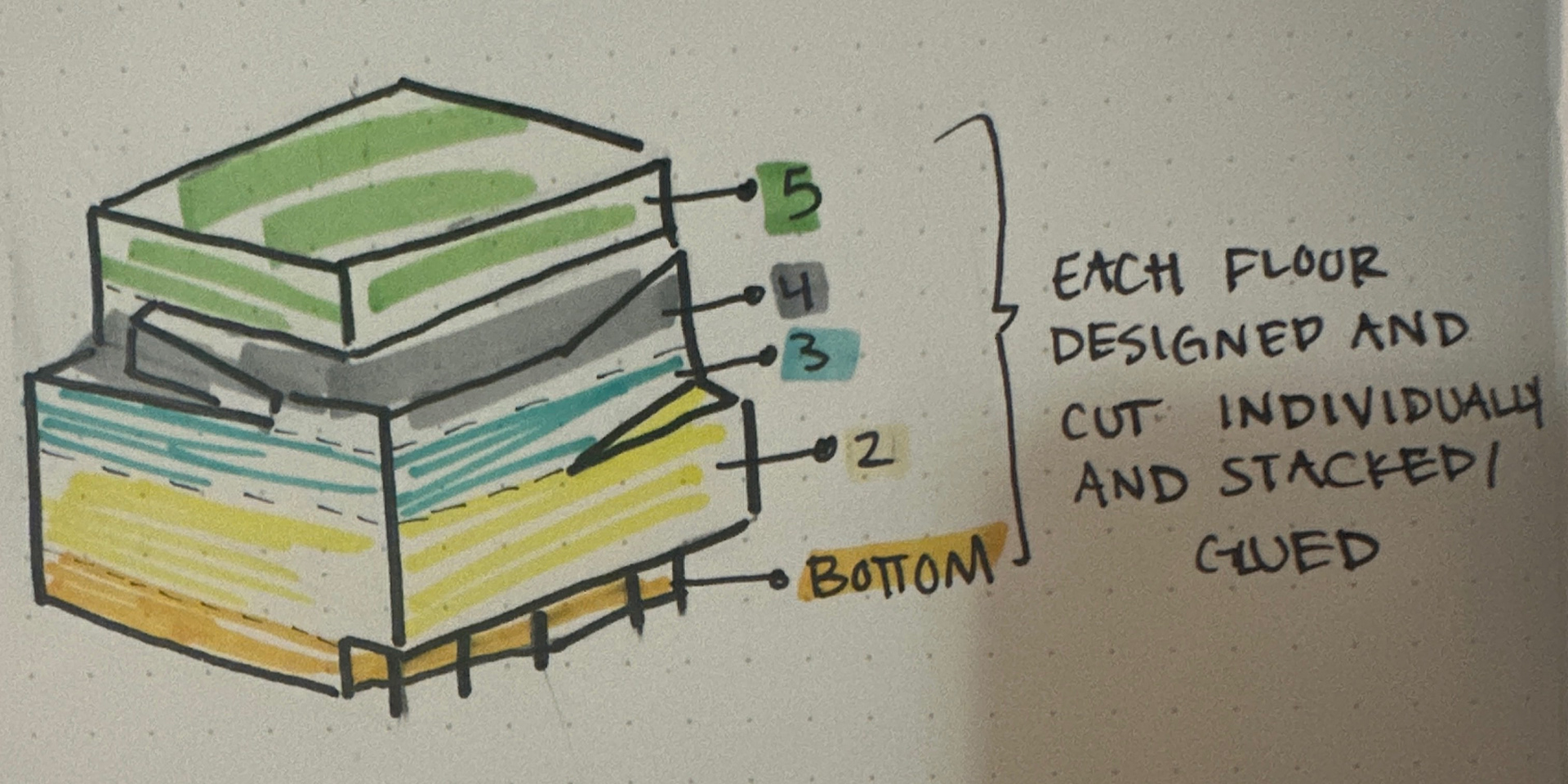
Sketching
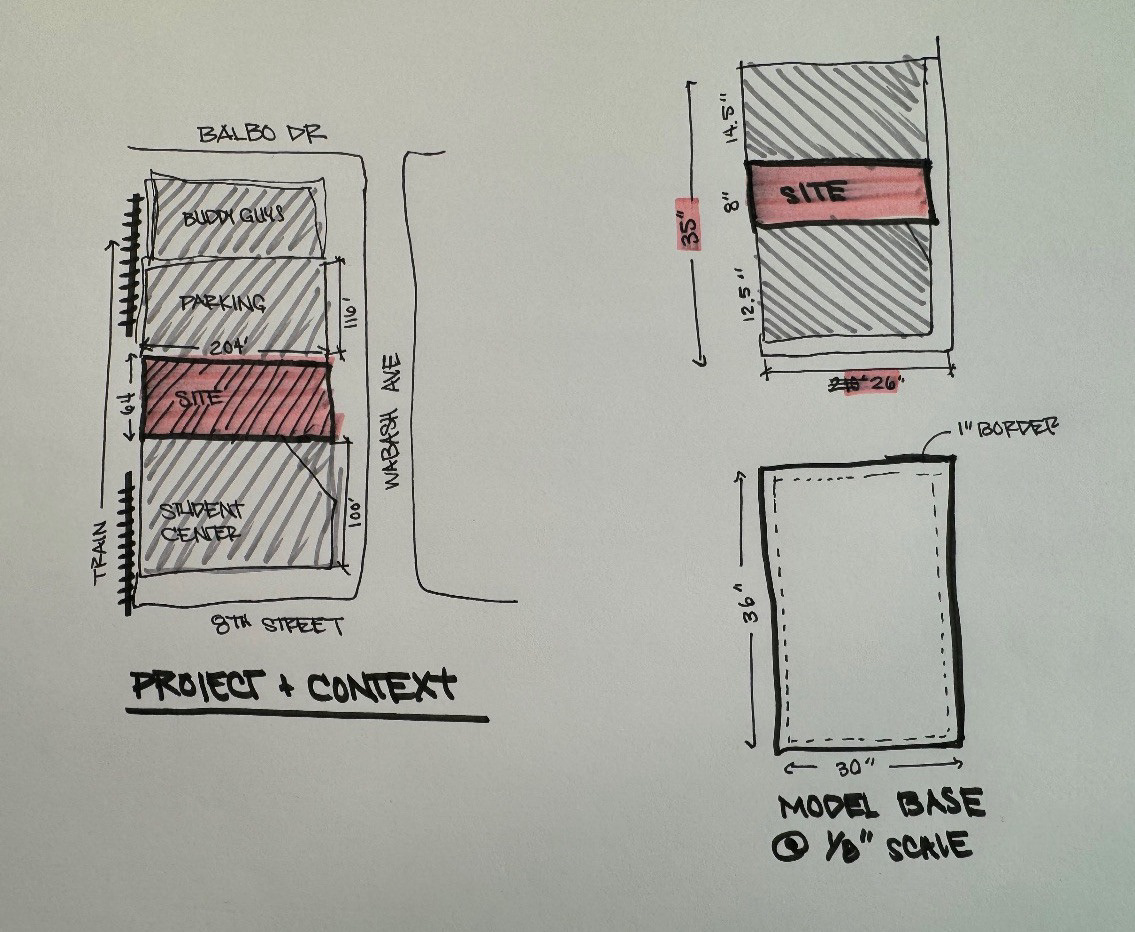
Dimensioning
Thursday, February 27
Obtain the last of our materials and coordinate them with the model through sketches.
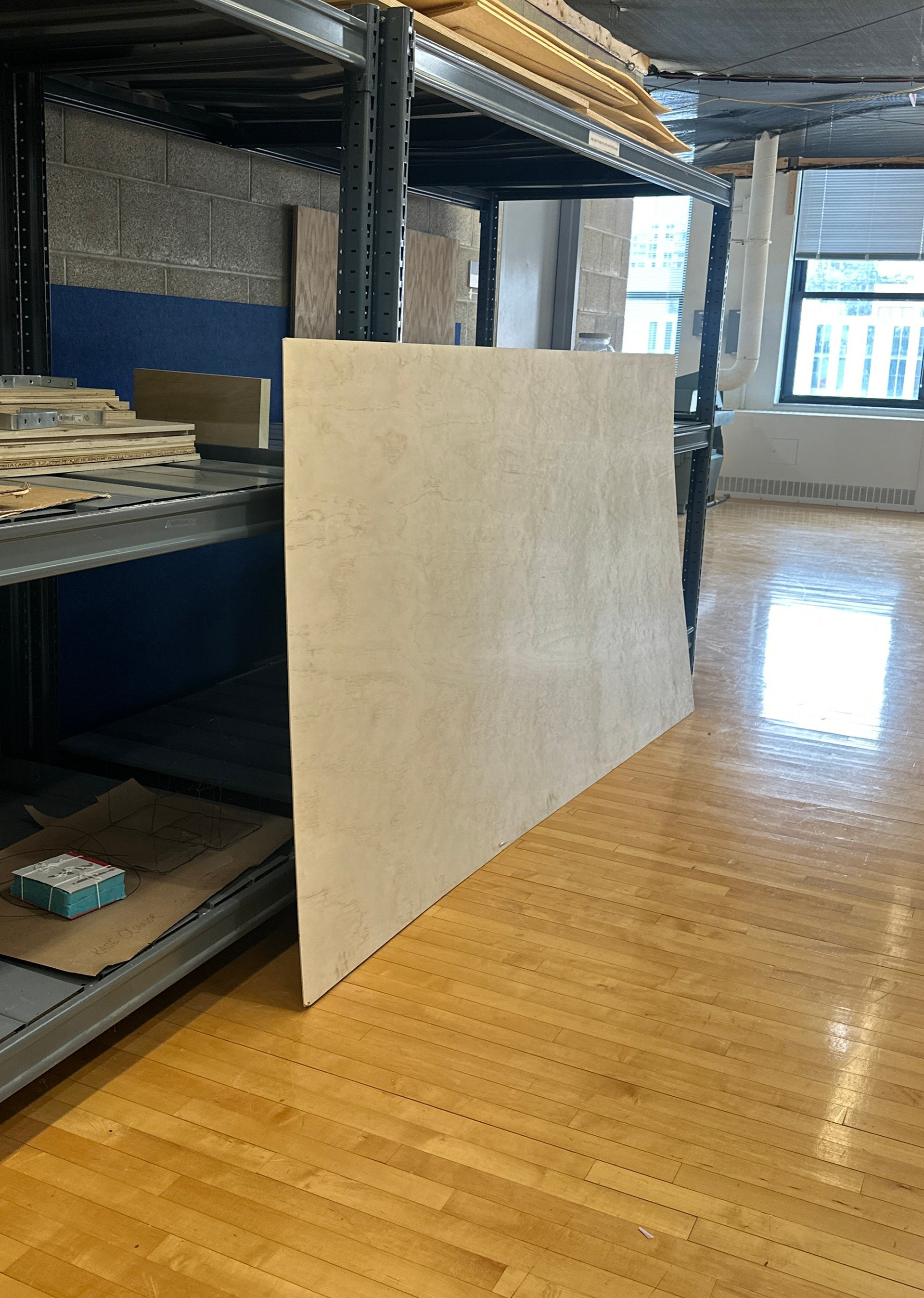
Base of Model
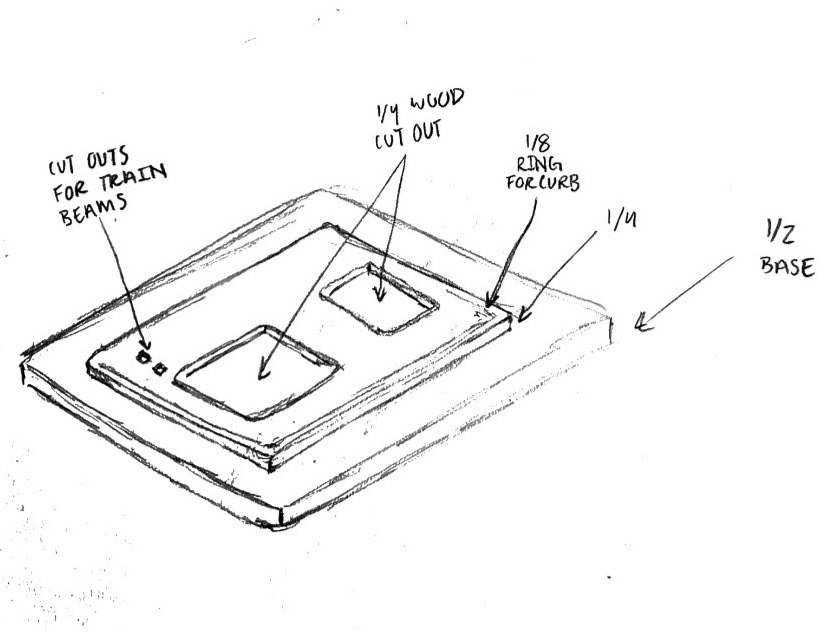
Sketching of Base
Friday, February 28
Creation of AutoCAD drawing and laser cutting in the Fabrication Facility.
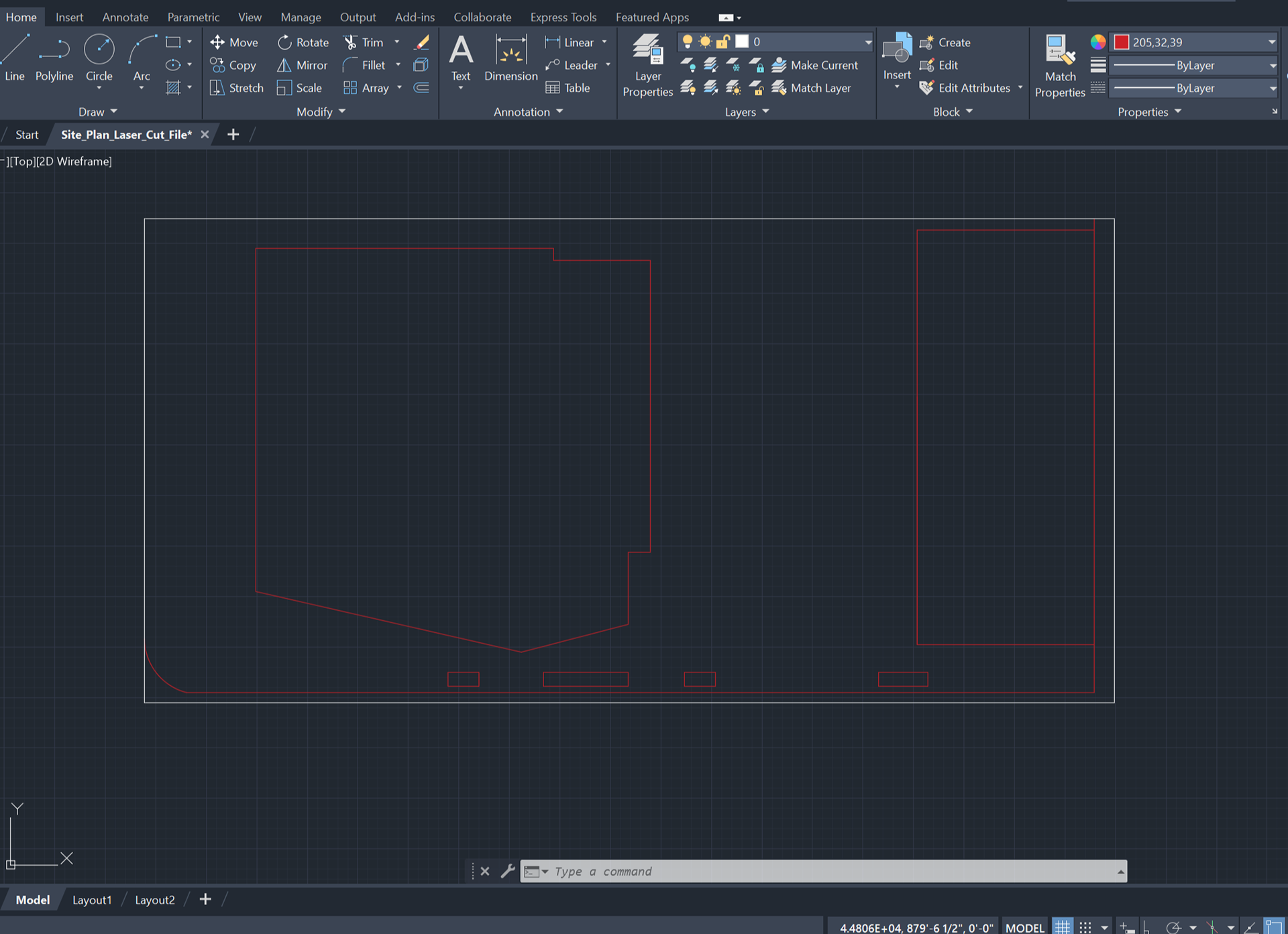
AutoCAD Drawing
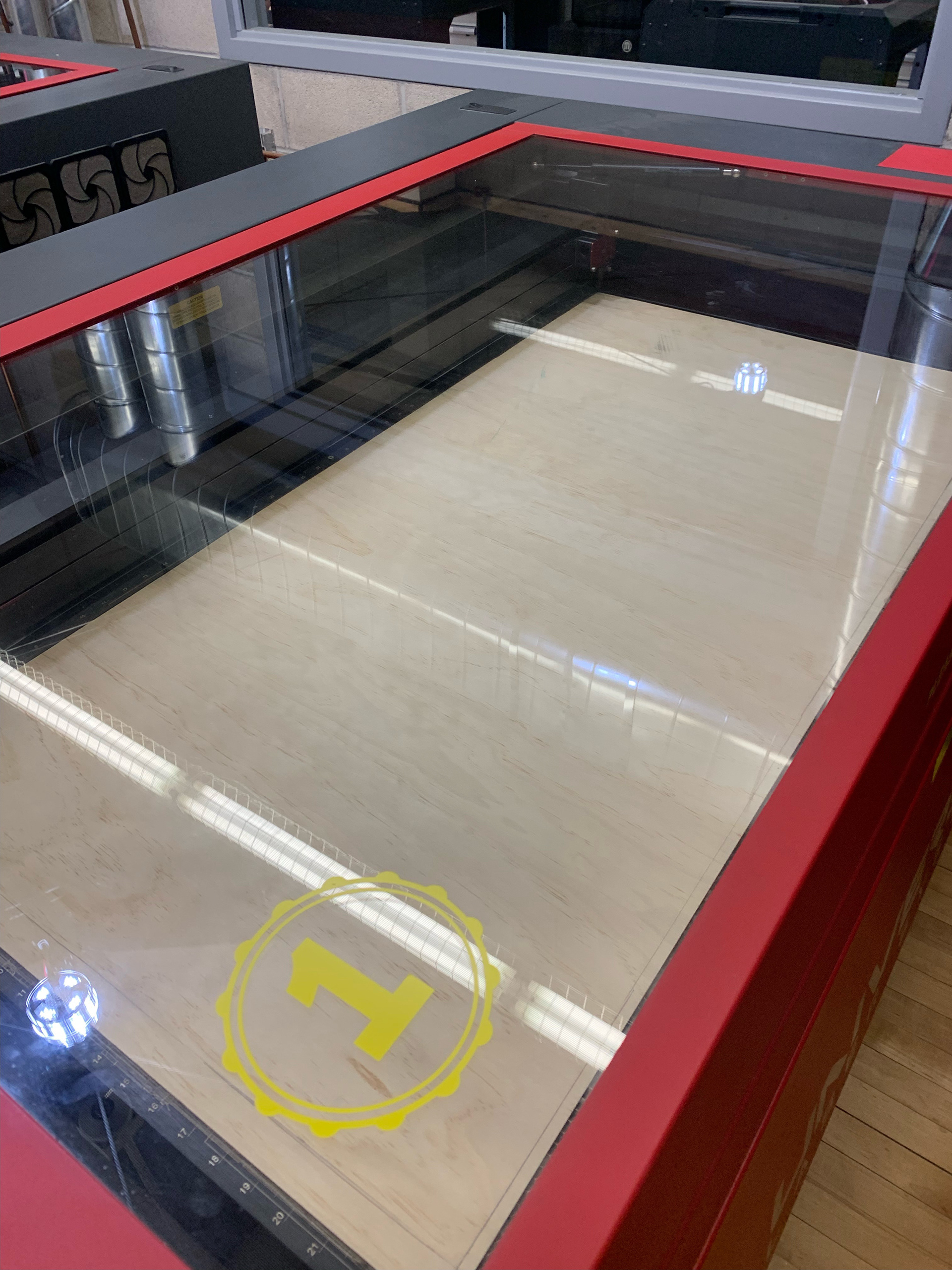
Laser Cutting Machine
Monday March 3
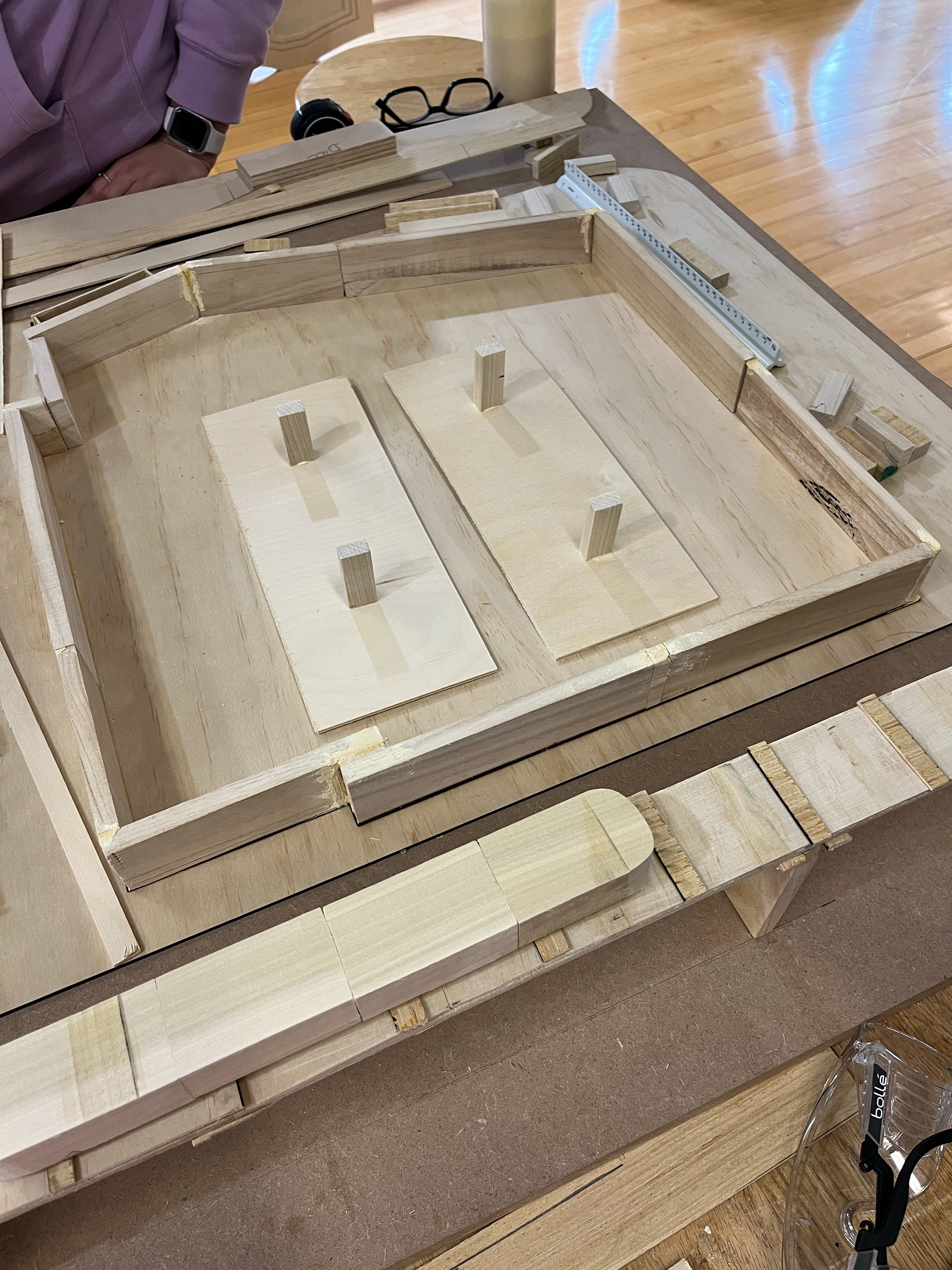
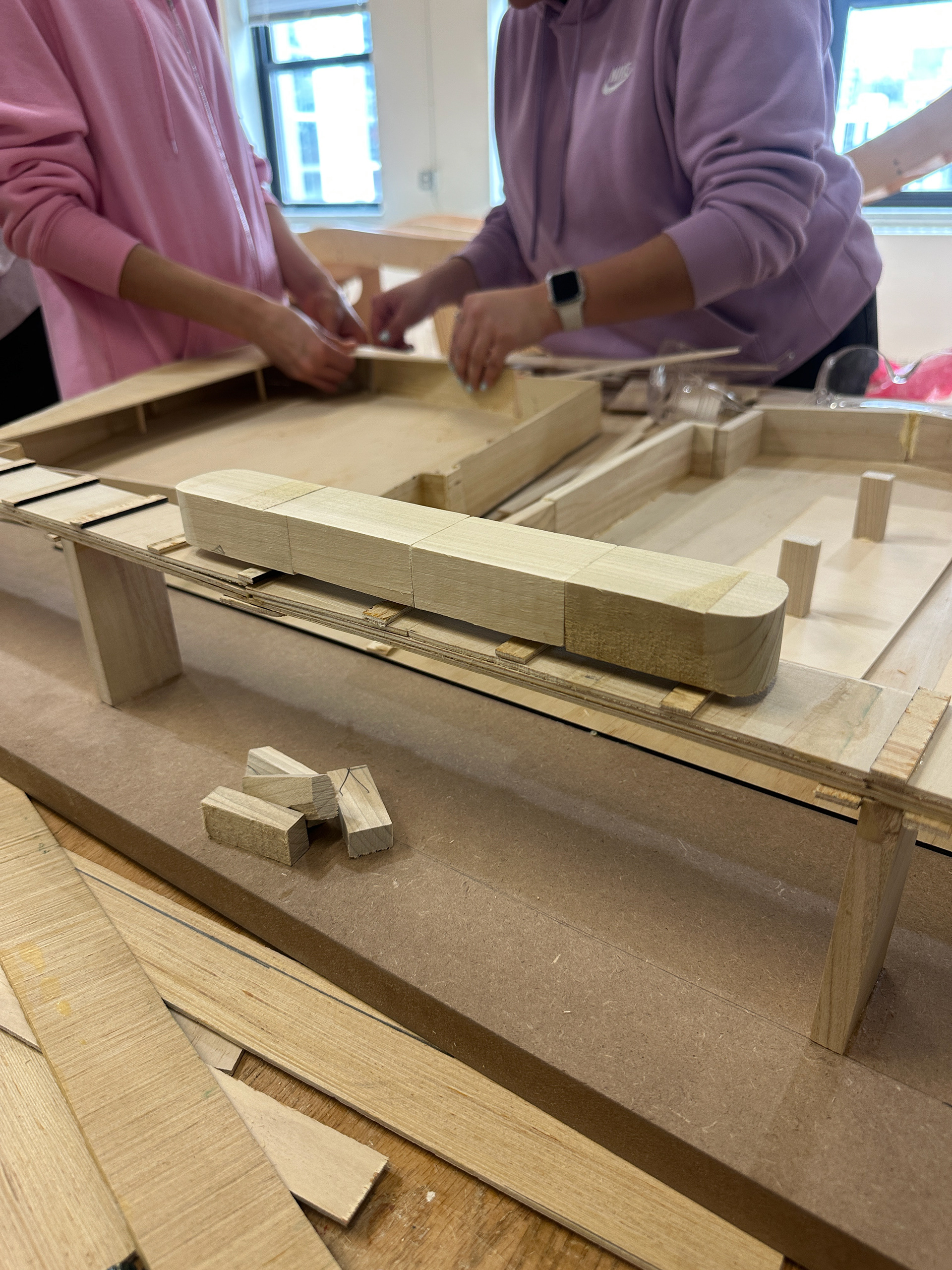
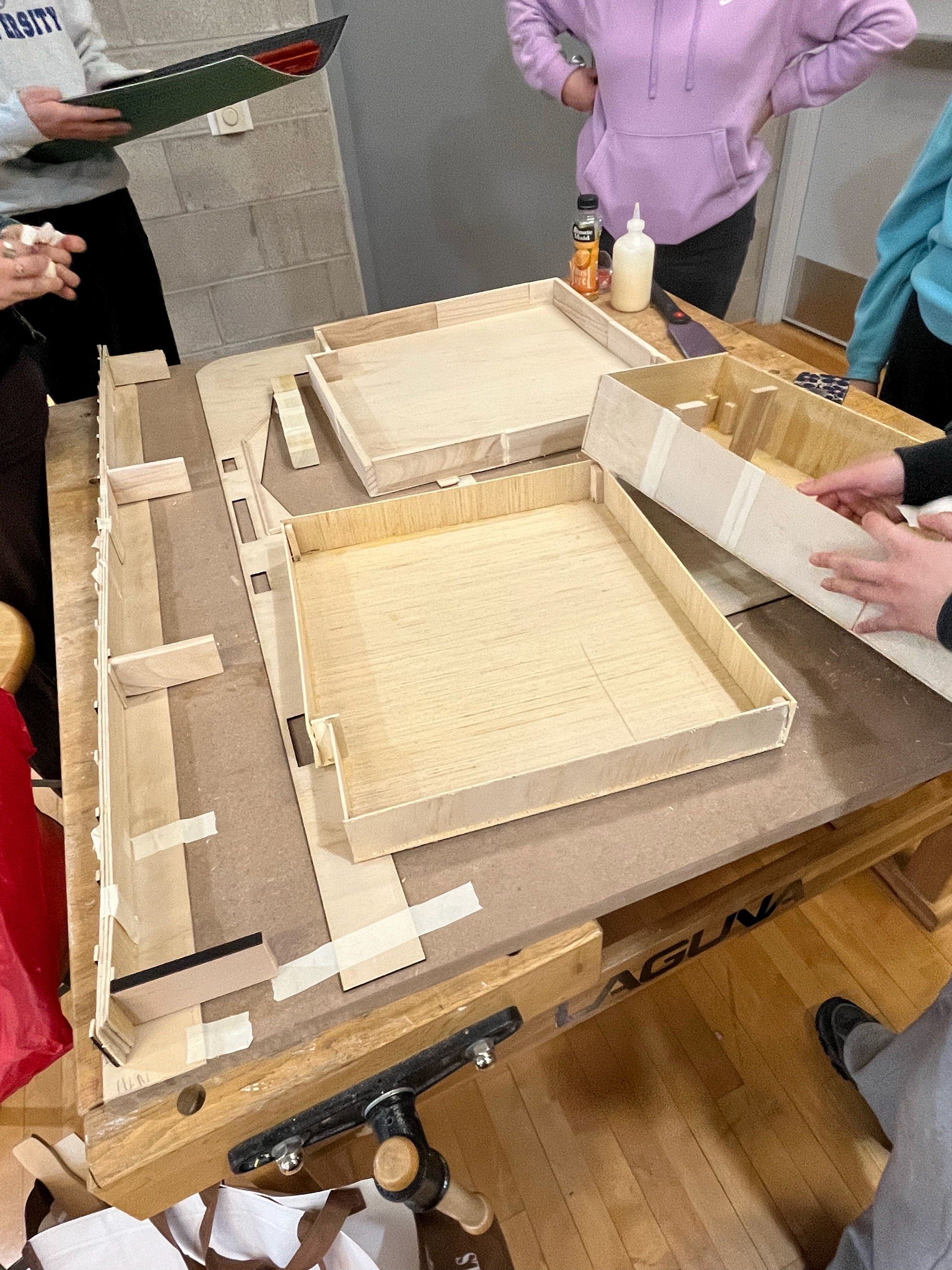
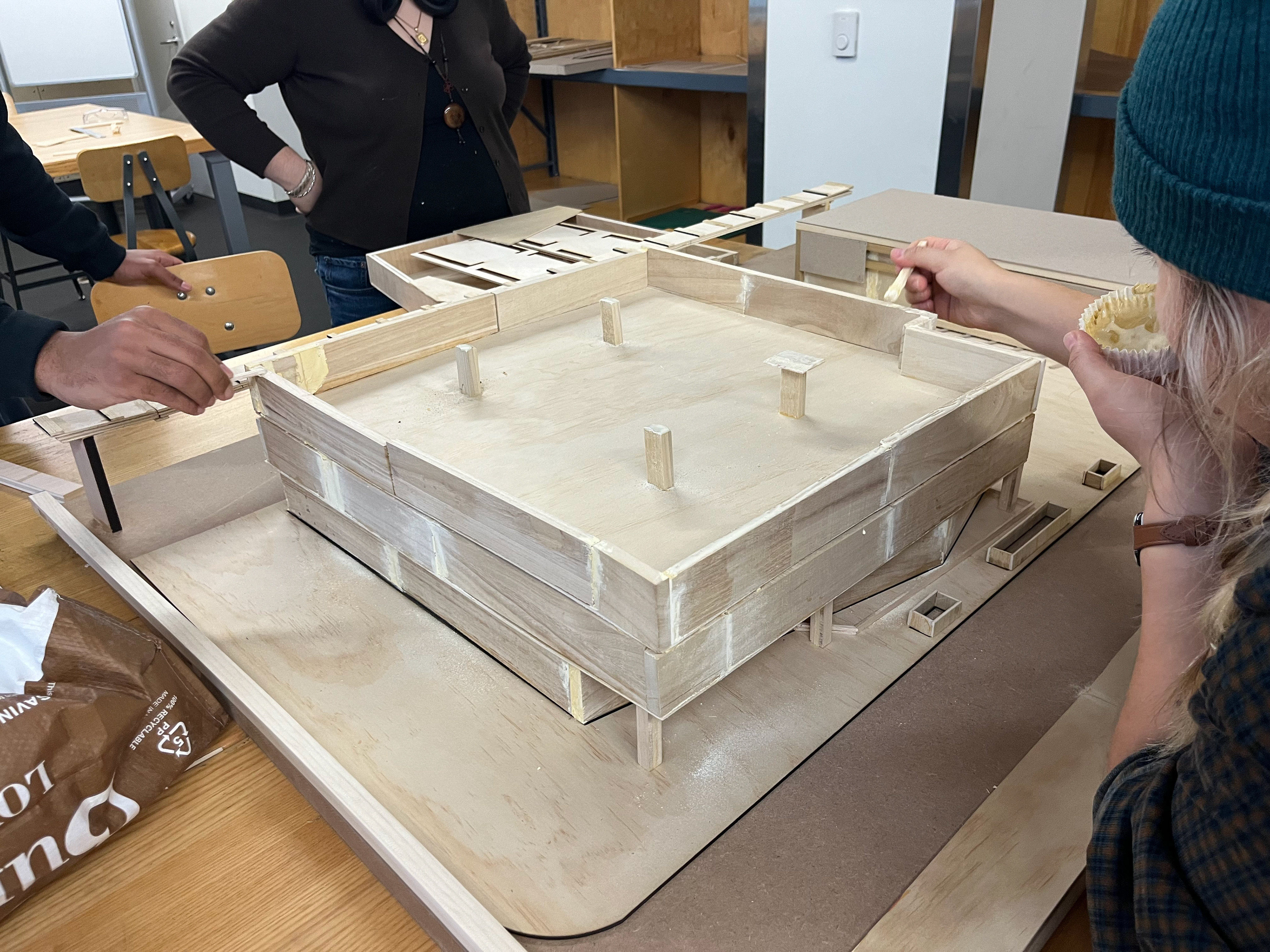
Scaling wood scrapes to 1/8"=1'-0" & glueing pieces to the model.
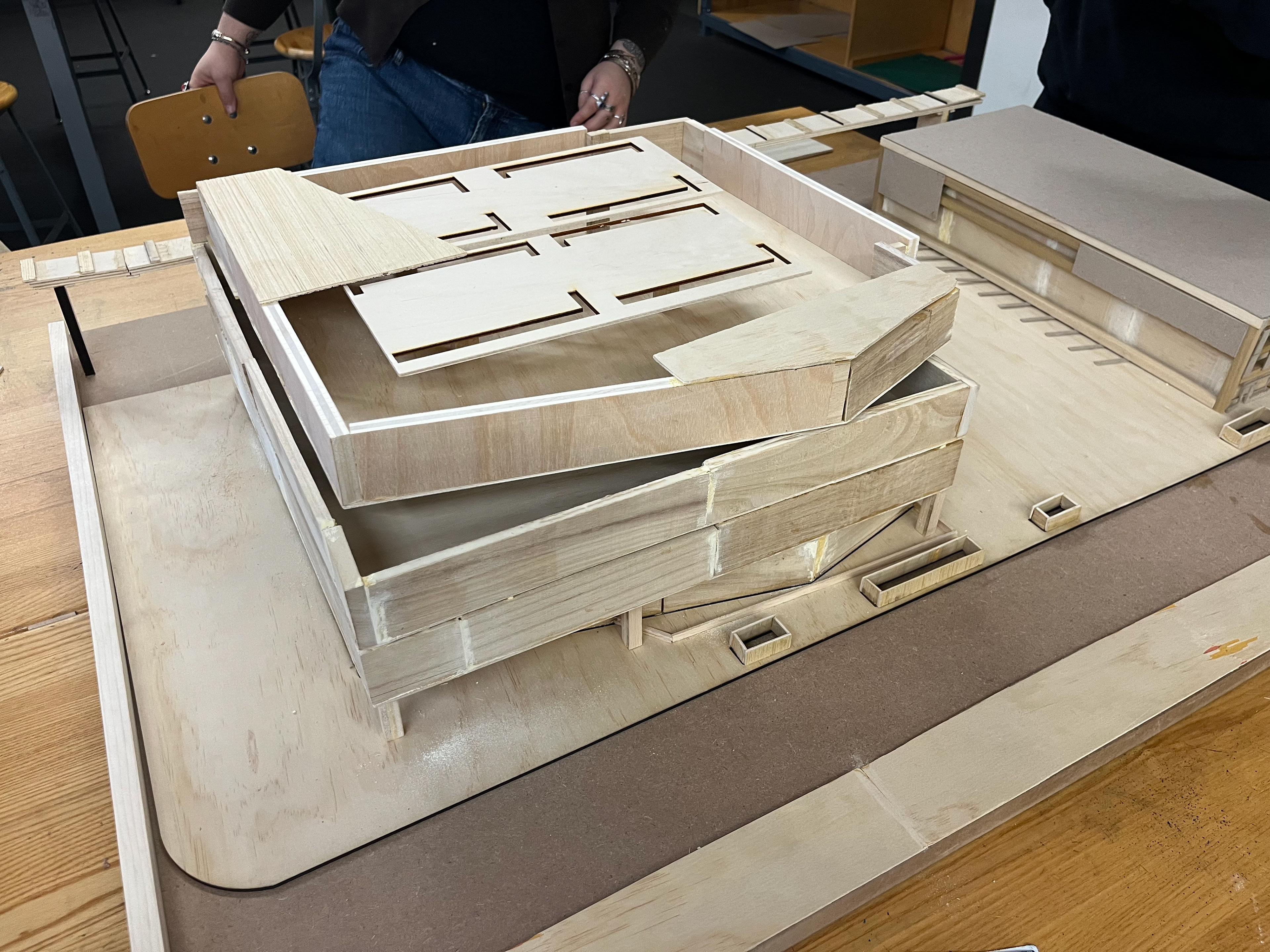
Creation of parking garage, train & train rail, Student Center floors and walls.
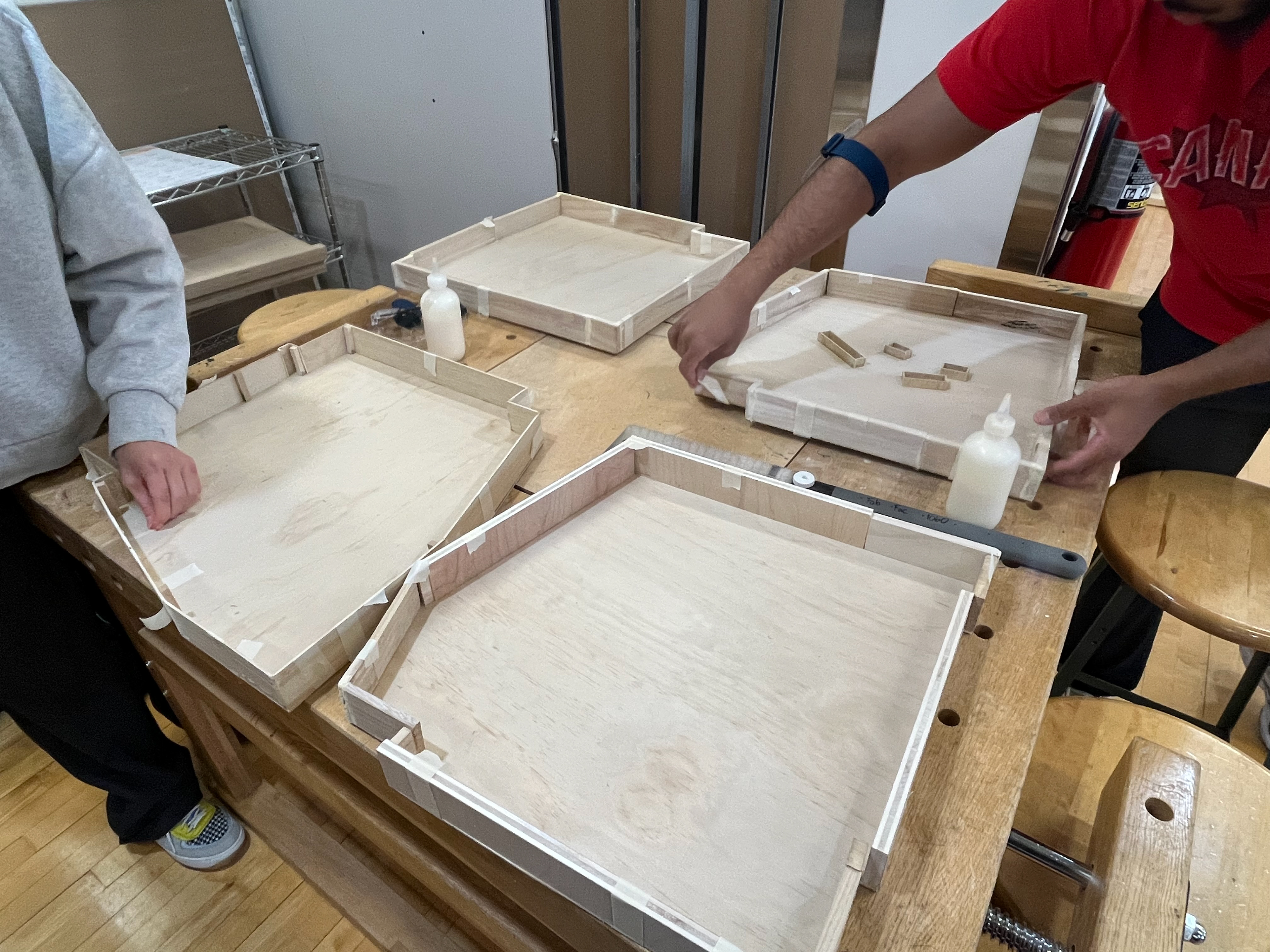
Tuesday March 4
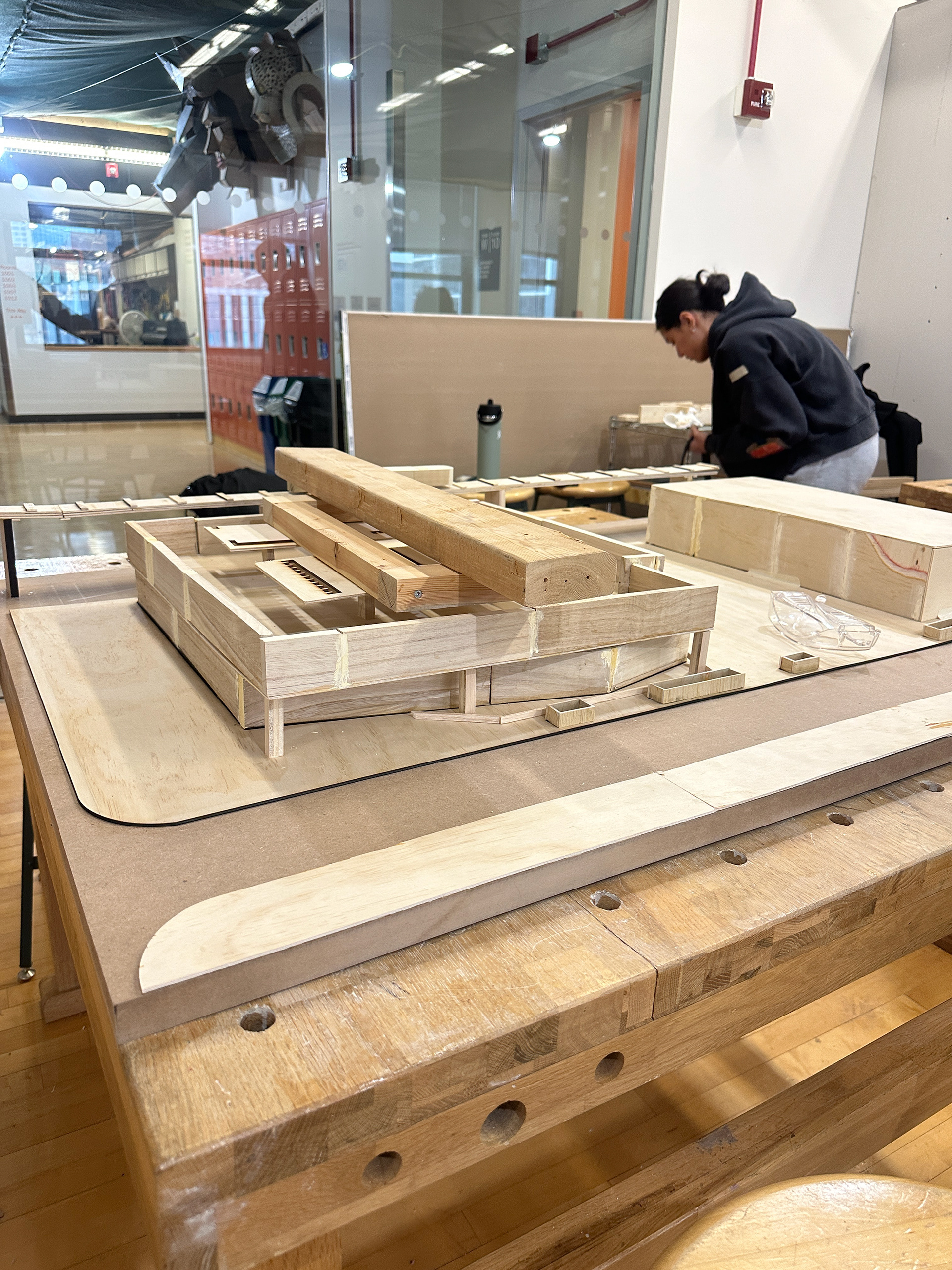
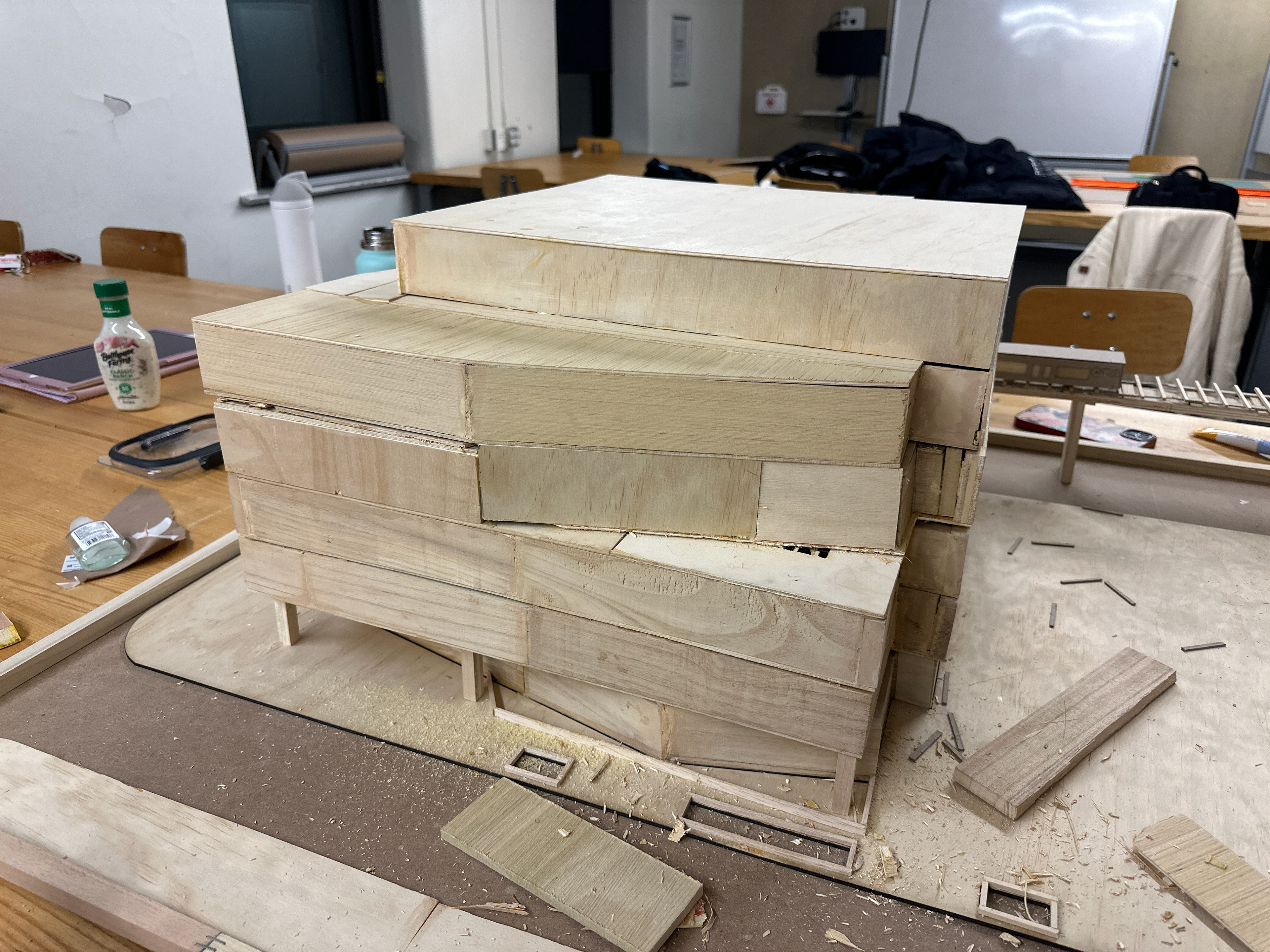
Fixing uneven walls, sanding, and creating supports to stack levels of the Student Center.
Glueing train rails, parking garage, and planters to the board.
Wednesday March 5
Continuing to cut wood scraps, glue, and sand the Student Center.
Creation of an acrylic wash to place over exposed wood glue.
Thursday March 6
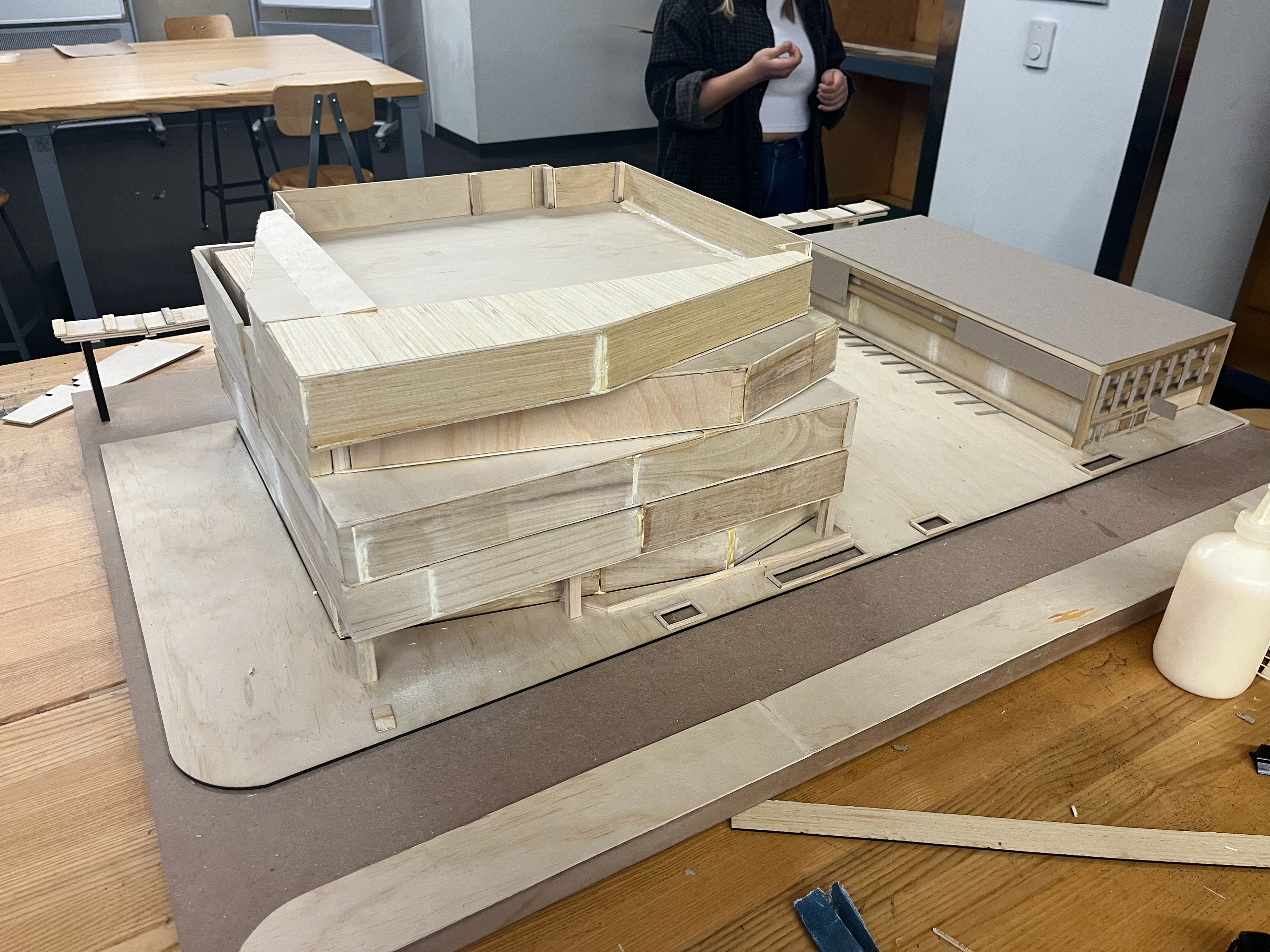
Finishing touches were added to perfect model.
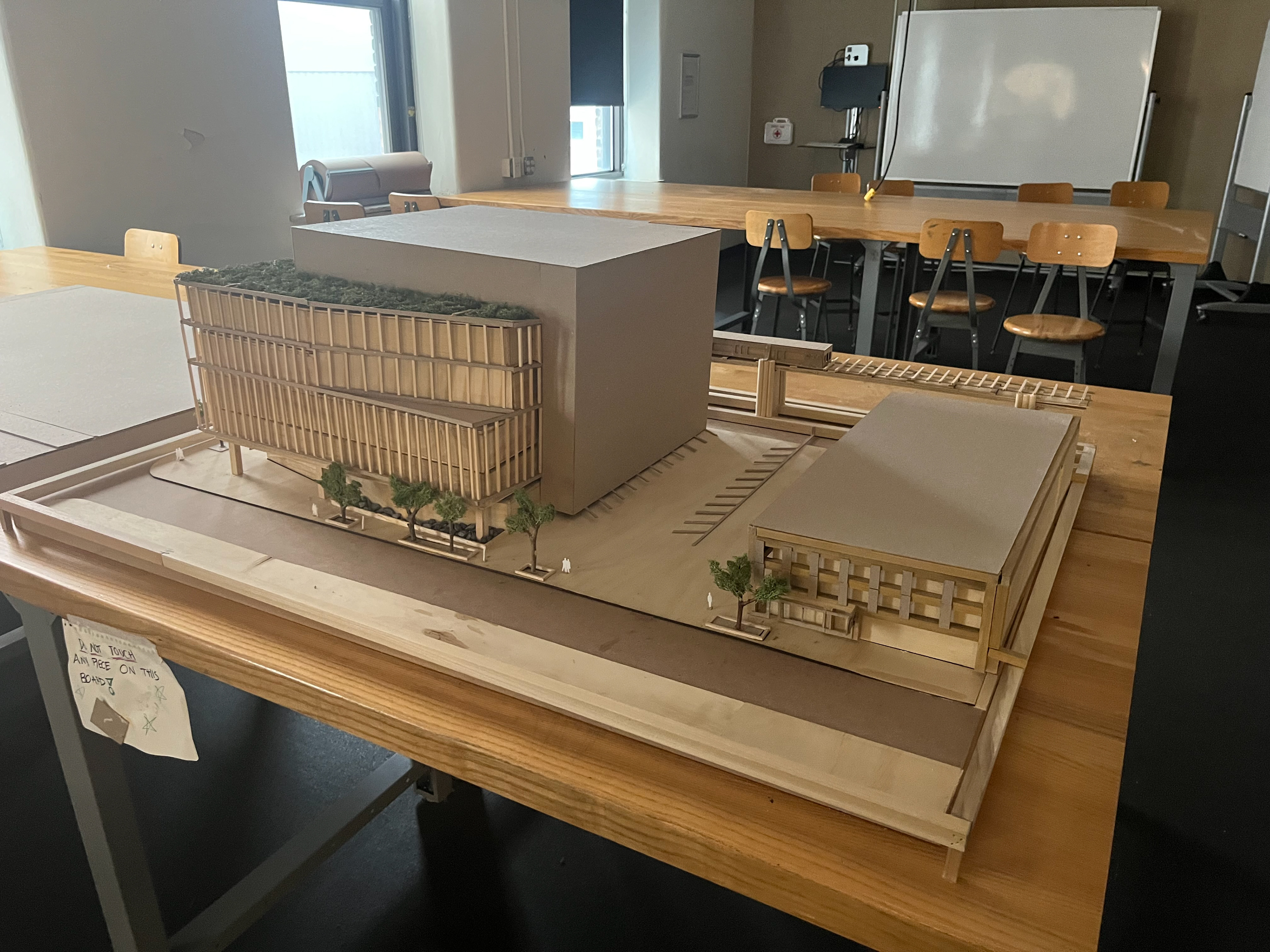
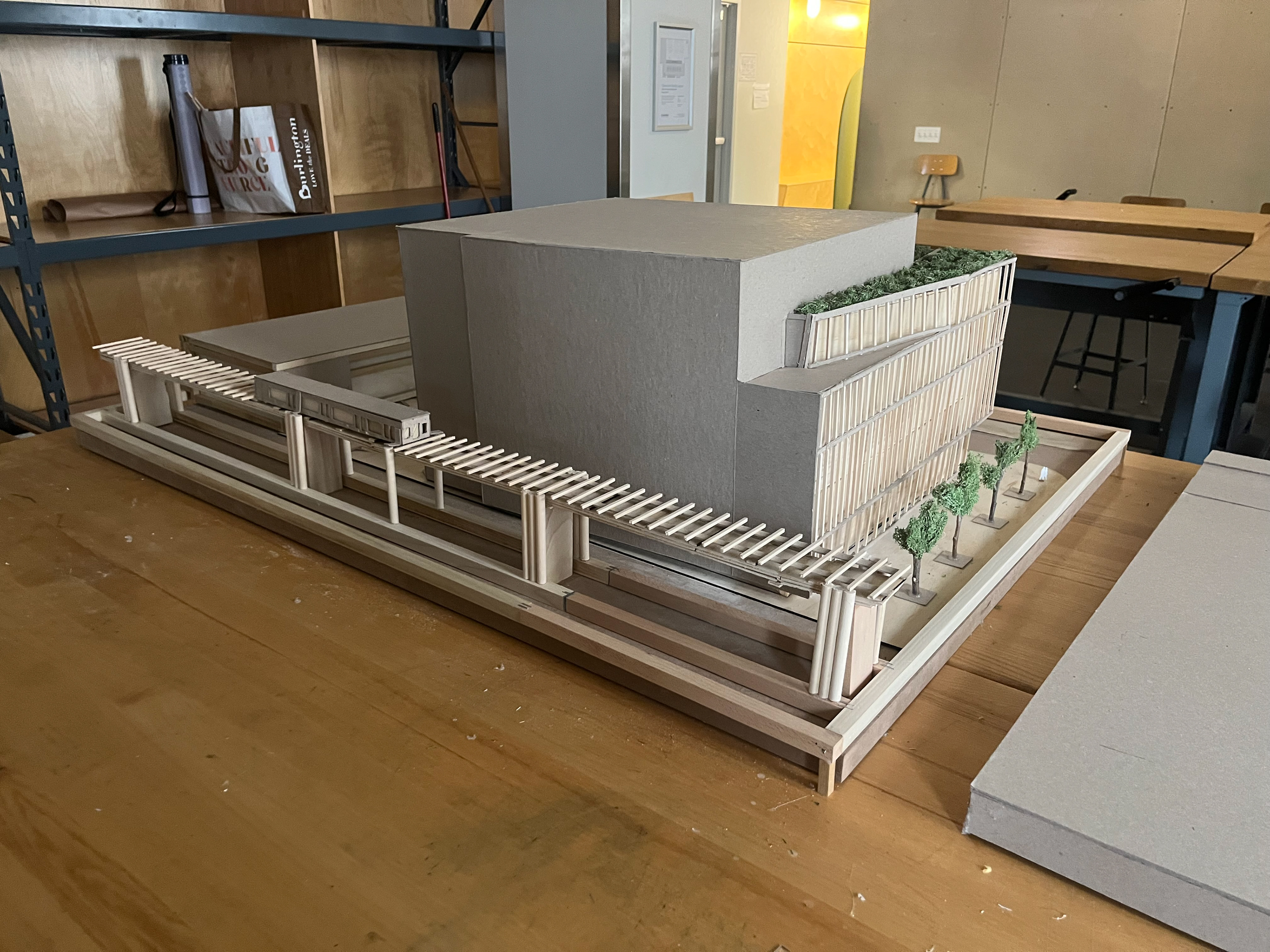
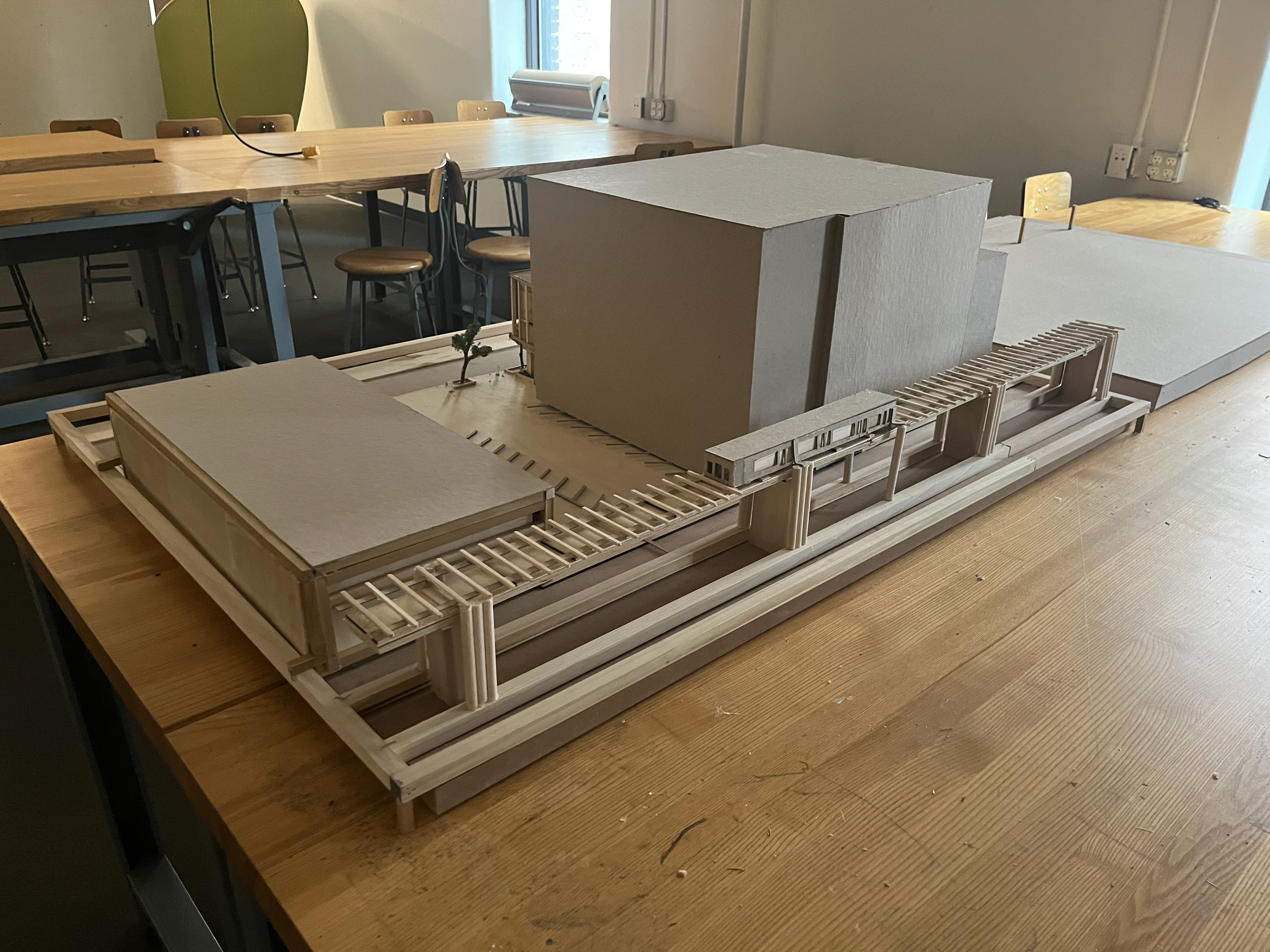
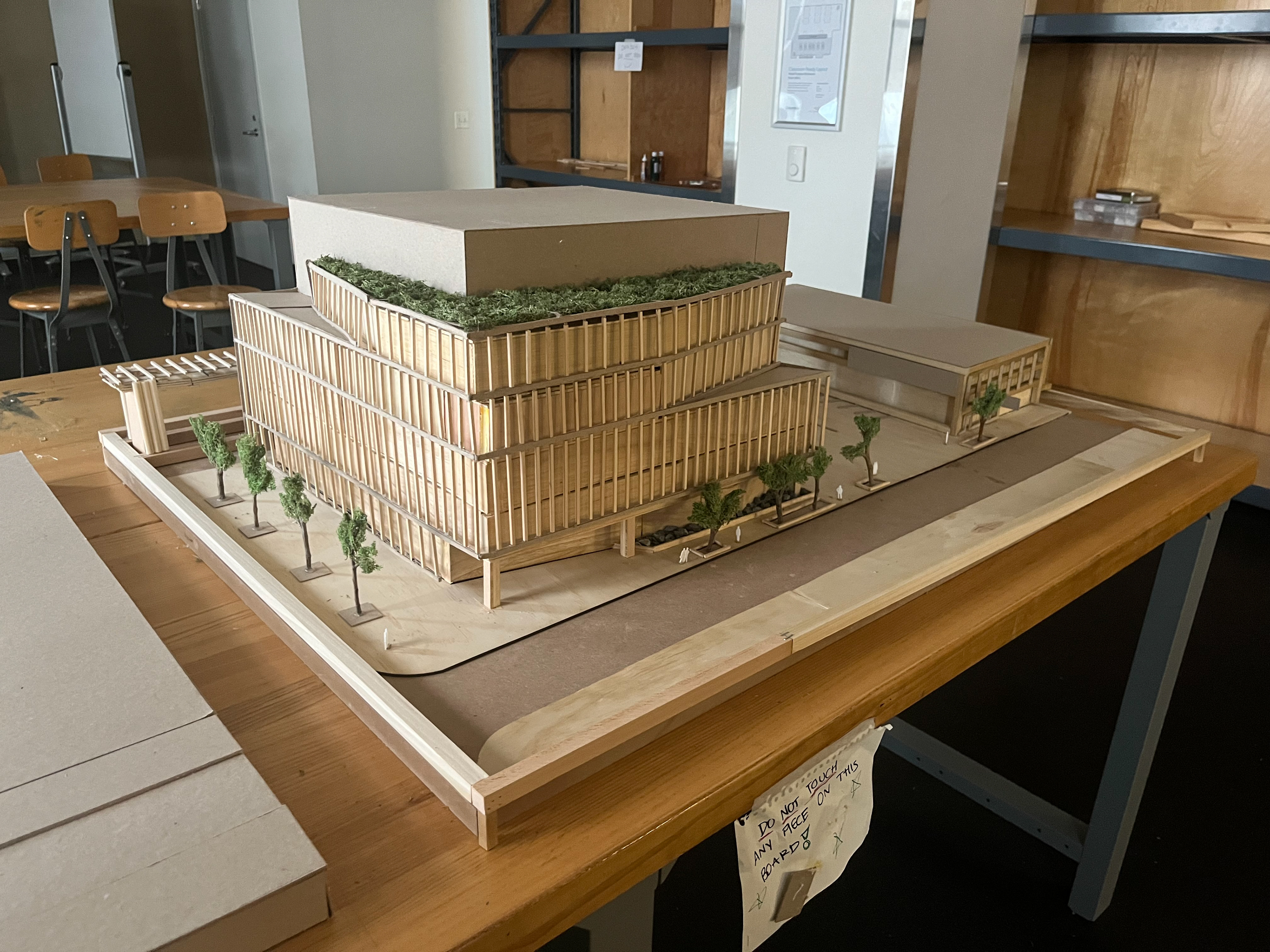
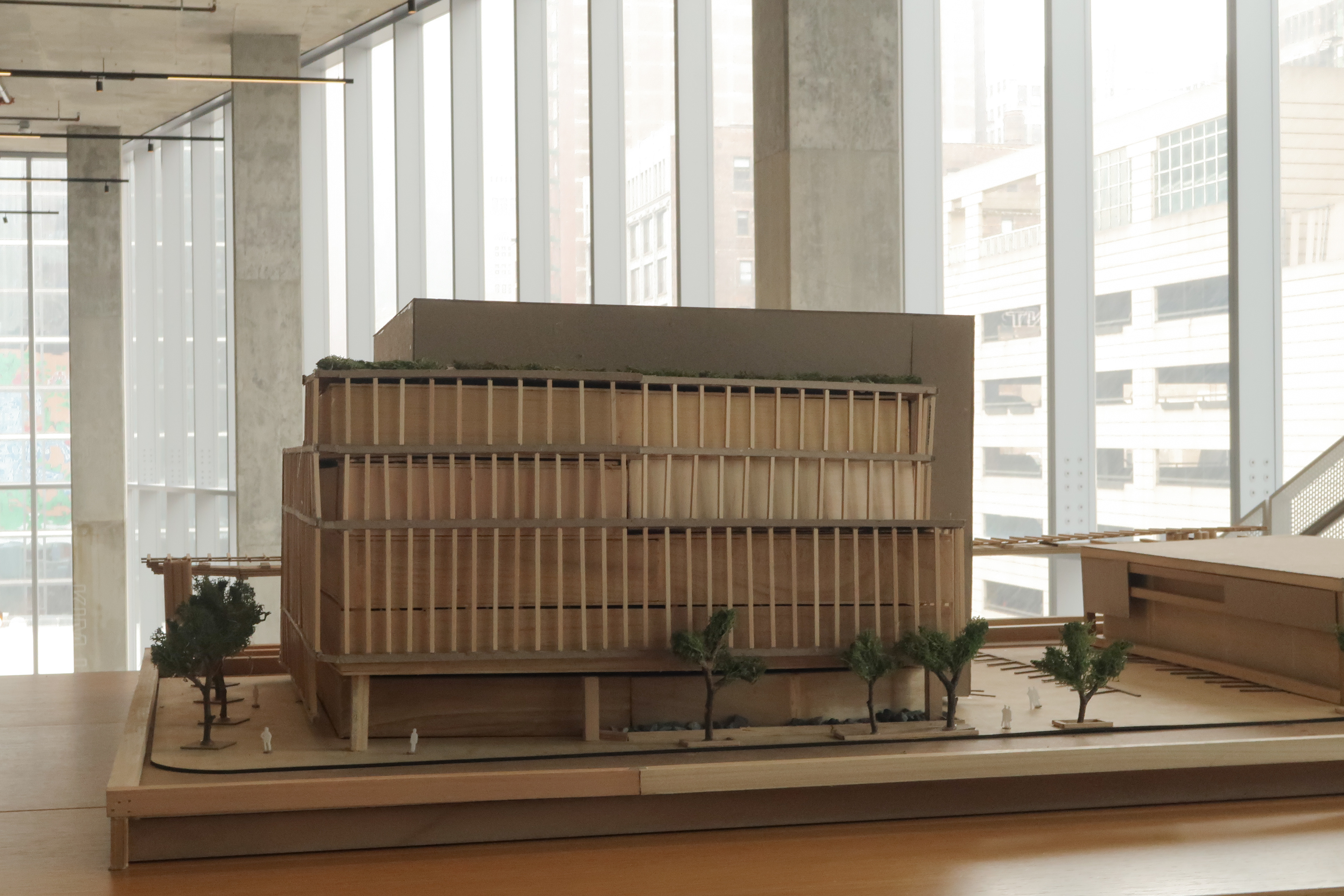
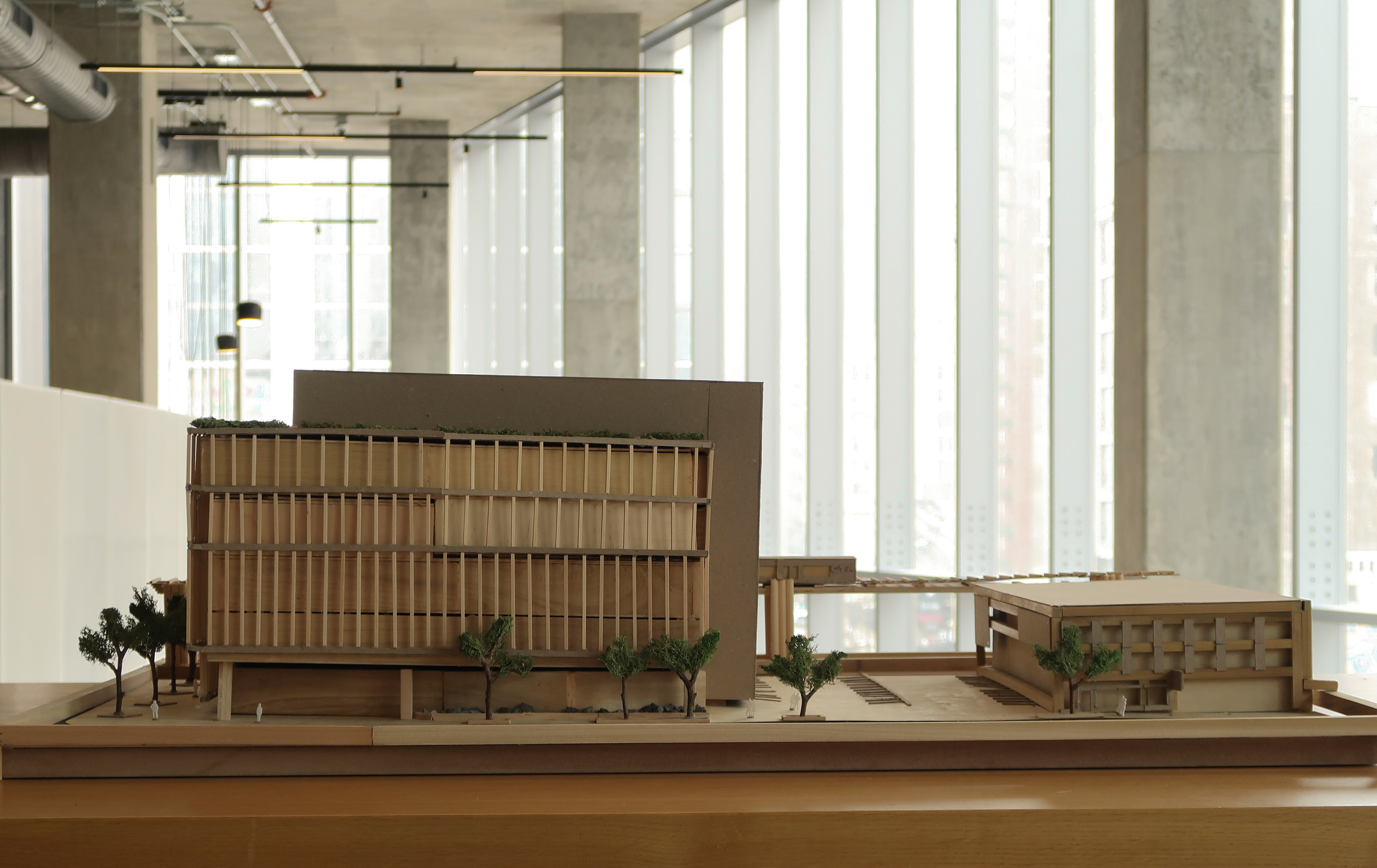
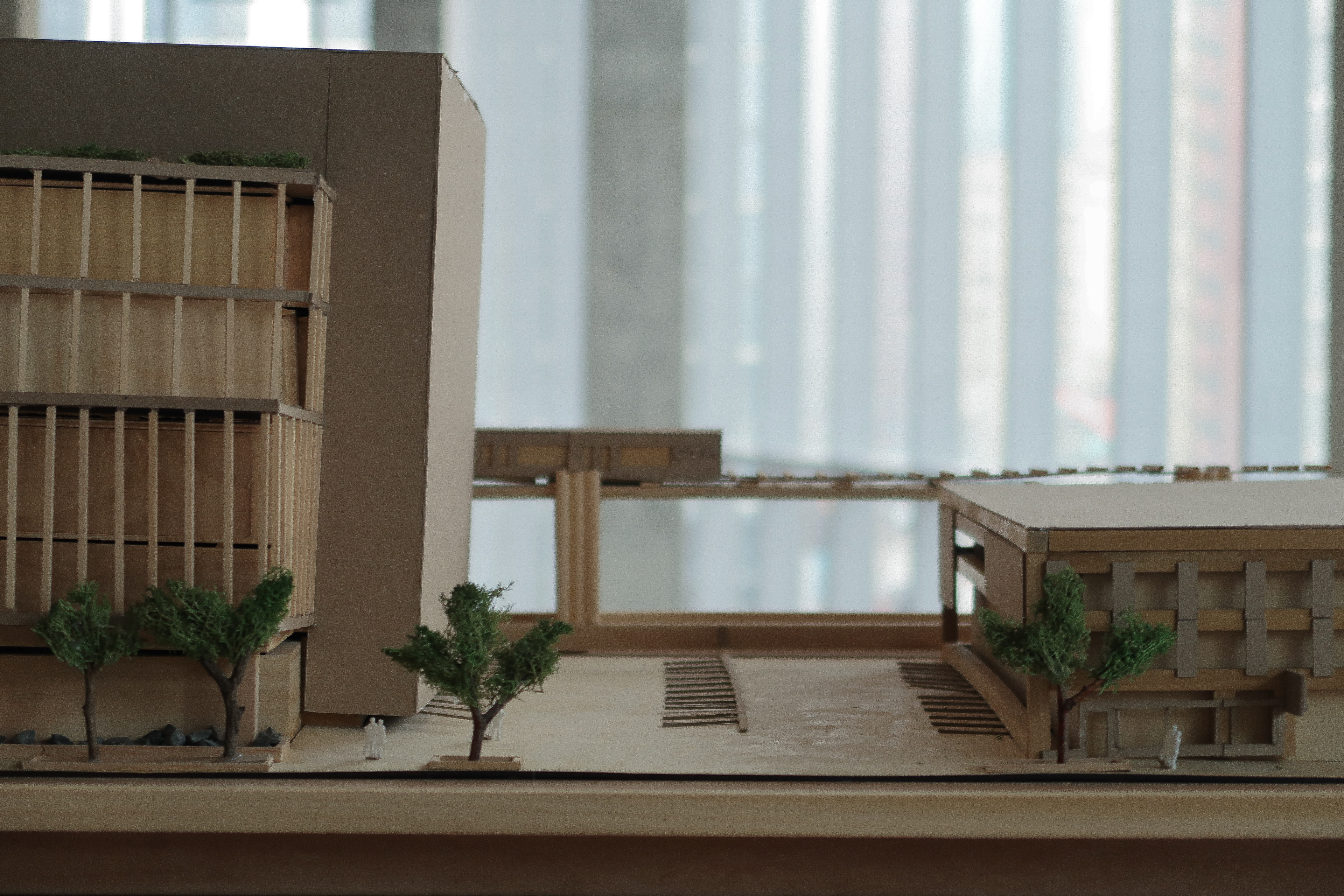
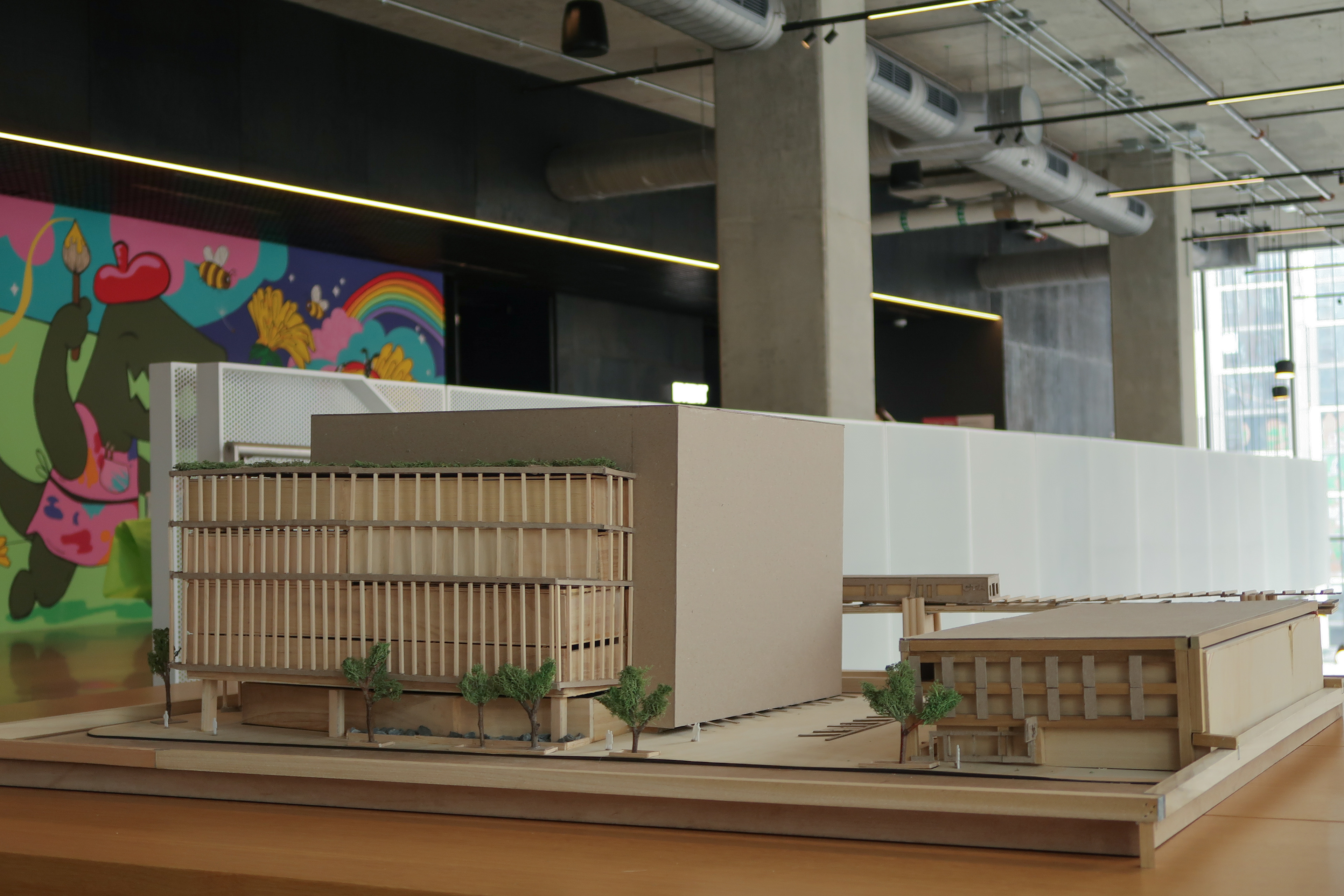
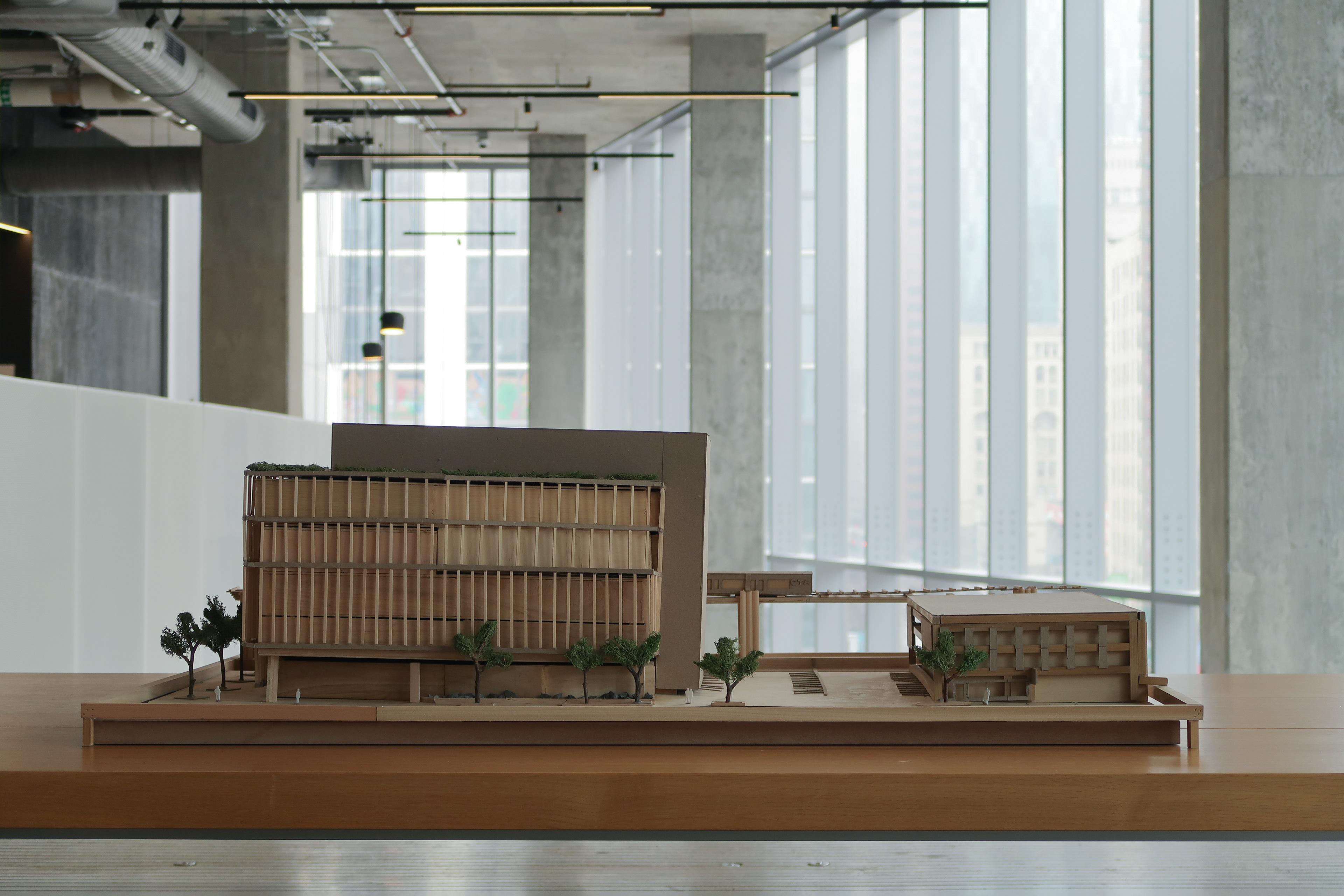
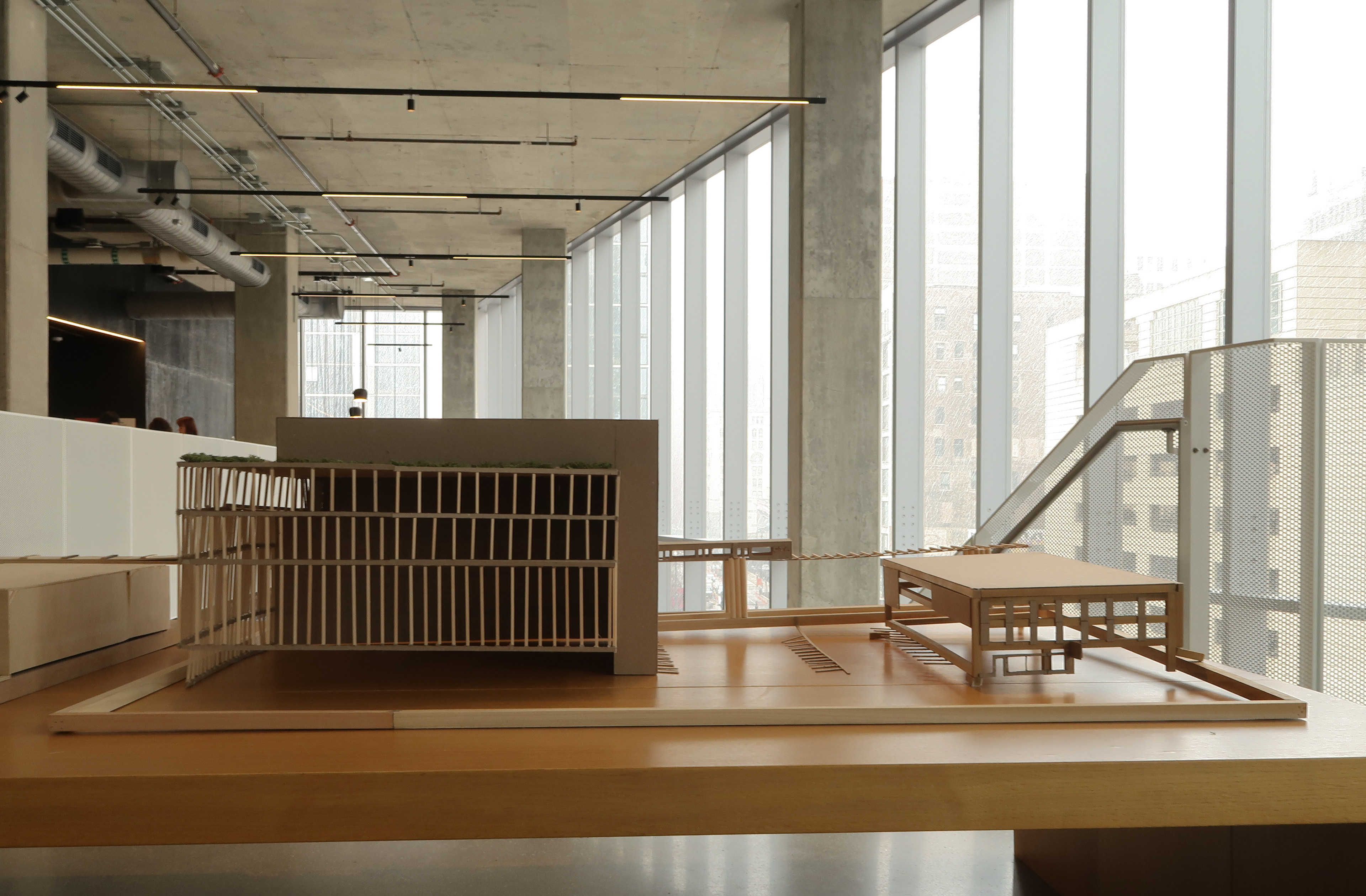
Physical Site Model
Photographed by John Ginocchio, these photos showcase my team's mass wood model under the other team's chipboard model. Rather than producing two identical models using different materials, both teams teamed up to facilitate a two-piece site model.